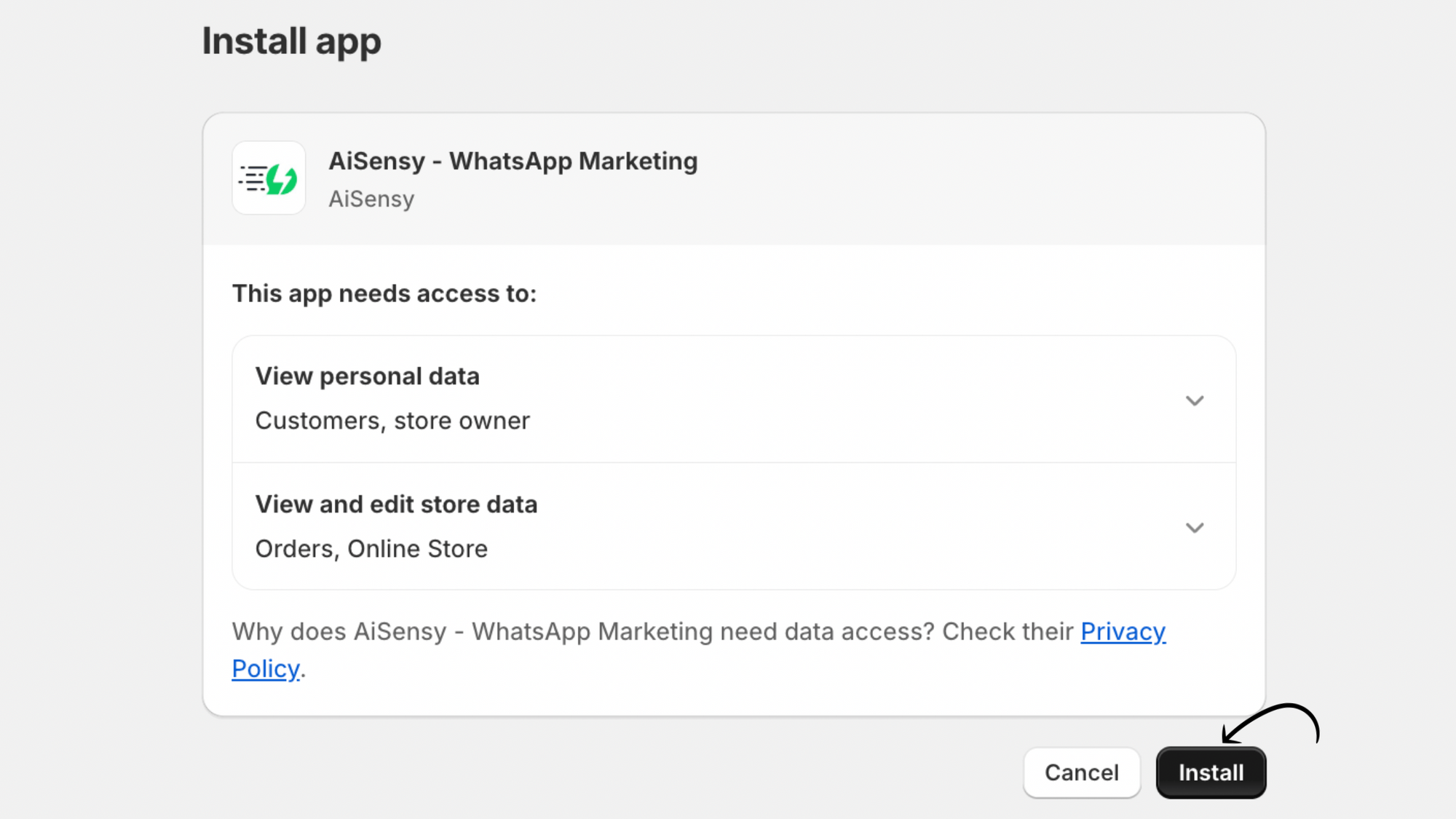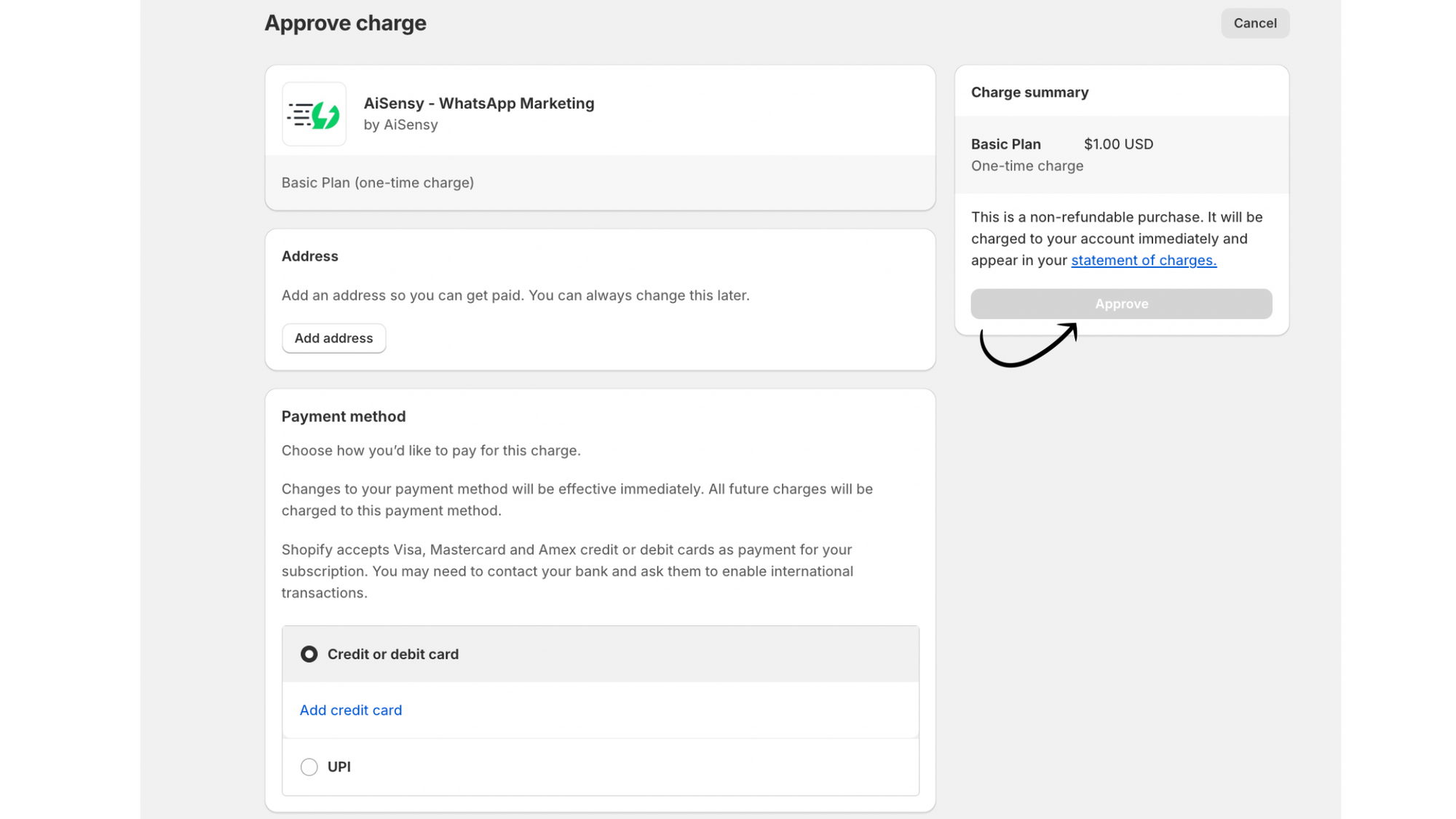
Integrating your Shopify store with AiSensy doesn’t just automate messages; it unlocks real business workflows that drive sales, improve customer experience, and reduce manual support work:


Sample WhatsApp Messages for Shopify Businesses
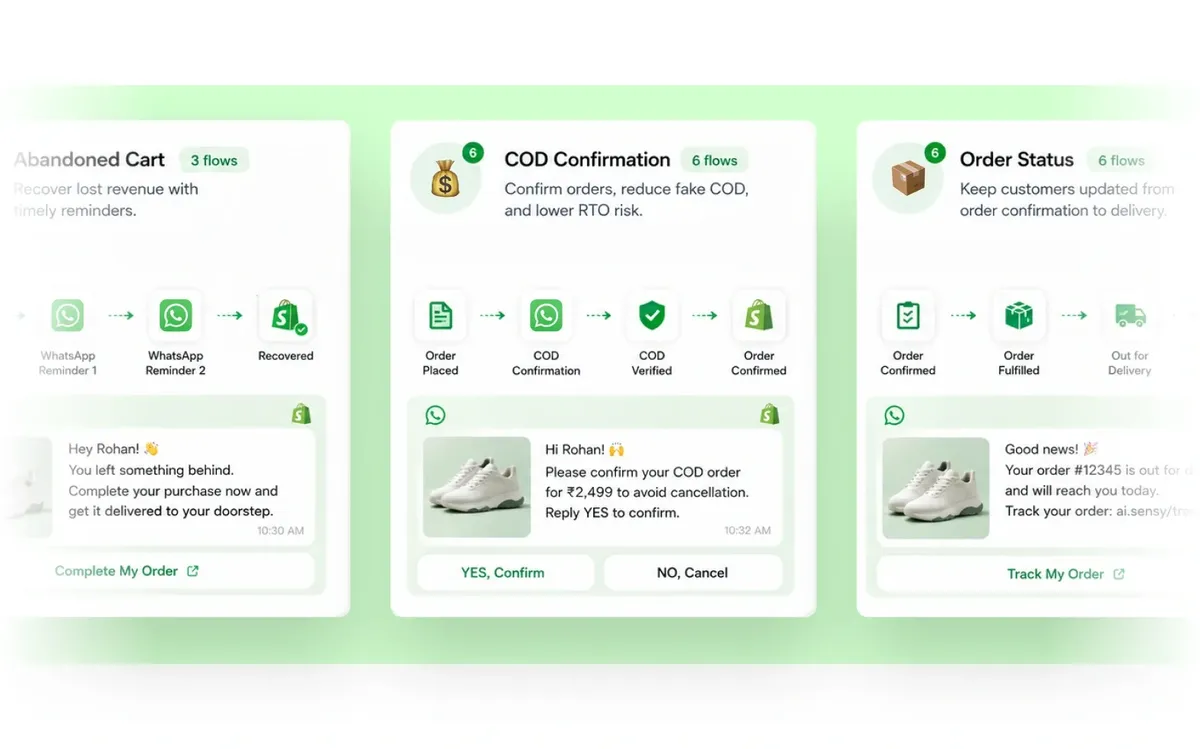
With the Shopify + AiSensy integration, you can automate personalized WhatsApp messages across the entire customer journey. Below are sample message templates businesses can use to get started:
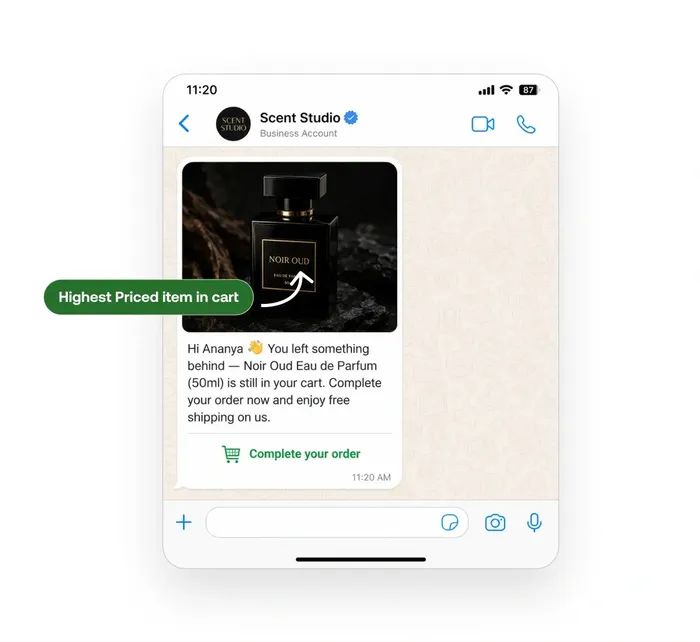
Abandoned Cart Reminder
Hi {{Customer Name}} 👋
You left something behind in your cart!
🛍️ {{Product Name}}
💰 {{Price}}
Complete your purchase here before it goes out of stock:
👉 {{Checkout Link}}
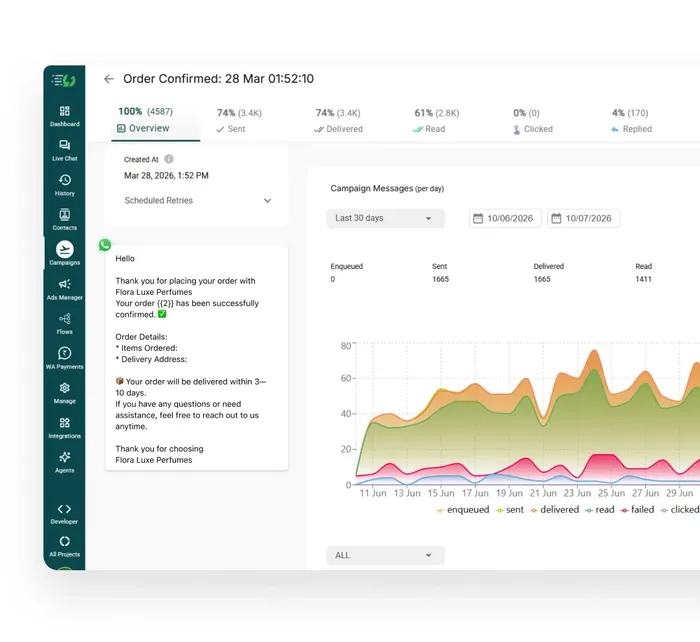
Order Confirmation
Hi {{Customer Name}} 🎉
Thank you for your order! We’ve successfully received your purchase.
🧾 Order ID: {{Order ID}}
📦 Items: {{Product Names}}
We’ll notify you as soon as your order is shipped.
Shipping Update
Great news, {{Customer Name}} 🚚
Your order {{Order ID}} has been shipped!
🔗 Track your order here: {{Tracking Link}}
Need help? Just reply to this message — we’re here for you!
COD Order Confirmation
Hi {{Customer Name}},
Please confirm your Cash on Delivery order for {{Product Name}}.
👉 Reply YES to confirm
👉 Reply NO to cancel
This helps us deliver your order faster 🚀
Post-Delivery Feedback Request
Hi {{Customer Name}} 😊
Your order has been delivered! We’d love to know how your experience was.
⭐ Rate your purchase here: {{Review Link}}
Your feedback helps us serve you better.
Reorder / Upsell Message
Hi {{Customer Name}} 👋
Running lowne low on {{Previously Purchased Product}}?
Reorder in just one click:
👉 {{Product Link}}
🎁 Enjoy an exclusive offer just for you!
Promotional Campaign Message
🔥 Limited-Time Offer!
Get {{Discount}}% OFF on our best-selling products.
🛍️ Shop now: {{Store Link}}
⏰ Offer valid till {{Expiry Date}}
Don’t miss out!
Payment Reminder
Hi {{Customer Name}} 👋
This is a quick reminder to complete the payment for your order {{Order ID}}.
🛍️ {{Product Name}}
💰 Amount Due: {{Order Amount}}
👉 Pay securely here: {{Payment Link}}
Need help? Reply HELP.
How do I integrate Shopify with WhatsApp using AiSensy?
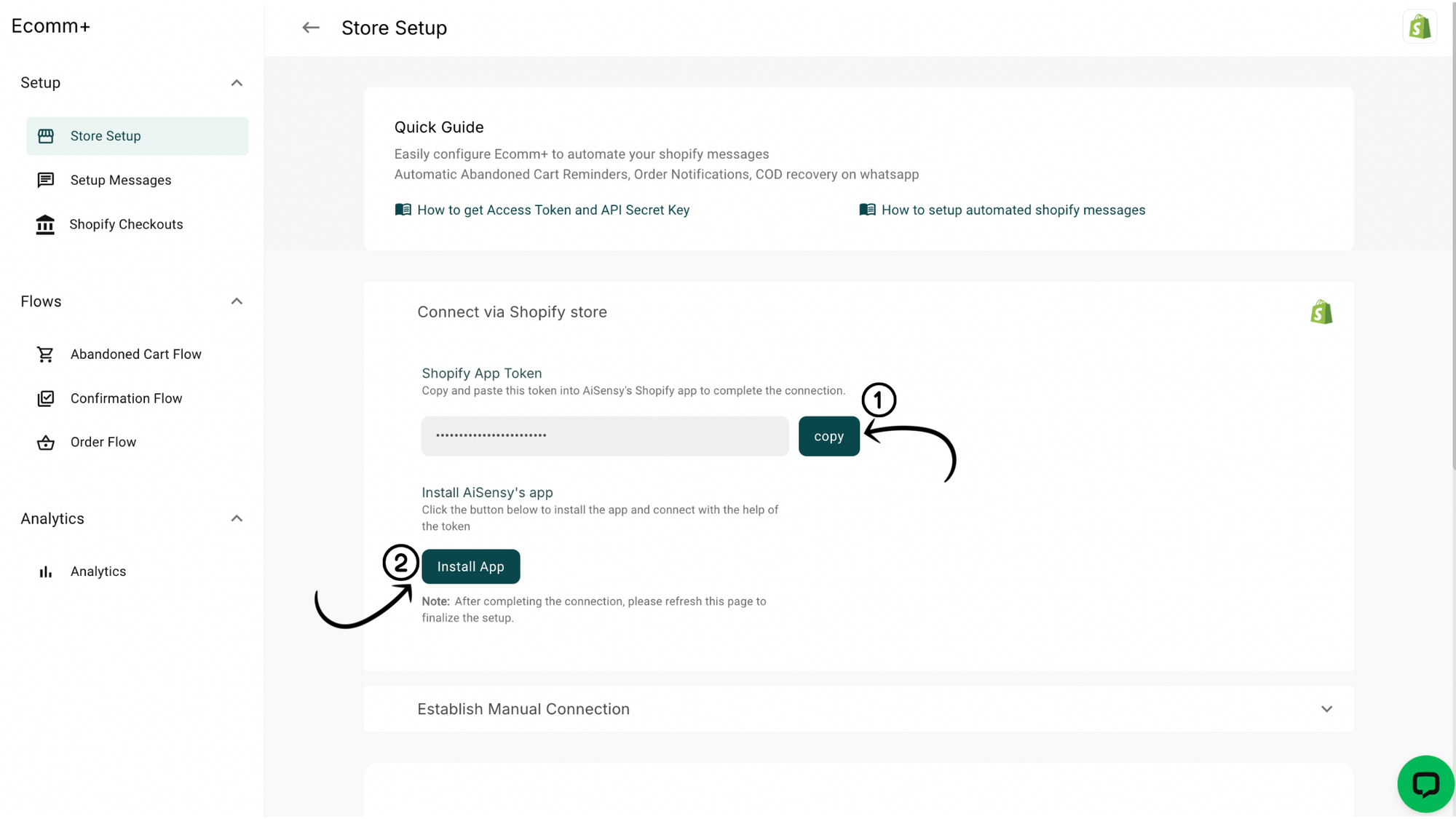
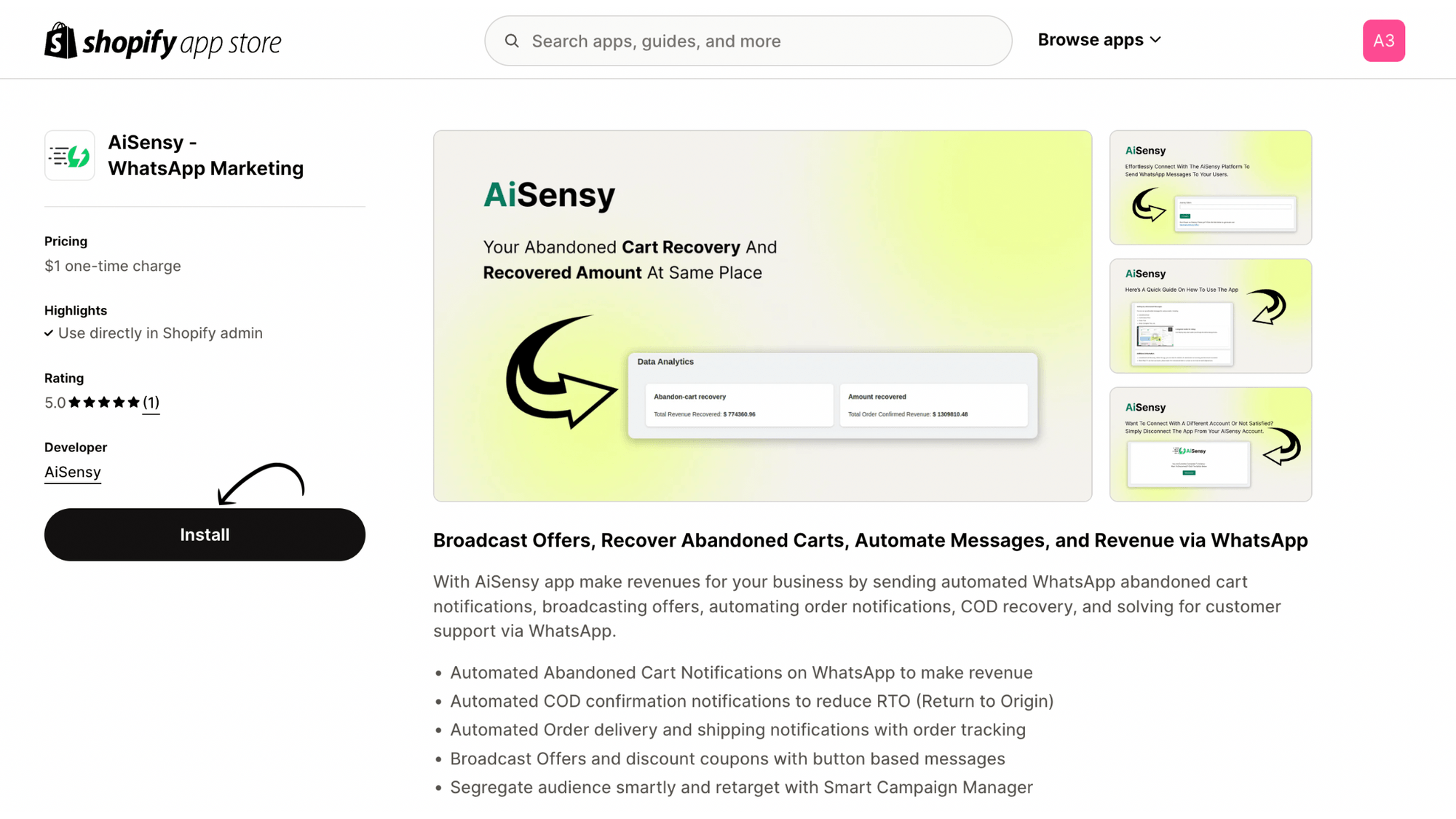
You can connect your Shopify store to WhatsApp via AiSensy by installing the AiSensy app from the Shopify App Store and connecting it using the Shopify App Token inside your AiSensy dashboard. Once connected, you can start automating WhatsApp notifications and campaigns for your store.



Do I need WhatsApp Business API to send Shopify notifications on WhatsApp?
For scalable automation and WhatsApp message flows, you need the WhatsApp Business API (not just the WhatsApp Business App). AiSensy helps businesses use the WhatsApp Business API for automated notifications, campaigns, and customer lifecycle messaging.

What WhatsApp messages can I automate with Shopify + AiSensy?
You can automate key ecommerce WhatsApp notifications like abandoned cart reminders, order confirmations, shipping and delivery updates, payment reminders, COD order confirmations, and post-delivery feedback requests. You can also run promotional campaigns, reorder reminders, and upsell messages.
How do I automate abandoned cart recovery on WhatsApp?
With AiSensy, you can set up abandoned cart notifications to be sent via WhatsApp. Create and approve a template message, configure the timing of the notifications, and enable the abandoned cart flow. This setup can recover up to 40% of abandoned carts.
How much technical expertise is required for the Shopify x AiSensy integration?

The integration process is straightforward and requires basic familiarity with Shopify settings. Check our step-by-step guide to make the process easy even for non-technical users. https://wiki.aisensy.com/en/articles/11484773-connect-shopify-app-with-aisensy-in-a-snap-one-click-integration