FEATURE
Capture High-Quality Leads Without Landing Pages — Lead Form Ads by AiSensy
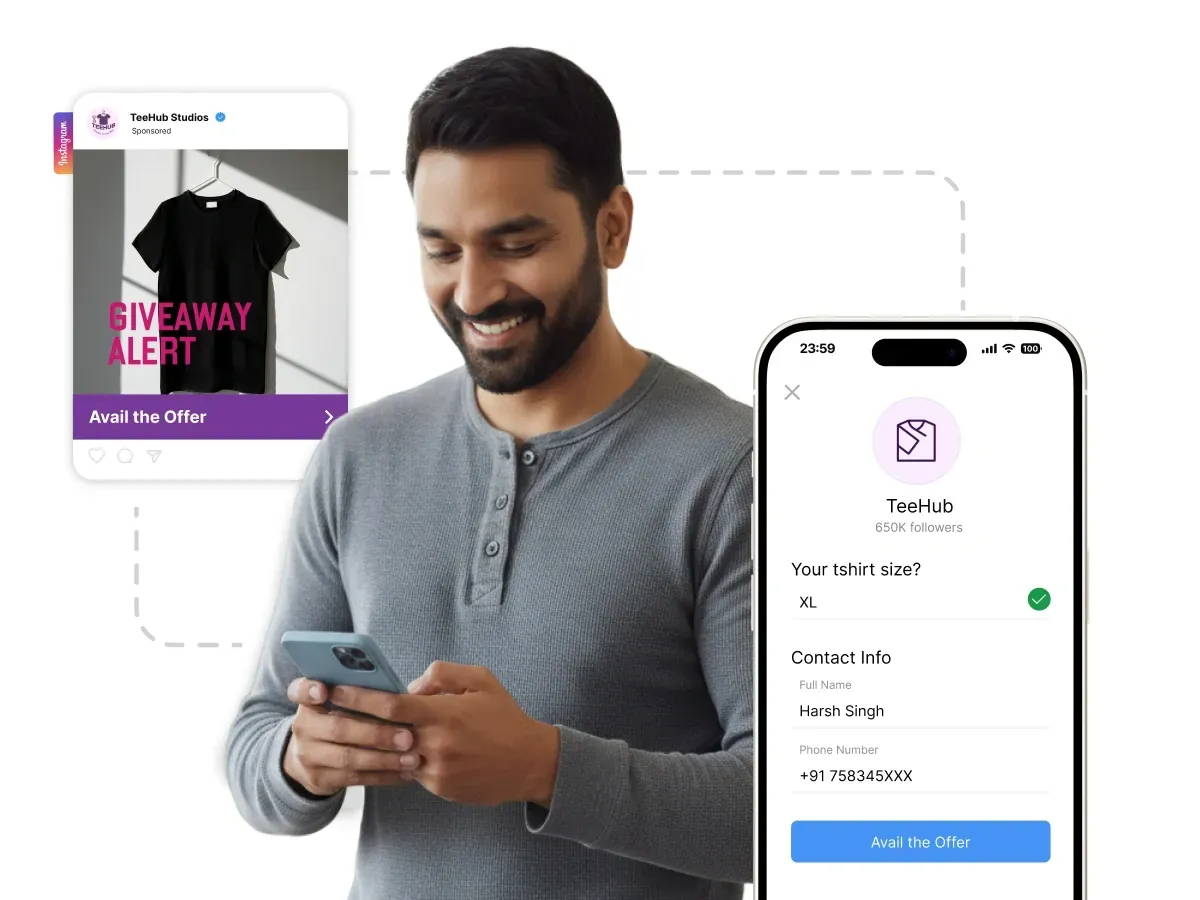
Stop losing leads to clunky landing pages. With AiSensy's Lead Form Ads, prospects submit their information (name, email, phone number) without ever leaving Facebook or Instagram.
With AiSensy, you can run Lead Ads and instantly sync leads with WhatsApp automation.














What are Lead Form Ads?
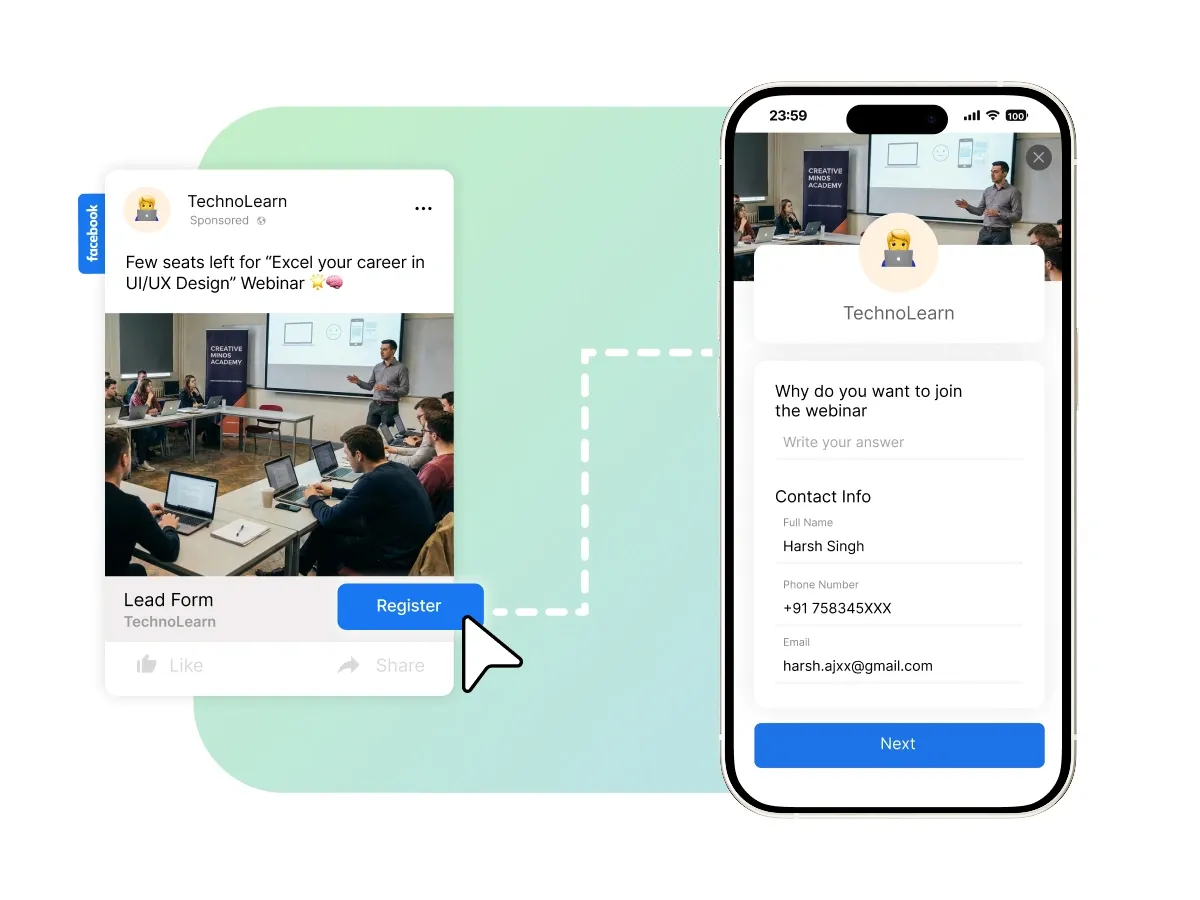
Lead Form Ads (also called Instant Forms or Facebook Lead Ads) are Meta ads with a CTA button that opens a pre-filled form within the Facebook or Instagram app. Users can submit their contact information with just a few taps — no external websites required.
Perfect to:
Capture user applications and interest
Book appointment requests
Event registrations
Webinar sign-ups
Collect quote requests

Manage Everything in One Single Dashboard
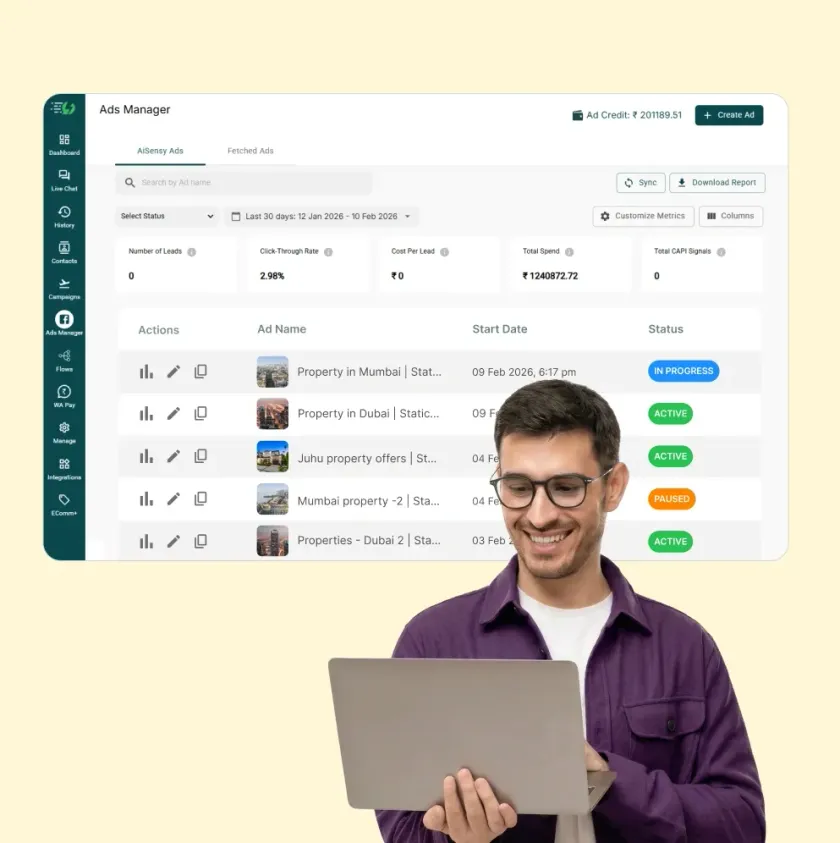
Unified Campaign Management
Manage your entire marketing funnel from one platform. Run Website Ads to drive traffic, then use AiSensy's automation to nurture those visitors via WhatsApp.

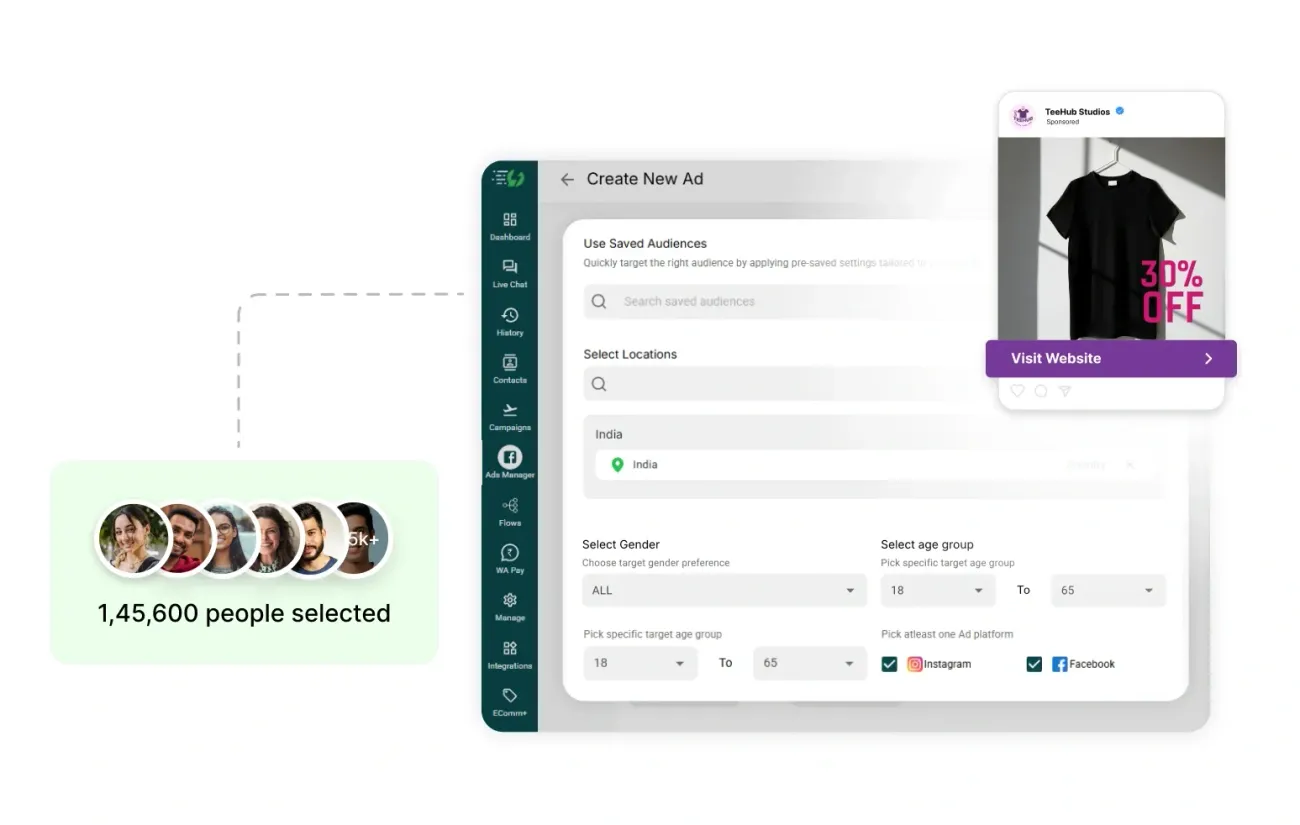
Advanced Audience Targeting
Reach people by location, demographics, interests, behaviors, and lookalike audiences. Alternatively, upload your customer list or create website visitor audiences.

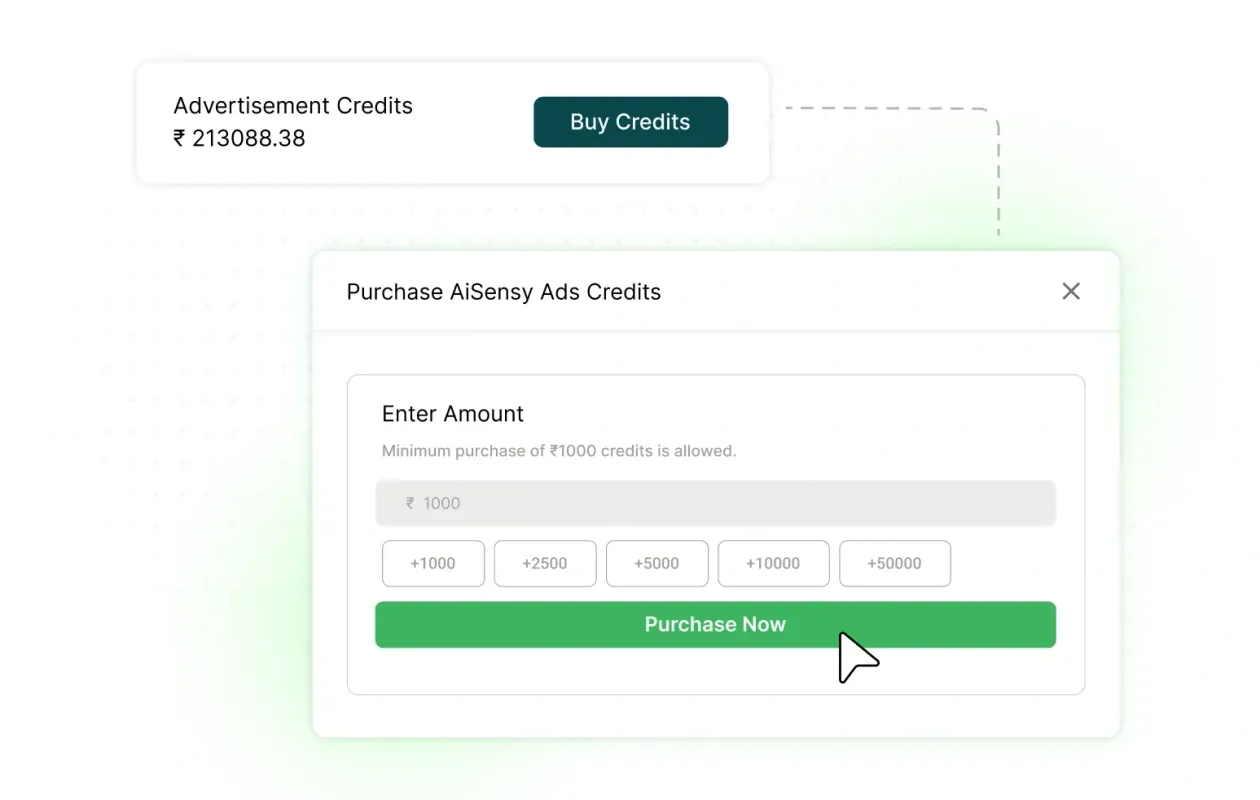
Manage & Buy More Ad Credits
All AiSensy users start with ₹500 in Meta Ads credits. Once you've used your credits, you can easily purchase more directly within the AiSensy platform without leaving the dashboard.

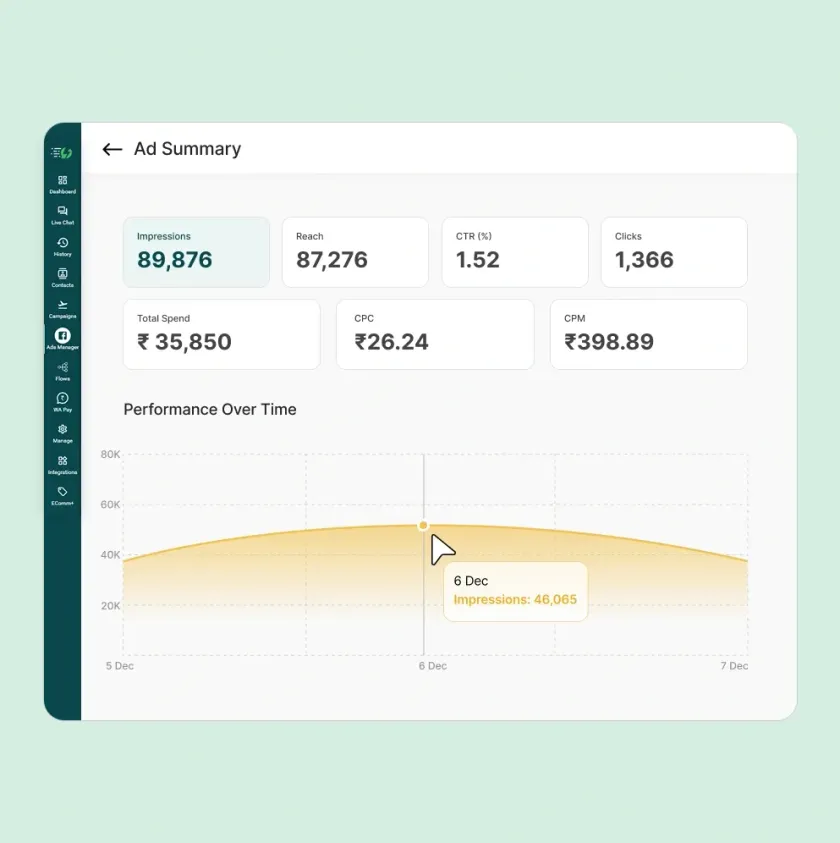
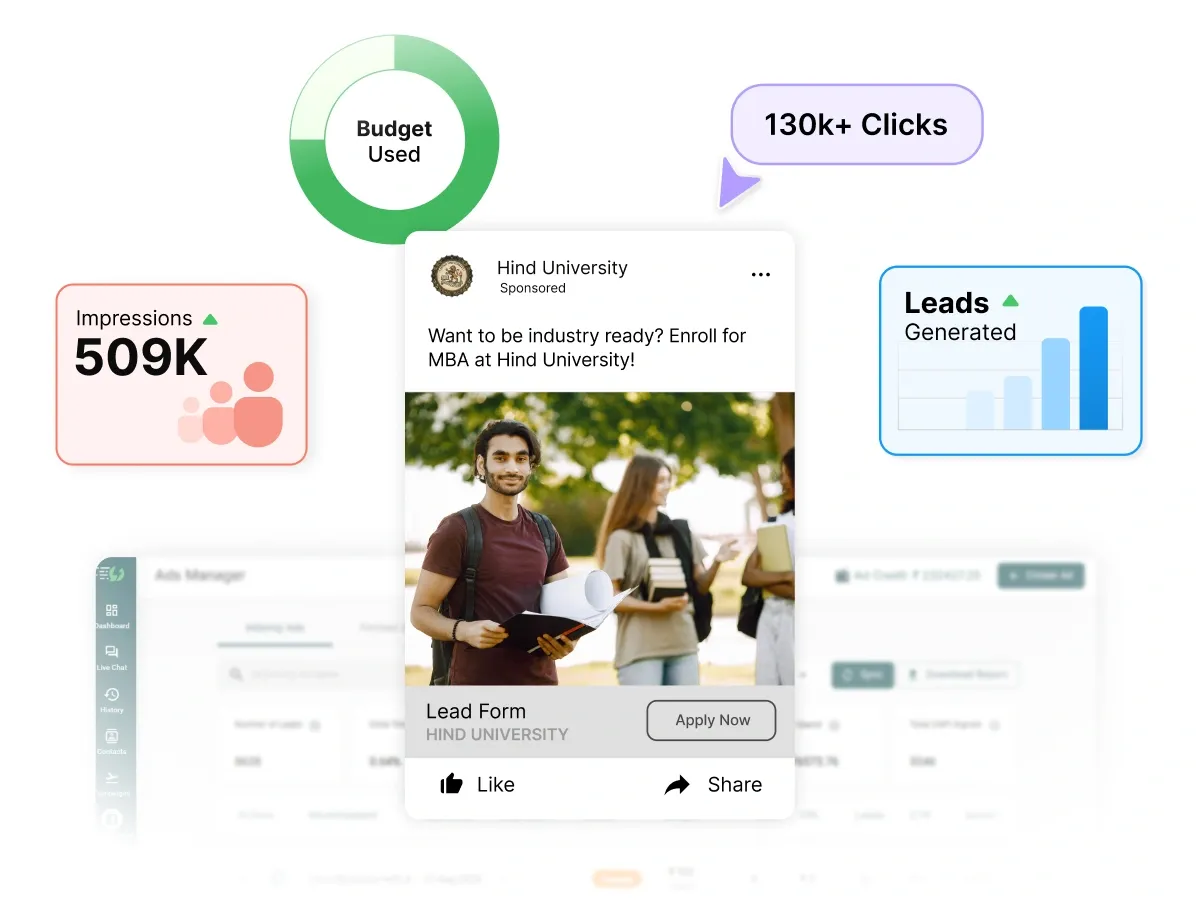
Real-time analytics and performance tracking
Track key performance indicators, such as Impressions, Reach, Clicks, CTR, CPC, and Total Spend.

Simple Steps to run Lead Form Ads via AiSensy
Open AiSensy App
Open the AiSensy App. New users can create a free account without providing credit card information.
The free account includes permanent access to the Ads Manager + ₹ 500 Meta Ads credits + ₹50 Free WhatsApp Conversation Credits.

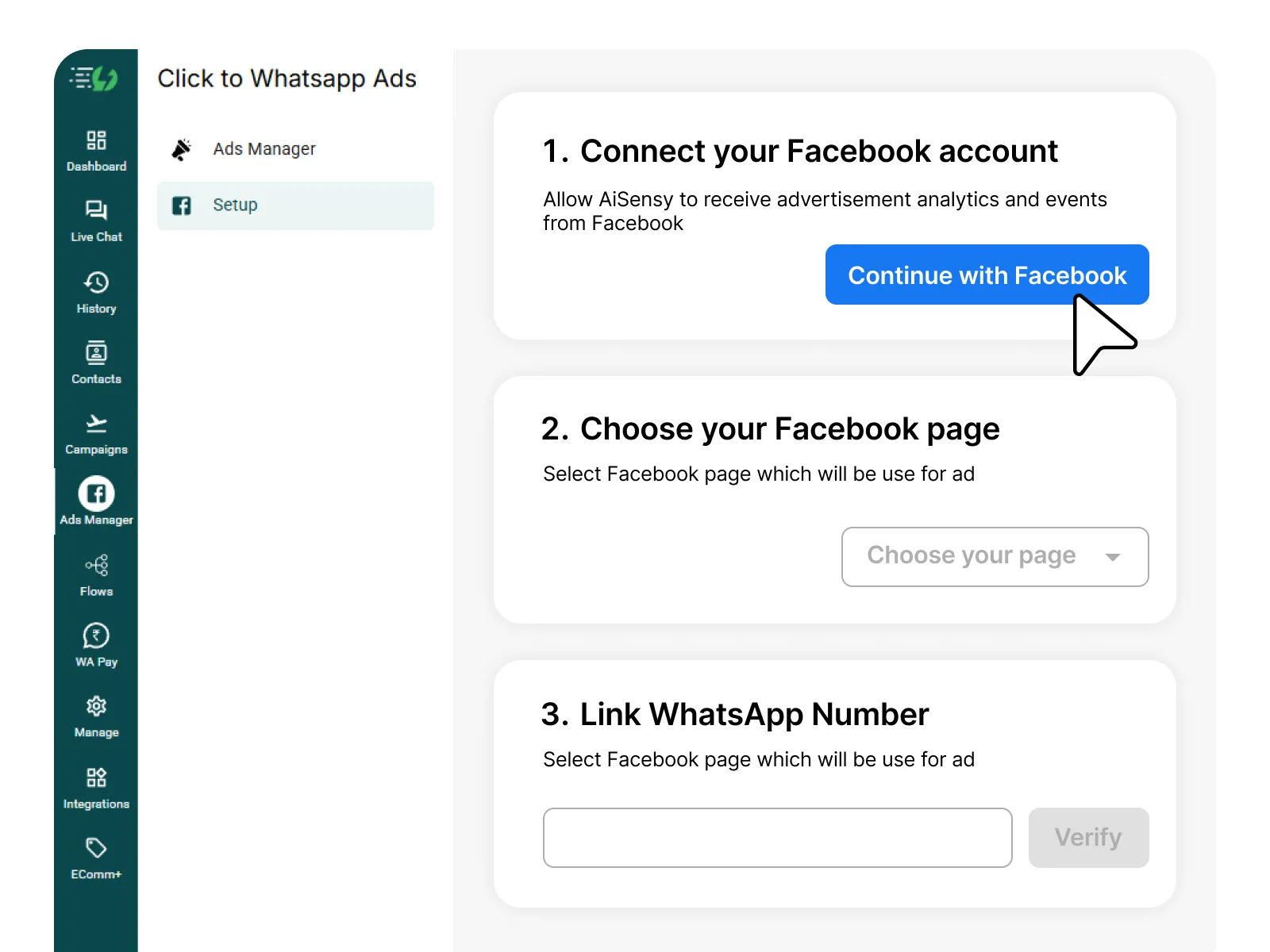
Go to "Ads Manager" in the left sidebar and connect your Facebook Business Manager. Select the Facebook page through which you want to run Website Ads.

Choose Lead Form Ad Type
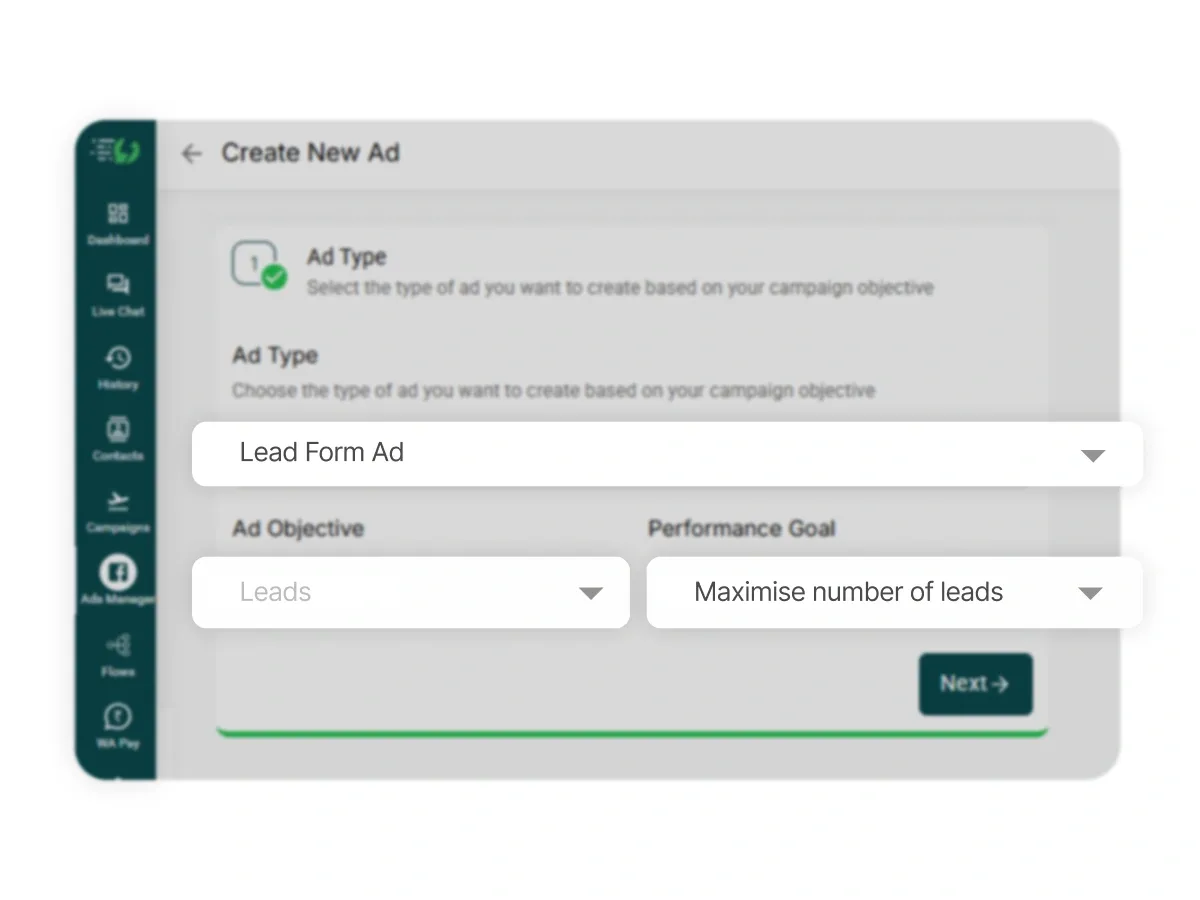
Click "+ Create Ad" and select "Lead Form Ad" from ad type options. AiSensy will guide you to set up your lead capture form.

Target Your Audience
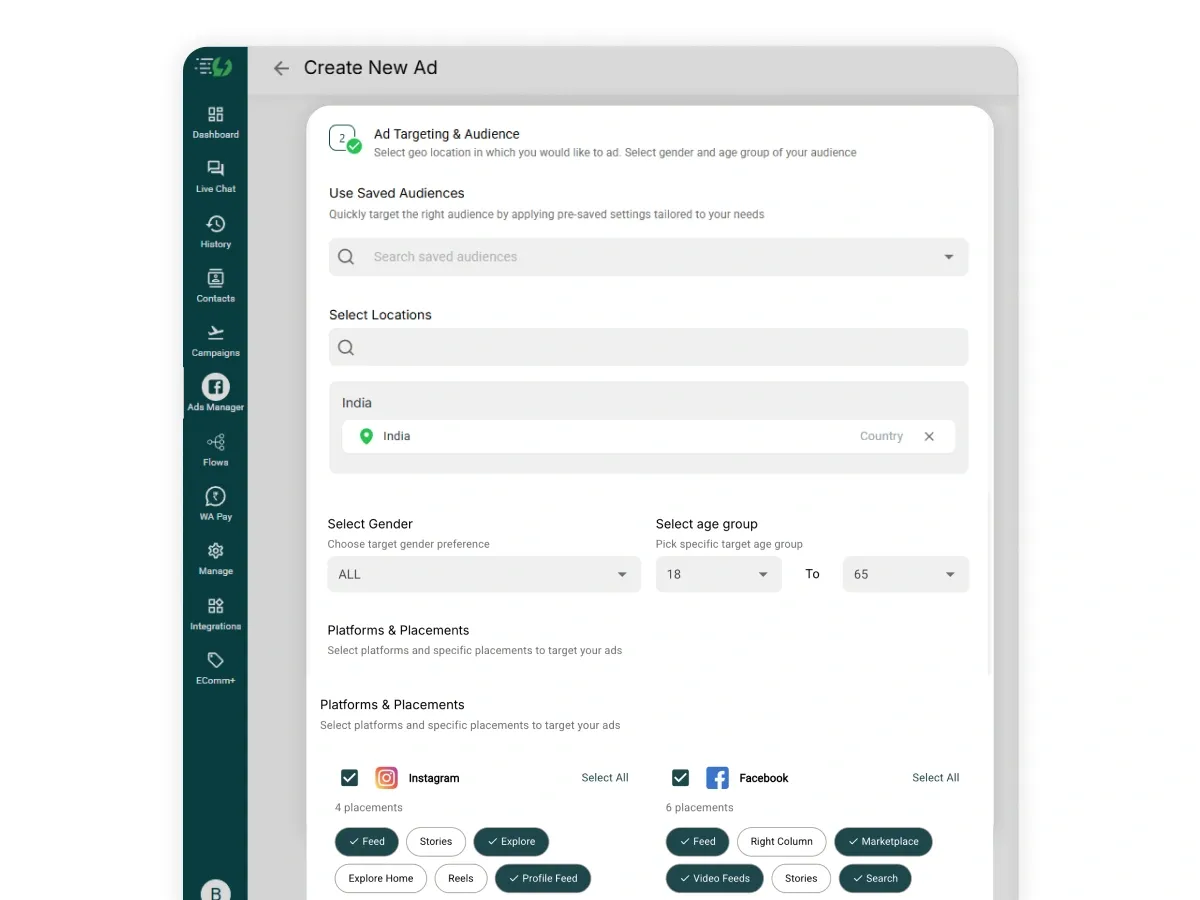
Select geo-location, age, gender, interests, and behaviors. Choose platforms (Instagram & Facebook) and placements (Feed, Stories, Explore, Reels, Marketplace).

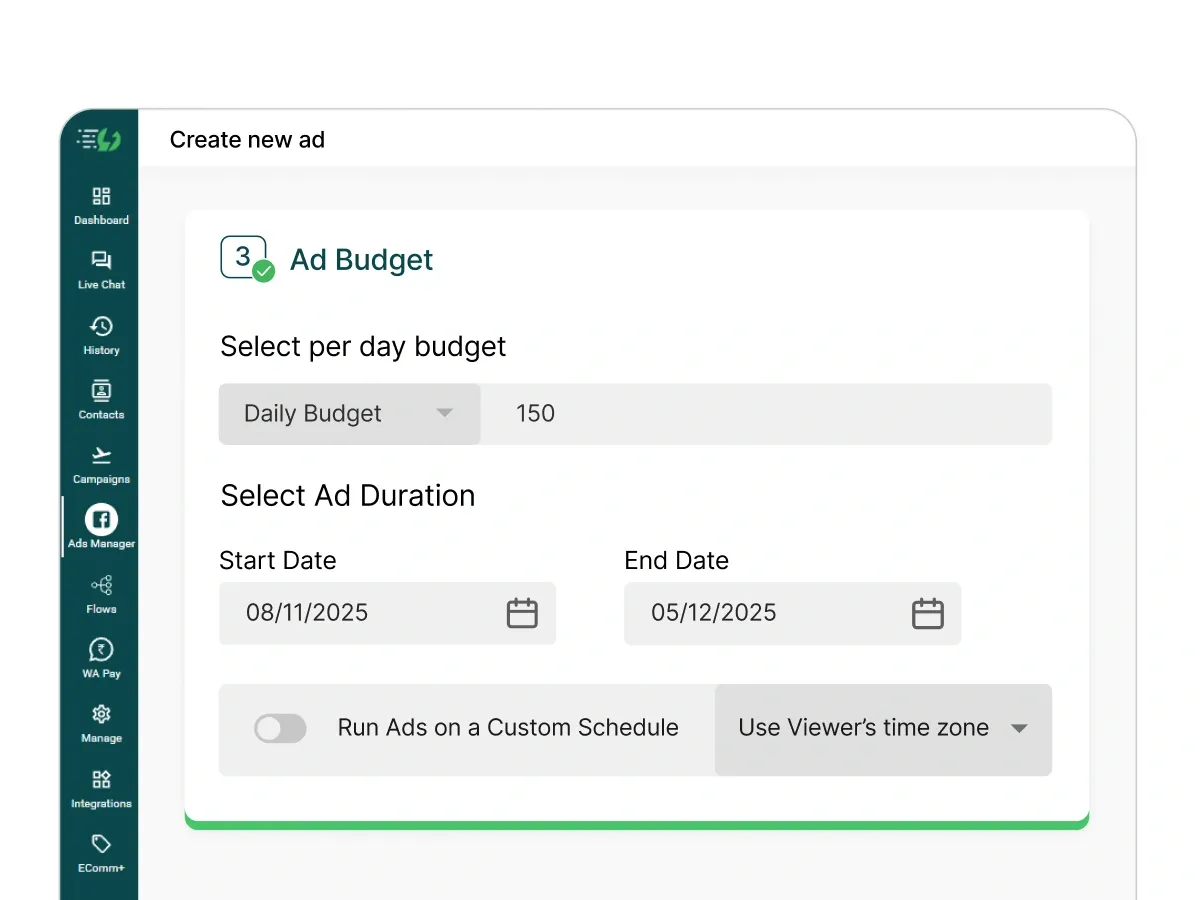
Set Budget & Duration
Choose your daily budget and select the time period for your ad campaign. Track remaining ad credits in real-time.

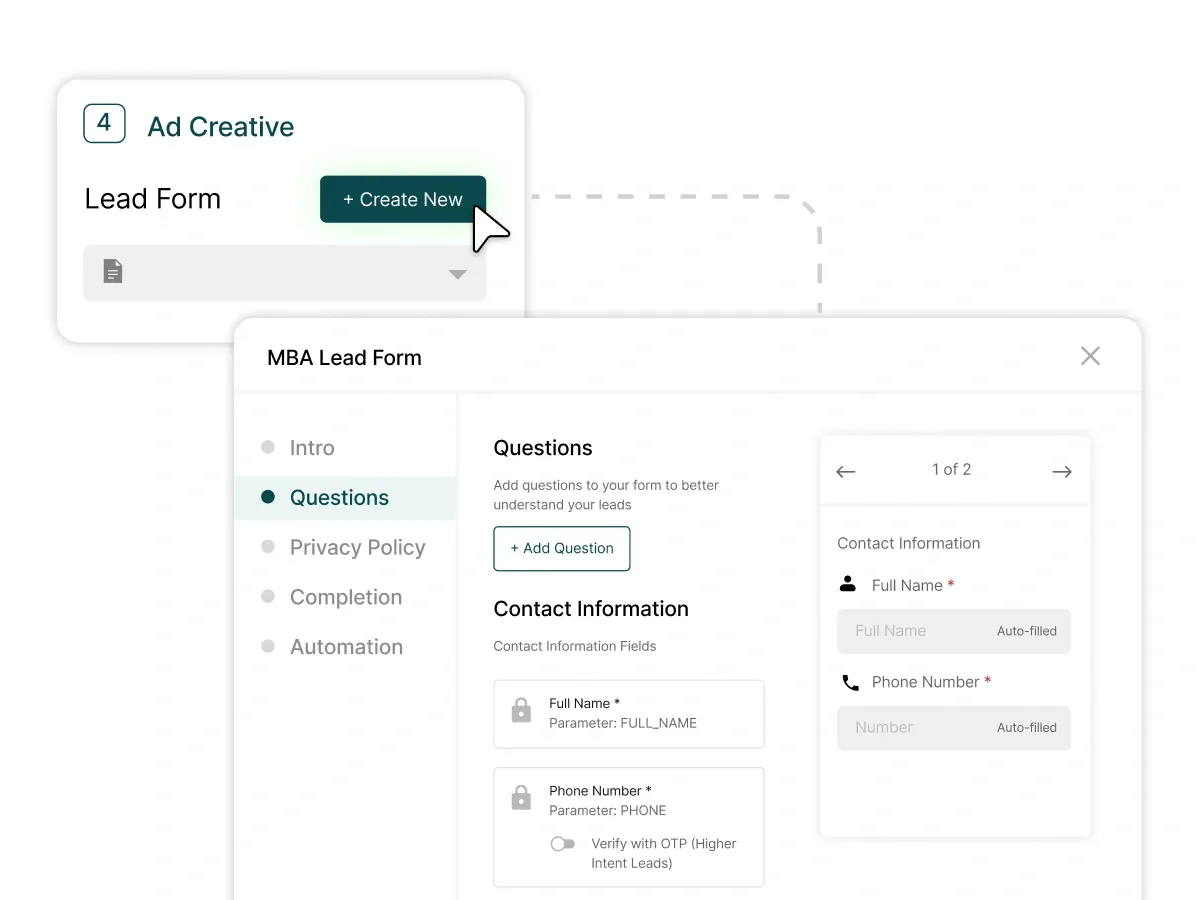
Design Your Lead Form
Build your form by adding required fields: name, email, phone. Add custom fields for business-specific information (company, budget, timeline, interests, etc.).

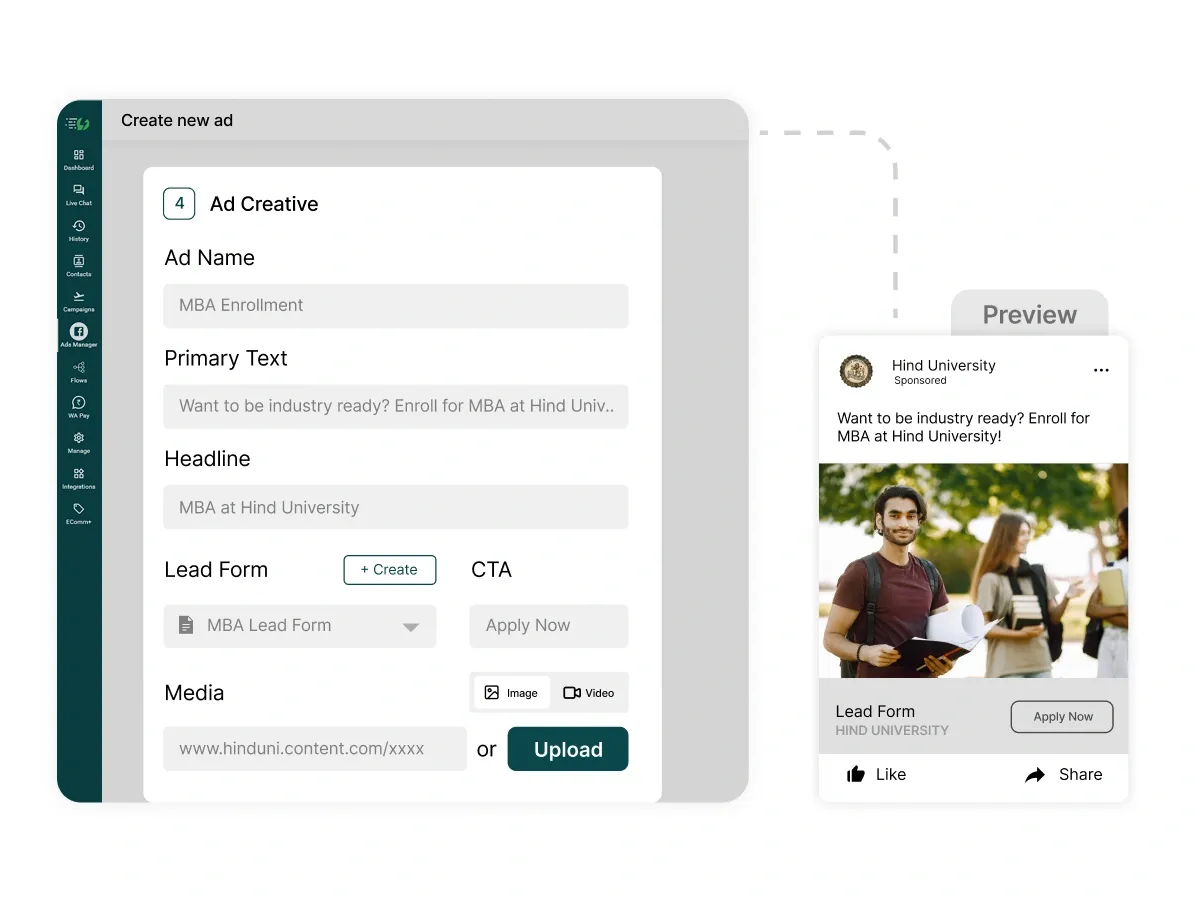
Add your Visuals & Copy
Upload visuals and fill in Ad Name, Primary Text, Headline, and Media (image/video).
Optionally, use AI Ad Creative Generator to create professional visuals in seconds.

Submit & Monitor Performance
Click "Publish" to submit your ad for approval. Facebook typically approves ads within 15-20 minutes. Monitor performance in the Ads Manager dashboard.

Launch & Monitor Campaign
Go to Ads Manager to view your Ad status. If your Ad gets rejected, you can view the rejection reason in your Facebook Ads account. If approved, you're ready to launch.
The data collected will sync in the AiSensy dashboard and can be used to run WhatsApp automation.

That's it!
It's time to start creating Ads on Facebook/ Instagram via AiSensy & drive leads to your WhatsApp Business account.

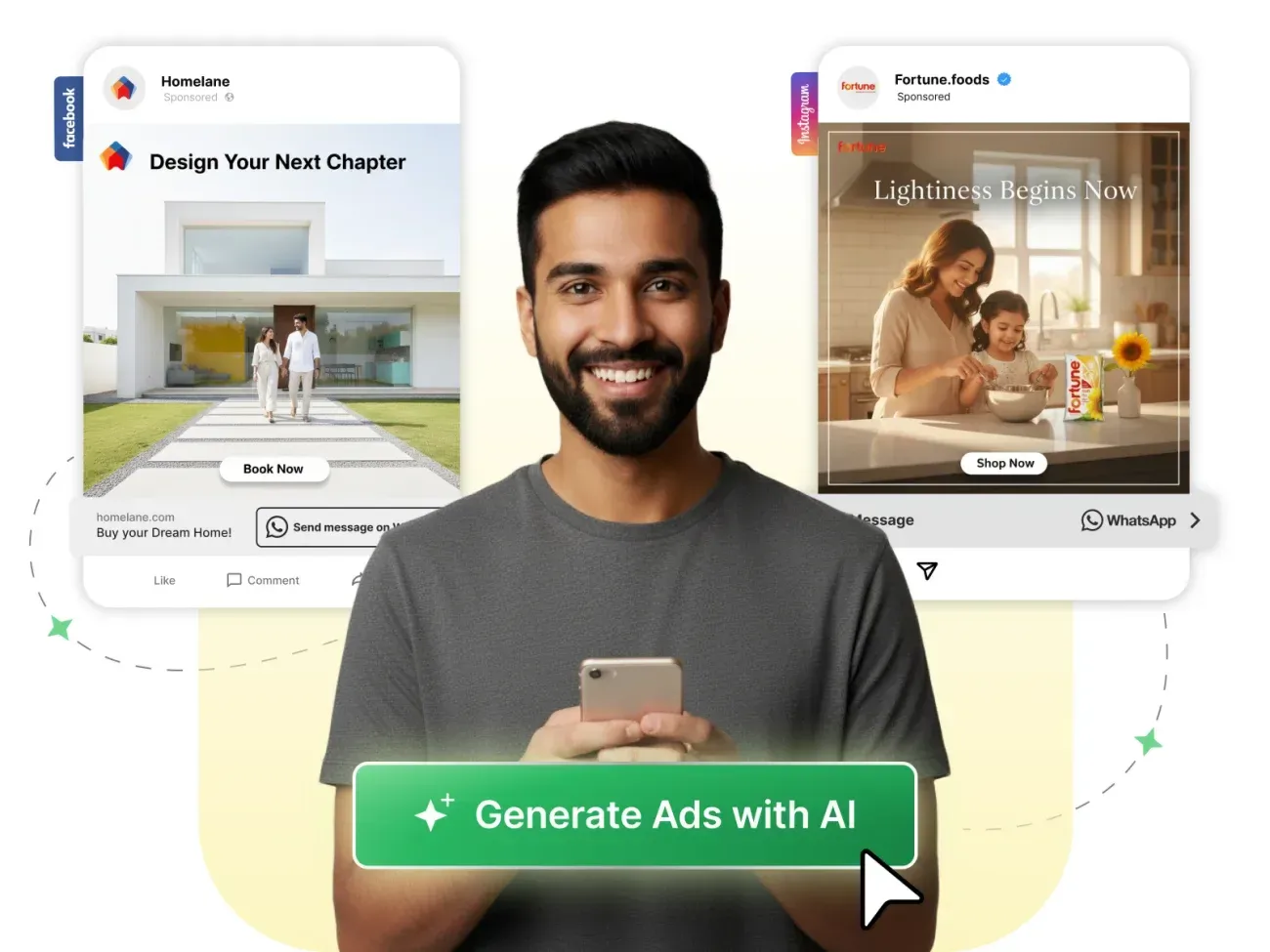
Generate Ad Creatives with AI
Generate brand-ready ad creatives for your CTWA campaigns in seconds with AiSensy's exclusive AI Ad Creative Generator.
It streamlines the design process, delivering professional visuals in 3 simple steps:

Add a short prompt
Describe what you want to create

Upload Brand Assets
Upload your logo and product image

Generate & Launch
Get stunning Ad creatives personalized for your brand and launch
— all without ever leaving the AiSensy app.

| Feature | Lead Form Ads | Click-to-WhatsApp Ads | Website Ads |
|---|---|---|---|
| Where Users Are Sent | Form within Meta app | WhatsApp chat | External website |
| Friction Level | Lowest (pre-filled forms) | Low (direct message) | Higher (external click) |
| Best For | Lead generation, B2B | Engagement, WhatsApp conversations | Traffic, sales, conversions |
| Conversion Speed | Very Fast | Fast | Moderate |
| Data Captured | Custom fields + Meta data | Phone number via WhatsApp | Website analytics only |
WhatsApp AI Agent
Deploy smart AI agents on WhatsApp to deliver human-like customer support.
WhatsApp Ads Success Stories