How to create a FREE AiSensy Account?
The first step to get started with your WhatsApp Engagement Journey via AiSensy is by creating a FREE AiSensy Account.
Follow the below steps to easily create an AiSensy Account:
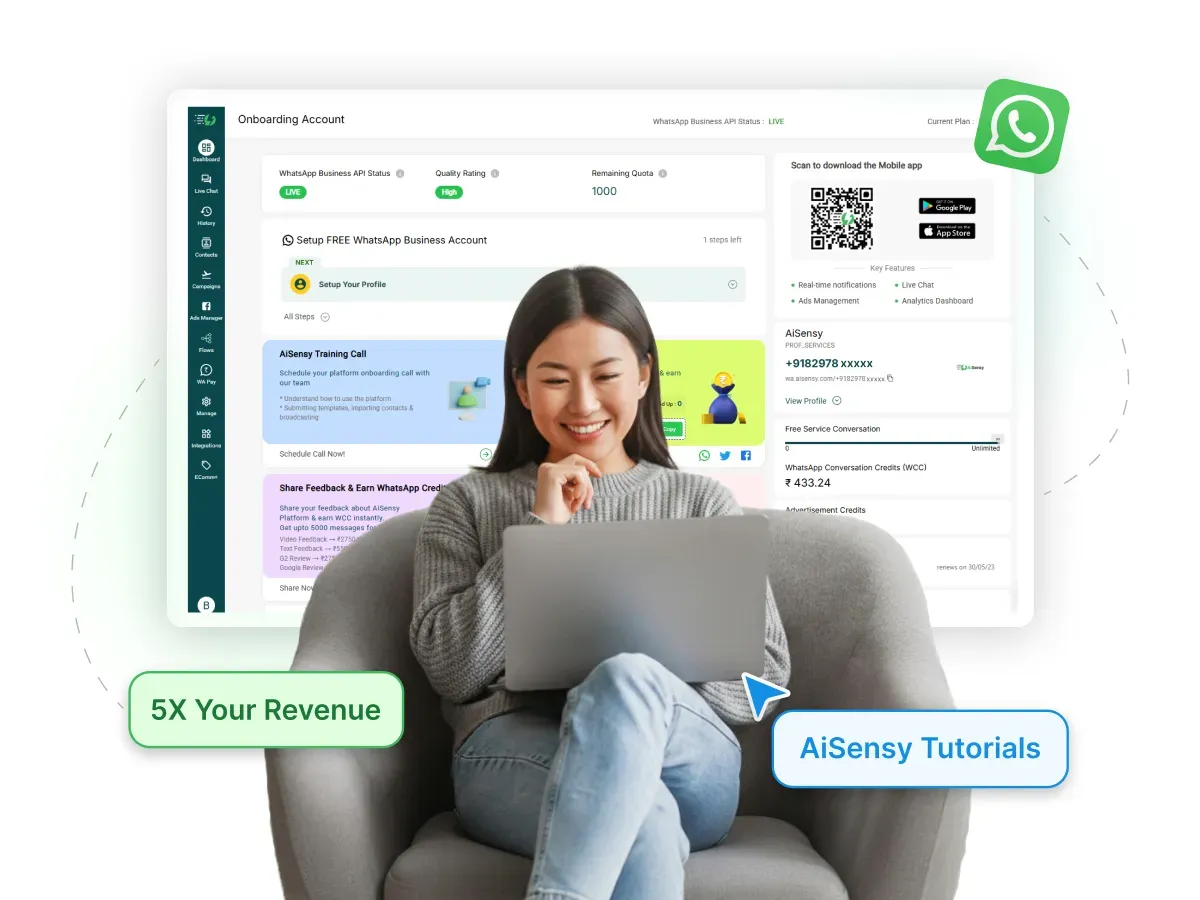
How to create a FREE AiSensy Account?
The first step to get started with your WhatsApp Engagement Journey via AiSensy is by creating a FREE AiSensy Account.
Follow the below steps to easily create an AiSensy Account:
How to create a FREE AiSensy Account?
Steps to easily create an AiSensy Account for your Business
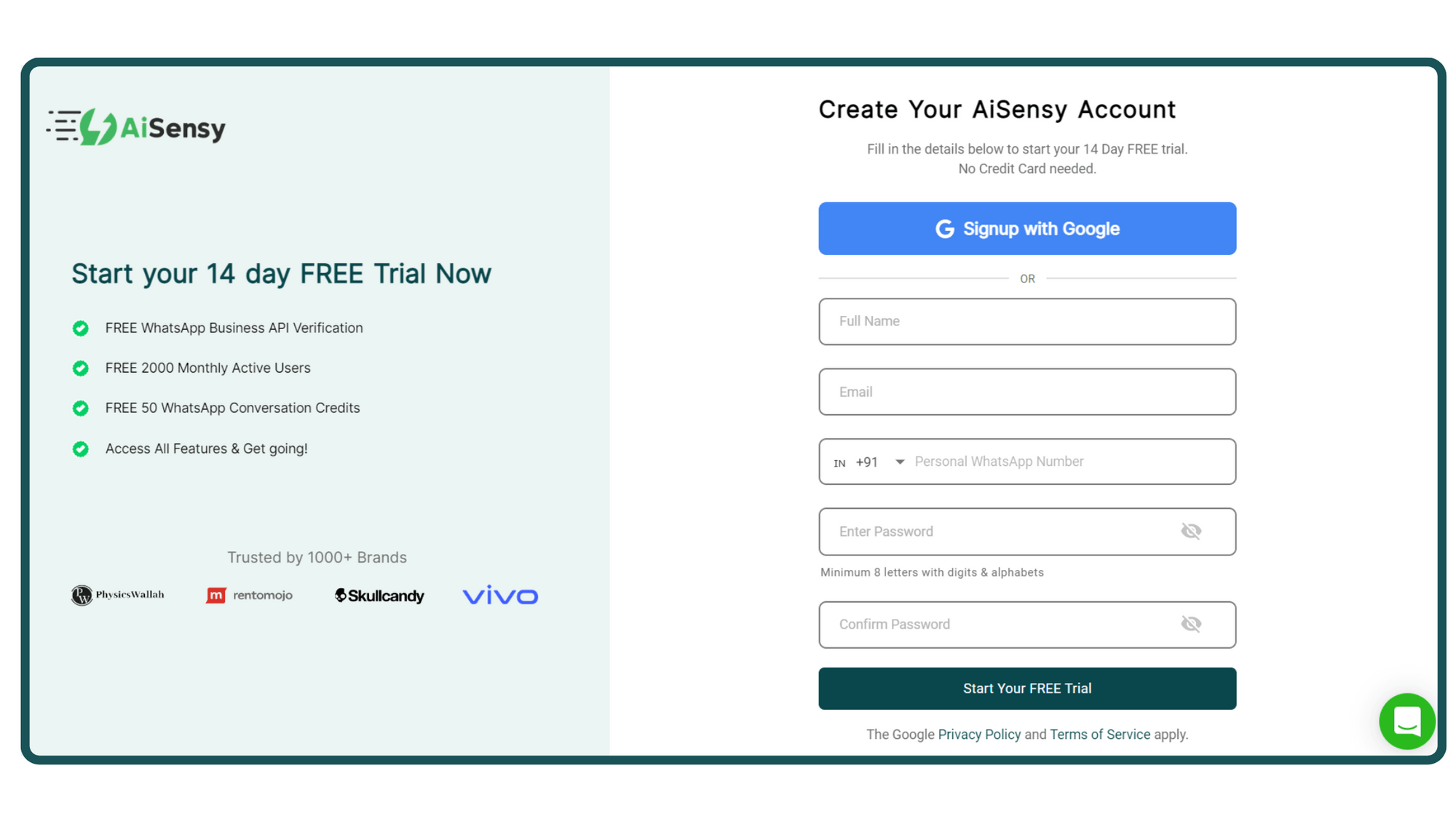
1. Signup on AiSensy App
You can signup with your Google account or if you use a different business email, fill in the form.
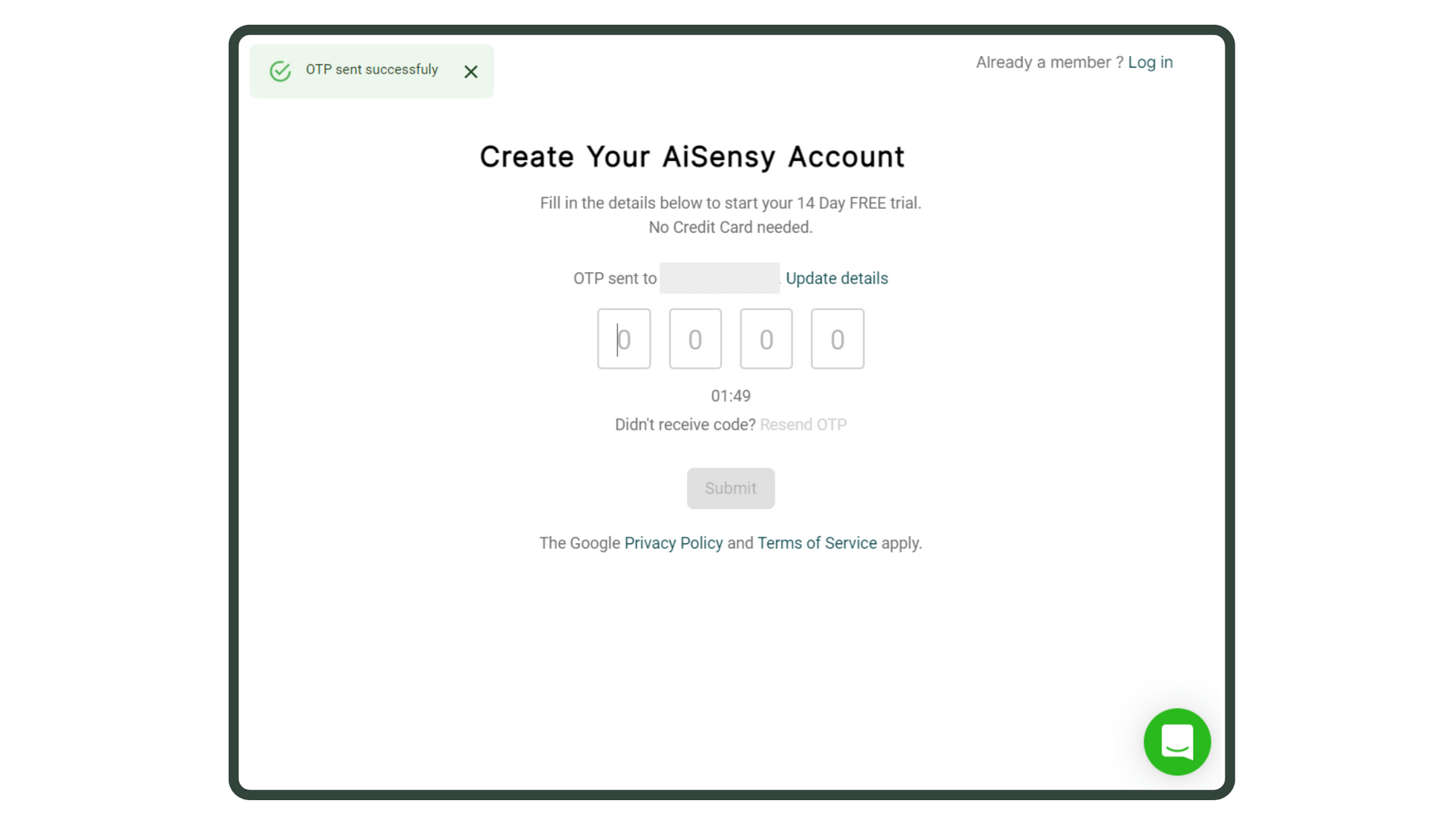
2. Enter OTP (for Form signup only)
If you signed up by filling out the form, you'll receive an OTP on your registered mobile number.
Enter it & press 'Submit' to proceed.
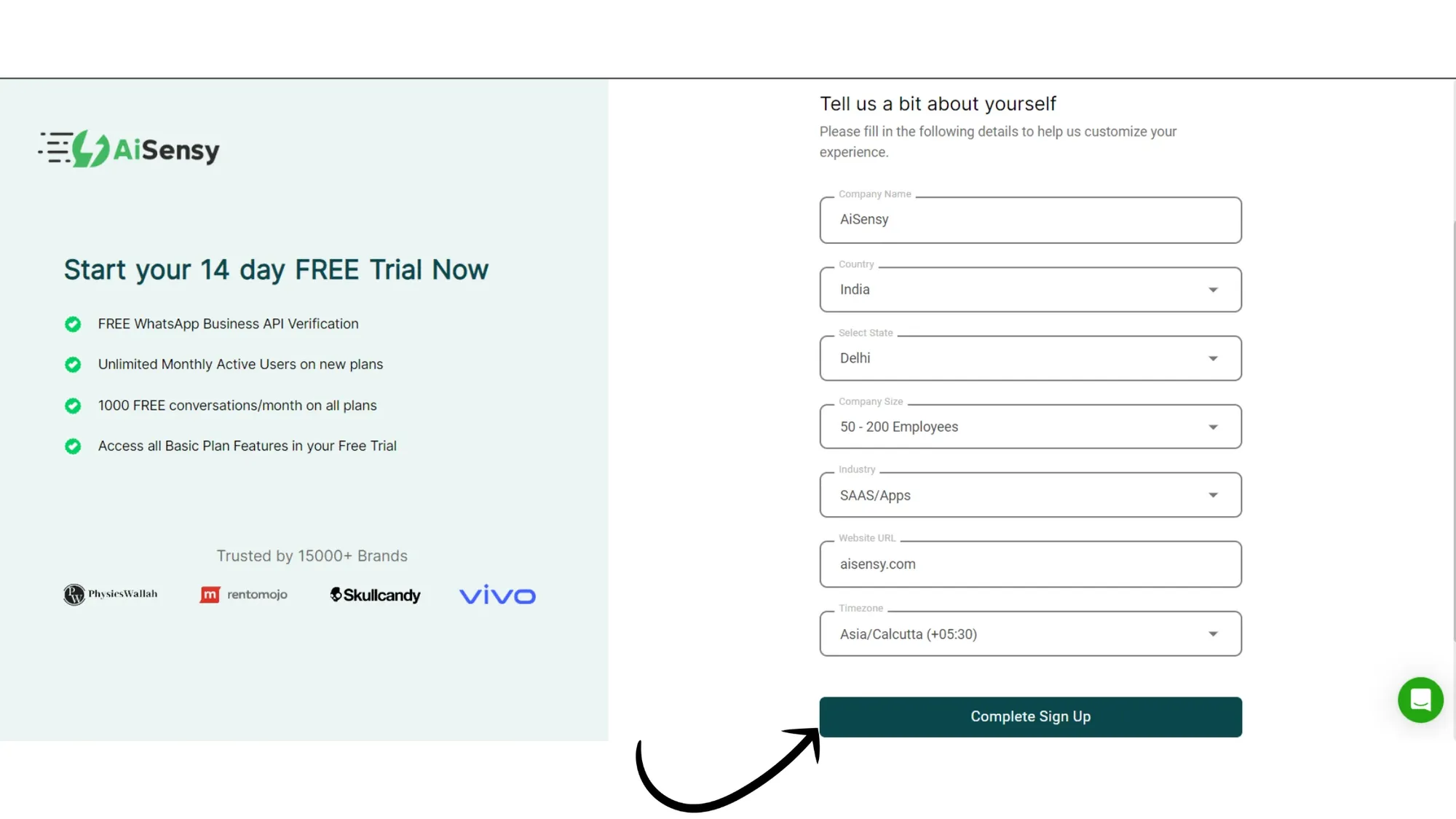
3. Add Personal & Company Details
Enter important Business details like Company Name, size, industry, billing currency & timezone so that we can customise your experience.
Once done, click on the “Complete Sign Up” button to proceed ahead.
4. You've now activated the 14-Day FREE Trial
You've now entered your FREE forever plan, which includes:
Access the WhatsApp Business API at no cost.
Free Verified Blue tick Application
Get ₹1000 Free WhatsApp Ad credits
Free Click to WhatsApp Ads Manager to run ads that click to WhatsApp
₹50 Free WhatsApp Conversation Credits
Upload Contacts and Manage via tags and attributes (up to 10 tags and 5 custom attributes).
Create Template messages seamlessly
1,000 FREE Service Messages every month.
Live chat dashboard for managing customer interactions (1 agent)
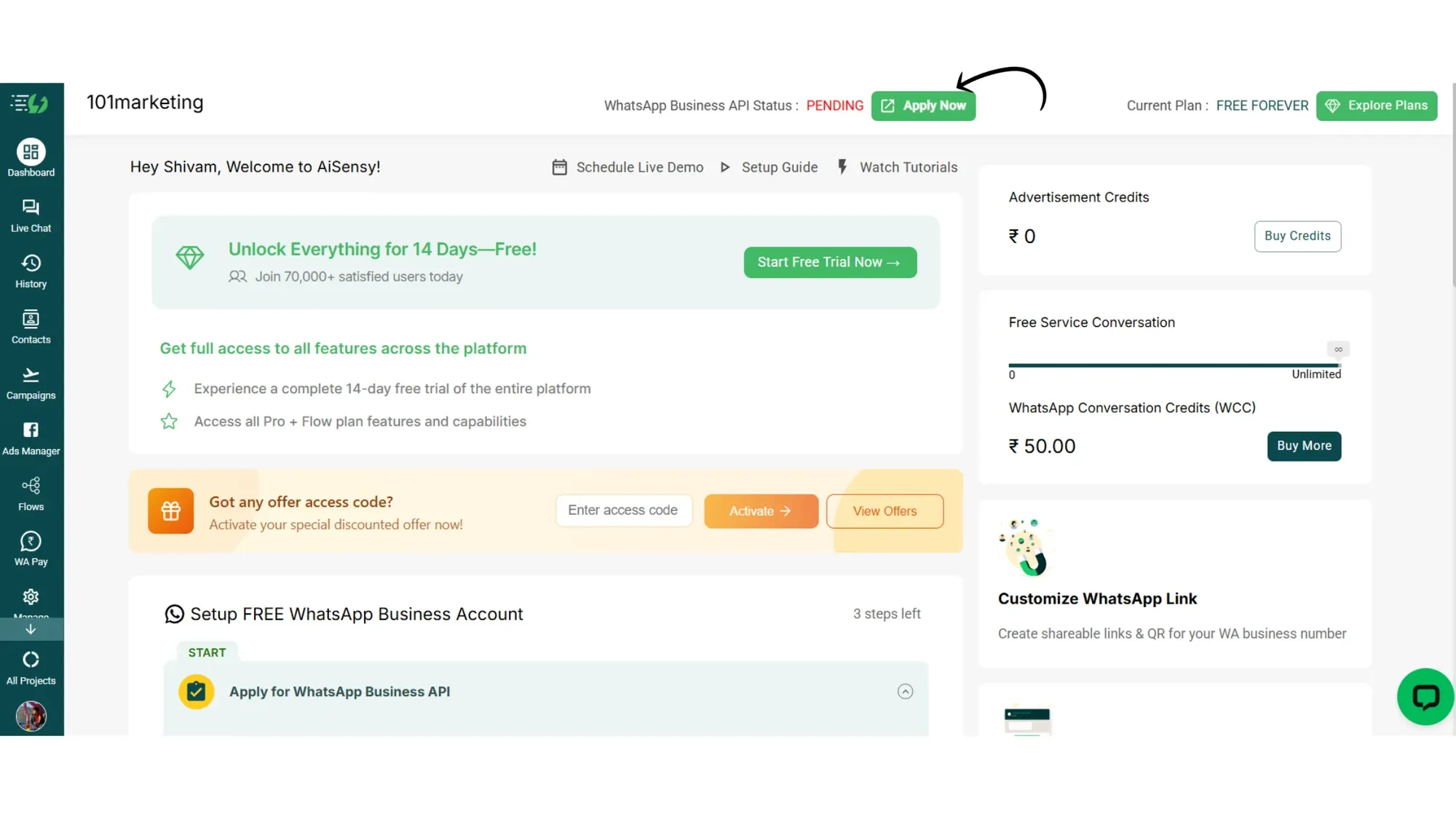
What's next?
The first thing you should do after signing up for the FREE forever plan is apply for the FREE WhatsApp Business API.
