WhatsApp Marketing
vs Utility
vs Authentication
vs Service Template Categories
Meta sorts every WhatsApp Business message into one of four categories - each priced and governed differently. Know the difference to send the right message, stay compliant, and cut your WhatsApp costs.
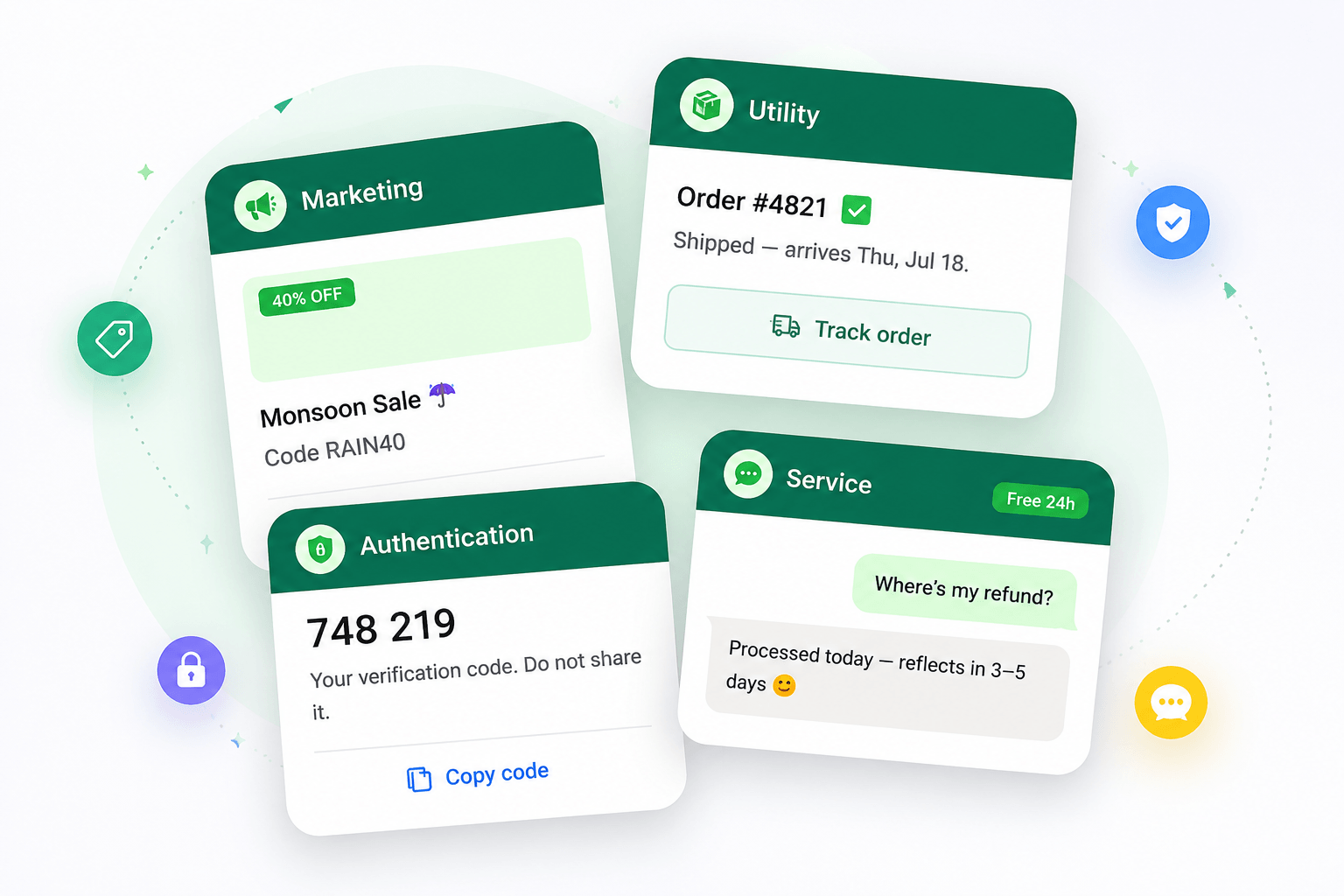
The 4 WhatsApp Message Categories : Marketing, Utility, Authentication and Service
Every WhatsApp Business API template you send falls into one of four message categories. The category - not the content of an individual message - determines how Meta prices it and what rules apply.
Primary Purpose | Promote products, services, offers, and campaigns | Deliver transactional updates related to a customer action | Verify identity and secure account access | Respond to customer inquiries and provide support |
|---|---|---|---|---|
Typical Examples | Discounts, product launches, abandoned cart reminders, seasonal offers, upselling campaigns | Order confirmations, shipping updates, payment receipts, appointment reminders | OTPs, login verification, password resets, account recovery codes | Customer support replies, troubleshooting, FAQs, account assistance |
Who initiates the conversation? | Business | Business | Business | Customer |
Template Required? | Yes | Yes | Yes | No (within the 24-hour service window) |
Can Include Promotional Content? | Yes | No | No | No |
Triggered By | Marketing objective or campaign | Customer action or transaction | Authentication request | Customer message |
Pricing | Highest cost category | Lower cost than Marketing | Lower cost than Marketing | Free within the 24-hour service window |
Customer Expectation Level | Medium | High | Very High | Very High |
Open Rates | High | Very High | Extremely High | Very High |
Best For | Driving awareness, engagement, and sales | Keeping customers informed about purchases and actions | Securing accounts and preventing fraud | Delivering fast customer support |
Supports Bulk Messaging? | Yes | Yes | Yes | No |
Common Industries | Ecommerce, EdTech, Healthcare, Travel, D2C Brands | Ecommerce, Logistics, Finance, Healthcare | Banking, FinTech, SaaS, Apps | All industries |
Examples of CTA Row | Shop Now, Buy Today, Claim Offer | Track Order, View Invoice, Confirm Appointment | Verify Login, Reset Password | Continue Conversation |
Risk of Template Rejection | Medium | High if promotional | Low if used correctly | Not applicable |
Let's Deep Dive...
What is a Marketing WhatsApp Message?
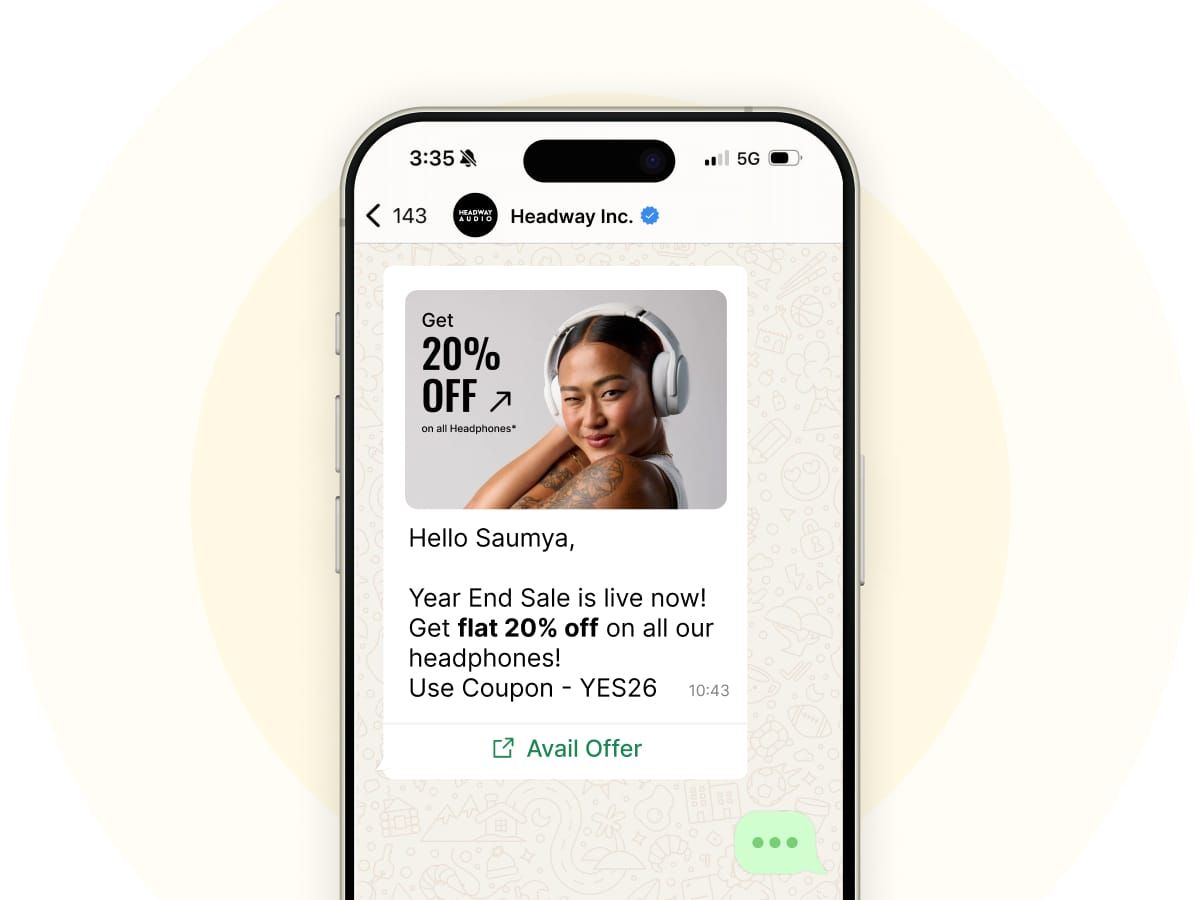
A Marketing WhatsApp message is a promotional template used to drive awareness, engagement, and sales - such as offers, product launches, or cart reminders. It's the most expensive WhatsApp message category and has no free tier.
Use it for:
· Discount codes & offers
· New product launches
· Newsletters
· Abandoned cart reminders
· Re-engagement campaigns
Key rule: Requires an approved template and customer opt-in. Volume discounts don't apply to marketing.

What is a Utility WhatsApp Message?
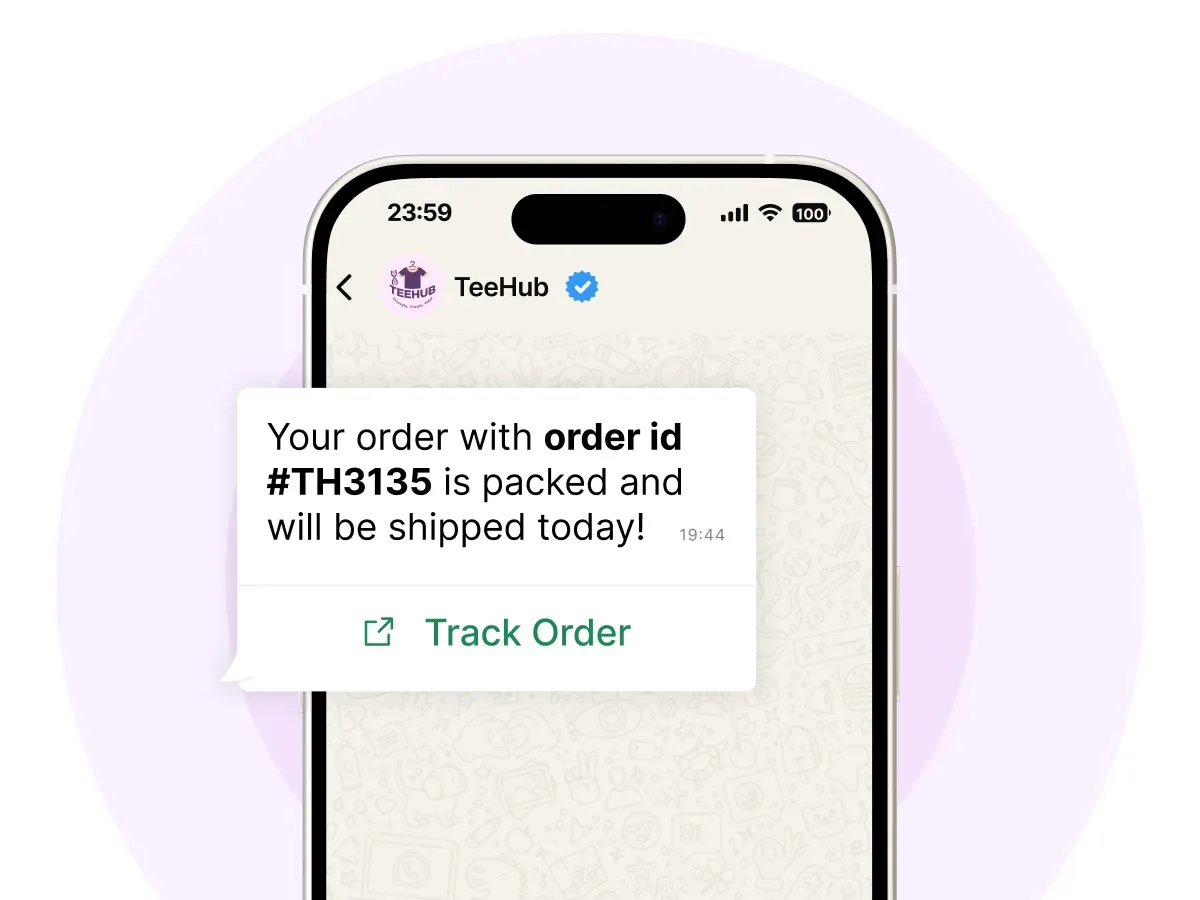
A Utility WhatsApp message is a transactional template triggered by a specific customer action, such as an order confirmation or shipping update. It's informational, not promotional, and costs far less than marketing.
Use it for:
· Order confirmations
· Shipping & delivery updates
· Payment reminders
· Appointment confirmations
Key rule: Must relate to an existing transaction. Utility templates sent inside an open service window can be free, and high volumes unlock bulk discounts.

What is an Authentication WhatsApp Message?
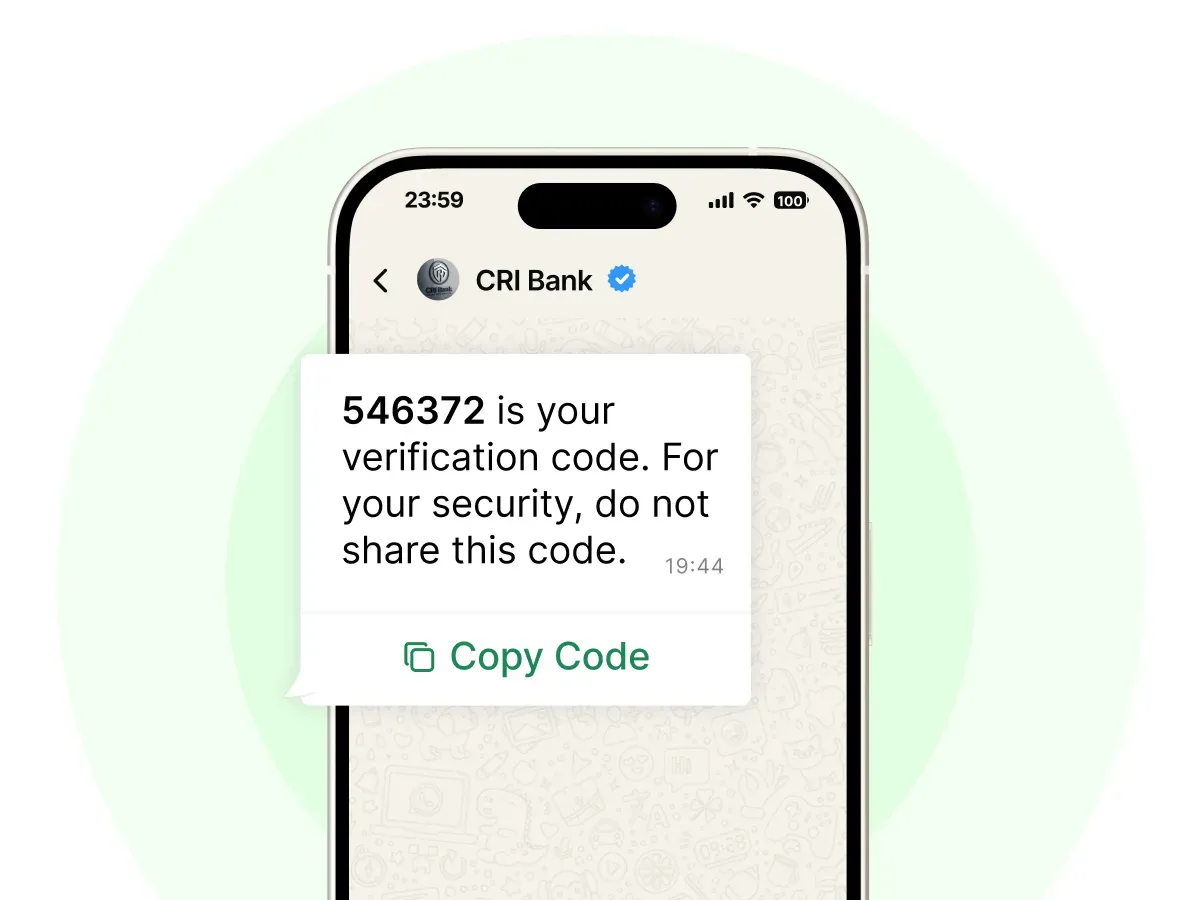
An Authentication WhatsApp message is a template that verifies a user's identity using one-time passwords (OTPs) and verification codes, keeping logins and transactions secure.
Use it for:
· Login OTPs
· Account verification
· Password resets
· Transaction confirmations
Key rule: Requires an authentication-category template. International OTPs (sent to a different country than your business) can cost significantly more than domestic ones.

What is a Service WhatsApp Message?
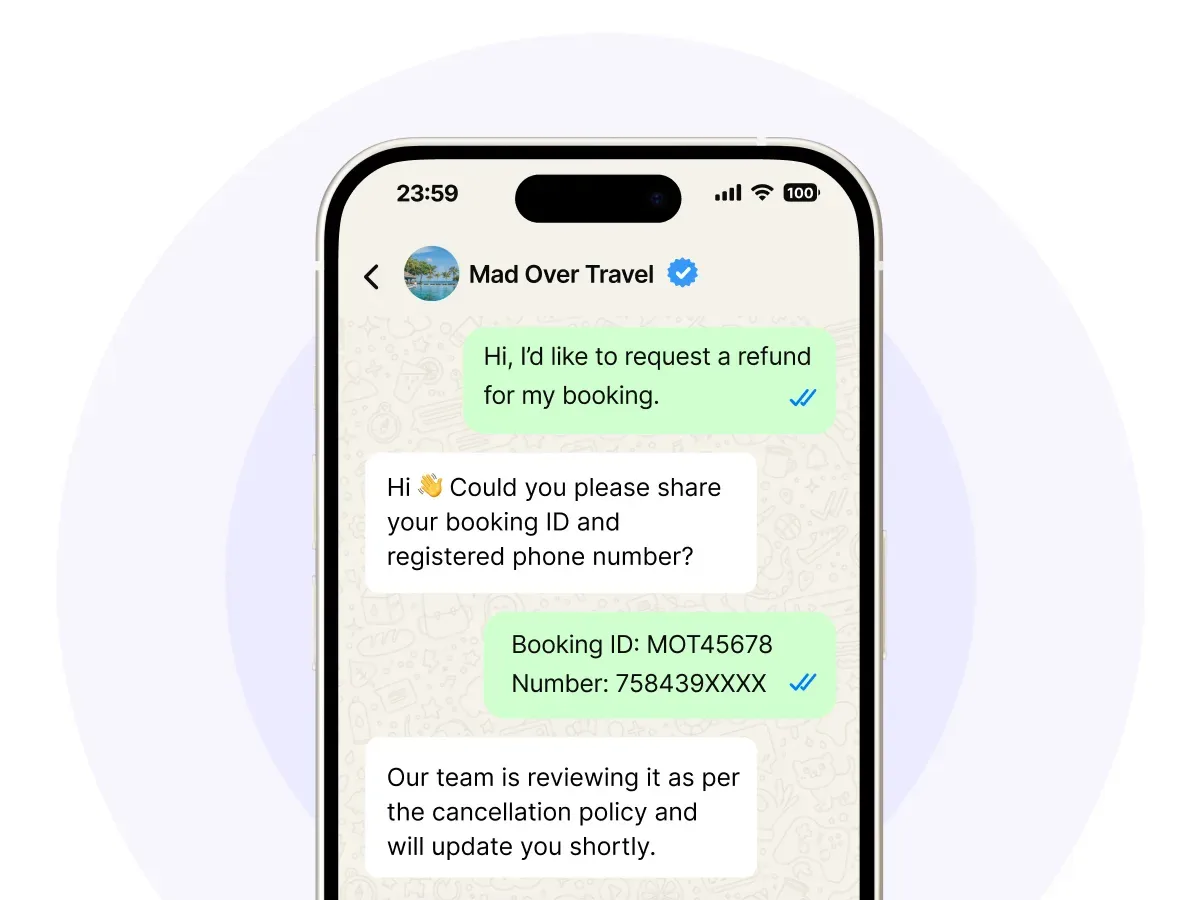
A Service WhatsApp message is a free-form reply to a conversation the customer starts. It's used for customer support and is free when sent within the 24-hour service window.
Use it for:
· Answering questions
· Resolving complaints
· Handling support queries (manually or with an AI chatbot)
Key rule: When a customer messages you, a 24-hour service window opens during which your replies are free. Each new customer message resets the window.

Not Sure Which WhatsApp Message Category You Need?
Send the right message every time — and only pay for what you should. AiSensy helps you set up Marketing, Utility, Authentication, and Service messages the right way on the Official WhatsApp Business API.
What are the four WhatsApp message categories?
WhatsApp Business messages fall into four categories: Marketing, Utility, Authentication, and Service. Each category has different pricing and messaging rules.
Which WhatsApp message category is the cheapest?
Service messages are free within the 24-hour customer service window. Among paid categories, Utility and Authentication messages cost significantly less than Marketing messages.
What are the different types of WhatsApp templates?
WhatsApp templates are divided into three categories: Marketing, Utility, and Authentication. The category determines the template's purpose, pricing, and approval requirements.
What is the difference between WhatsApp Marketing and Utility messages?
Marketing messages are promotional and used for offers, campaigns, product launches, and customer re-engagement. Utility messages are transactional and provide updates related to a customer's action, such as order confirmations, shipping notifications, payment receipts, or appointment reminders.
Who decides which category my message falls into?
Meta determines the category during the template approval process. Businesses must select the appropriate category when creating the template.
Can I send promotional content in a Utility message?
No. Utility messages must be transactional and related to a customer action. Promotional content belongs in Marketing templates and may lead to reclassification or rejection.
Are Service messages really free?
Yes. When a customer messages your business, a 24-hour service window opens during which free-form replies can be sent without template charges, subject to Meta's applicable policies and limits.
What is the 24-hour customer service window?
The 24-hour window starts when a customer sends a message to your business. During this period, you can respond with free-form messages without using templates.
Do I need a template for every WhatsApp message?
No. Templates are only required when messaging customers outside the 24-hour service window. Within the active window, businesses can send free-form messages.
What are Authentication messages used for?
Authentication messages are used for OTPs, login verification, password resets, account recovery, and two-factor authentication (2FA).
Can I send bulk messages on WhatsApp?
Yes. Businesses can send bulk messages through the WhatsApp Business API using approved Marketing templates and customer opt-ins.
How are WhatsApp Business API charges calculated?
Charges depend on the message category and the recipient's country. Marketing messages are typically the most expensive, while Utility and Authentication messages cost less.
Does WhatsApp charge for incoming customer messages?
No. Businesses are generally not charged when customers send messages. Charges primarily apply to business-initiated messaging.
Why are Marketing messages more expensive?
Marketing messages are promotional and business-initiated, making them the highest-priced category under WhatsApp's pricing structure.
How can I reduce my WhatsApp messaging costs?
Use Service conversations whenever possible, classify transactional updates as Utility messages, avoid unnecessary Marketing campaigns, and consolidate messages to reduce template usage.
Can a template category be changed after approval?
No. If you want to change a template's category or content, you must create and submit a new template for Meta's approval.
Why does Meta reject WhatsApp templates?
Common reasons include:
Wrong template category selection
Promotional content inside Utility templates
Spammy wording or excessive capitalization
Incorrect variable formatting
URL shorteners
Poor grammar or formatting
Policy violations
Can I edit an approved WhatsApp template?
No. Once Meta approves a template, its content cannot be edited. Any modifications require creating a new template.
Can WhatsApp templates include buttons and media?
Yes. WhatsApp templates can include:
Images
Videos
Documents
Call-to-Action (CTA) buttons
Quick Reply buttons
A text component is typically required alongside media.
How long does WhatsApp template approval take?
Most templates are approved within a few minutes. In some cases, manual reviews can take several hours or up to 24 hours.
Are WhatsApp message rates the same in every country?
No. WhatsApp Business API pricing varies by country. Meta sets different rates based on the recipient's location and message category.
What is the difference between the WhatsApp Business App and WhatsApp Business API?
The WhatsApp Business App is designed for small businesses managing chats manually. The WhatsApp Business API is built for scale and supports automation, chatbots, CRM integrations, broadcasts, analytics, and multi-agent support.
Which WhatsApp message category has the highest delivery rates?
Utility and Authentication messages often achieve the highest engagement and delivery rates because they contain information customers expect and need.
Can small businesses use all WhatsApp message categories?
Yes. Any business using the WhatsApp Business API can send Marketing, Utility, Authentication, and Service messages, provided they comply with Meta's policies and use approved templates where required.
Launch Your WhatsApp Marketing the Smart Way
Join 210,000+ businesses using AiSensy to send compliant, cost-efficient WhatsApp messages across all four categories — with broadcasts, chatbots, and automation built in.⚡