Login
New —Your AI Teammate on AiSensy

Automate your WhatsApp Marketing with AiSensy AI Assistant

Your AI teammate inside the AiSensy WhatsApp Marketing & Engagement Dashboard. Ask in plain words to manage contacts, prepare broadcasts, and check campaign results.

250 FREE AI Assistant messages per project, available right now.

An AI Teammate for Your Everyday Dashboard Tasks

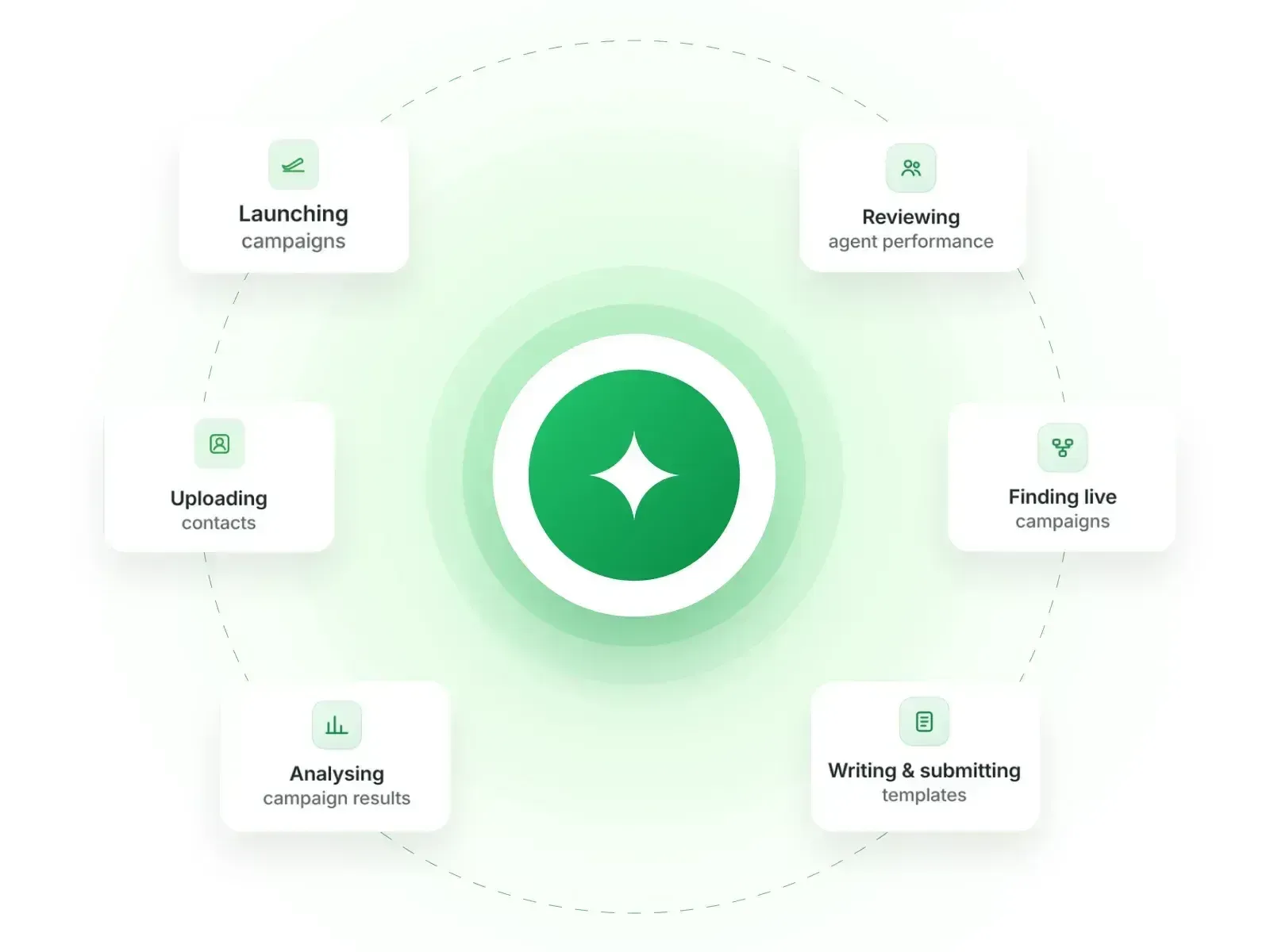
Turn everyday WhatsApp marketing tasks into a conversation. Tell AI Assistant what you need and keep working in the same chat, right inside your AiSensy dashboard.

  • Organise your audience

    Upload a CSV, find contacts and use tags to prepare the right audience for your next WhatsApp campaign.

  • Prepare your next campaign

    Explore templates, broadcasts, ads and chatbot flows. Add the details and review the next step in the same chat.

  • Get answers from your results

    Ask about campaign performance, messaging analytics and account details, then follow up to explore what matters.

  • aisensy-ai-assistant-overview-reused.webp

    USE CASES

    What You Can Do with AiSensy AI Assistant

    Bring everyday WhatsApp marketing and dashboard tasks into one conversation. Start with a question, share the details and follow up on the result.

    ai-assistant-upload audience.webp

    Contacts & Audiences

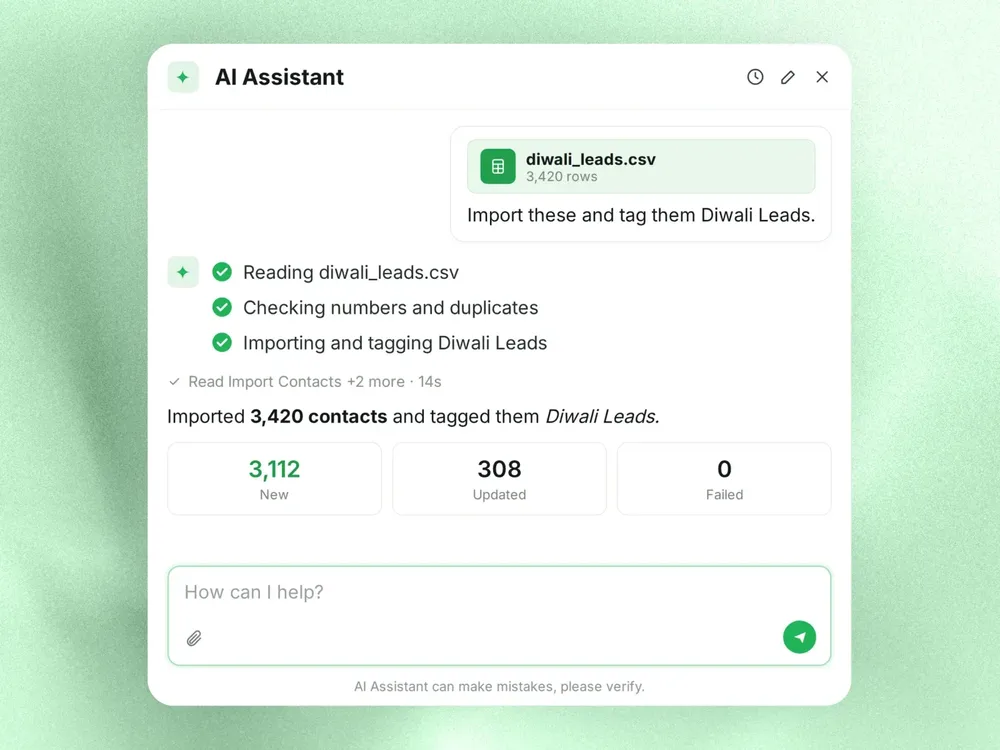
    Import a CSV, find contacts, check opt-in status and organise campaign audiences with tags.

    ai-assistant-whatsapp templates.webp

    Message Templates

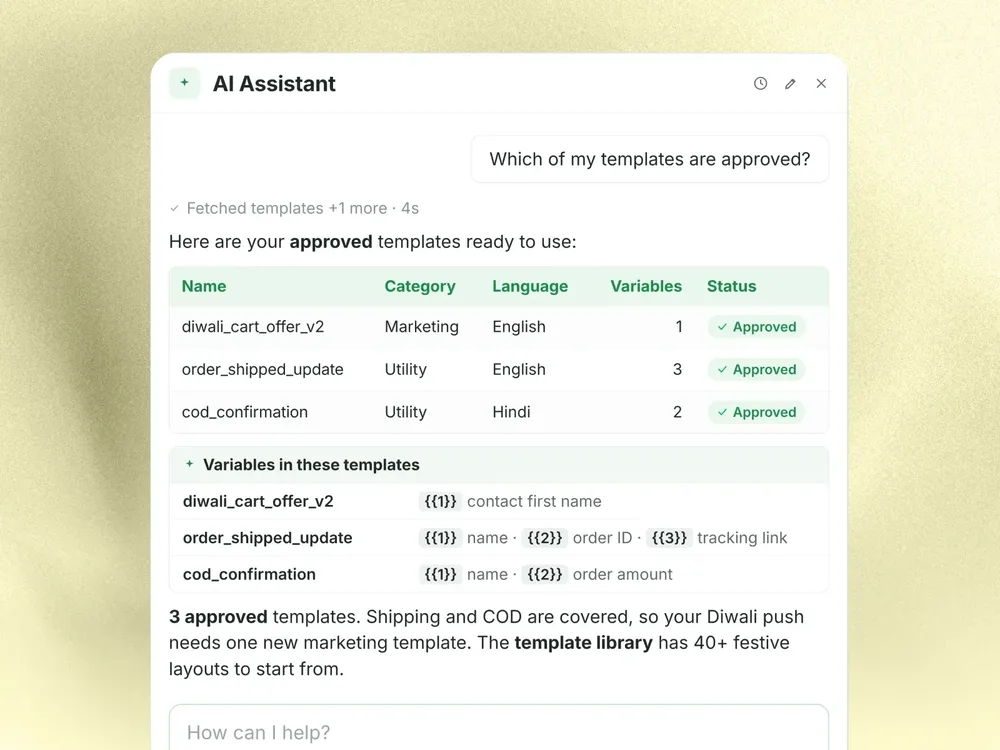
    Find approved templates, understand their variables and explore the template library for your next campaign.

    ai-assistant-whatsapp broadcast.webp

    WhatsApp Broadcasts

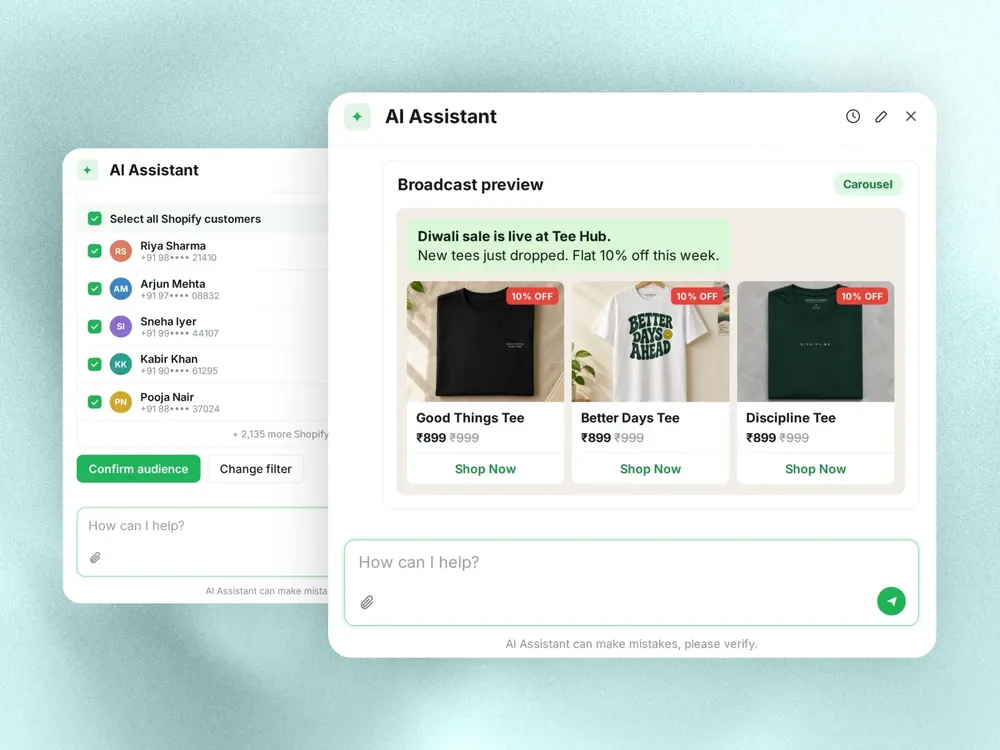
    Bring your opted-in audience, approved message and campaign details together, then review the next step.

    ai-assistant-ctwa.webp

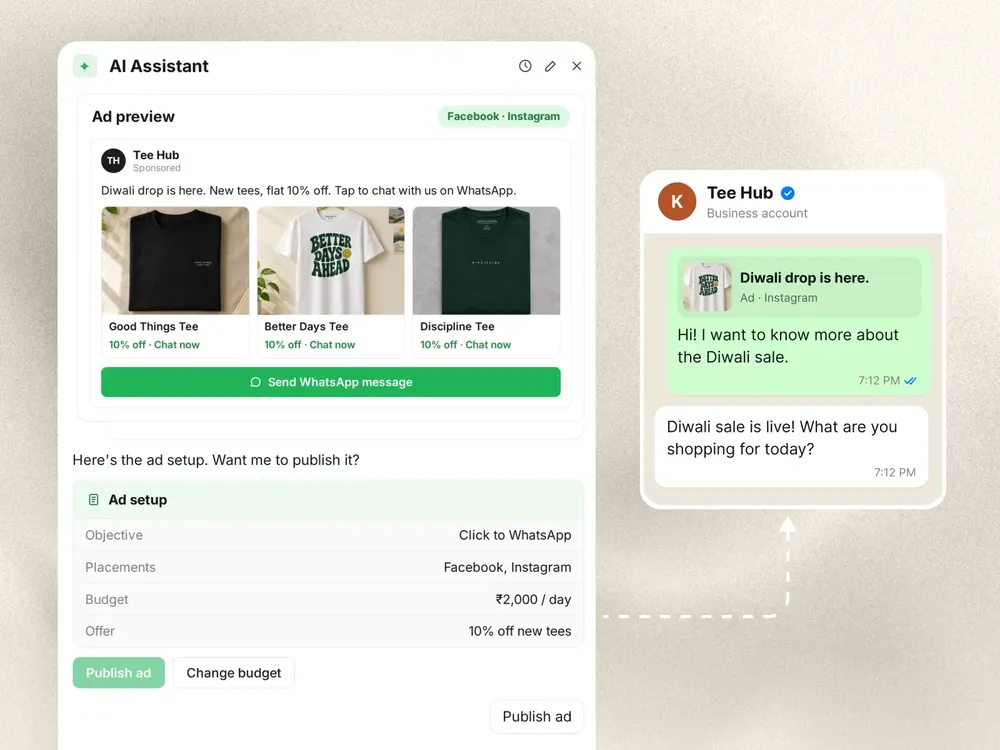
    Click-to-WhatsApp Ads

    Check active ad campaigns or work through a new campaign’s offer, audience, creative, budget and dates.

    ai-assistant-chatbot flows.webp

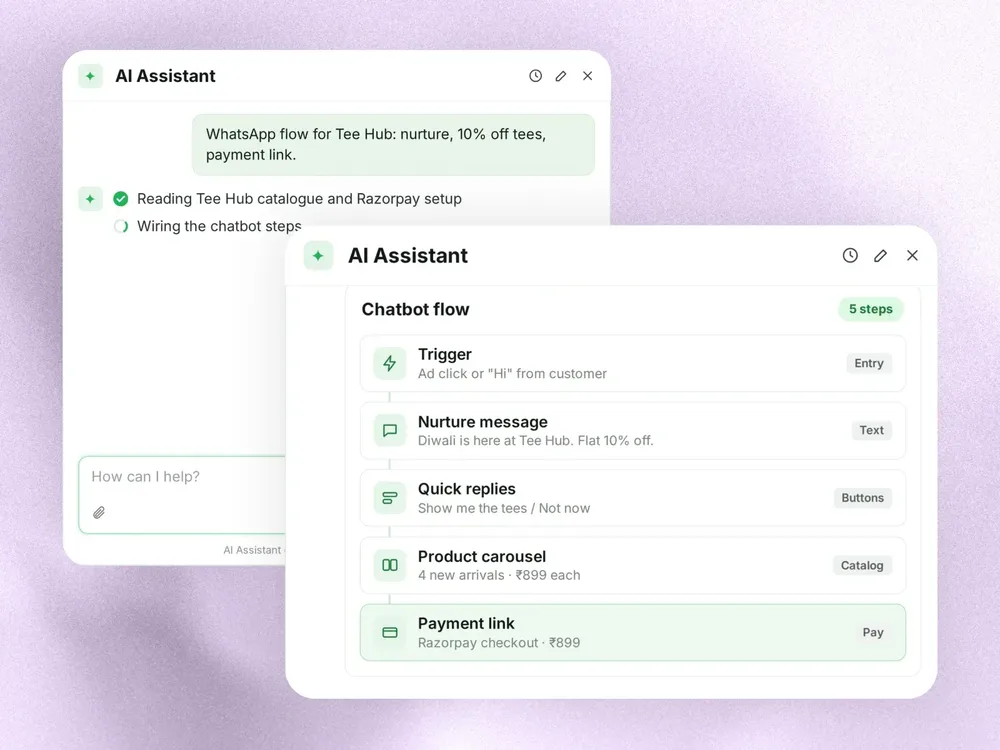
    Chatbot Flows

    Explore active flows and flow templates, or get help planning a welcome journey for your customers.

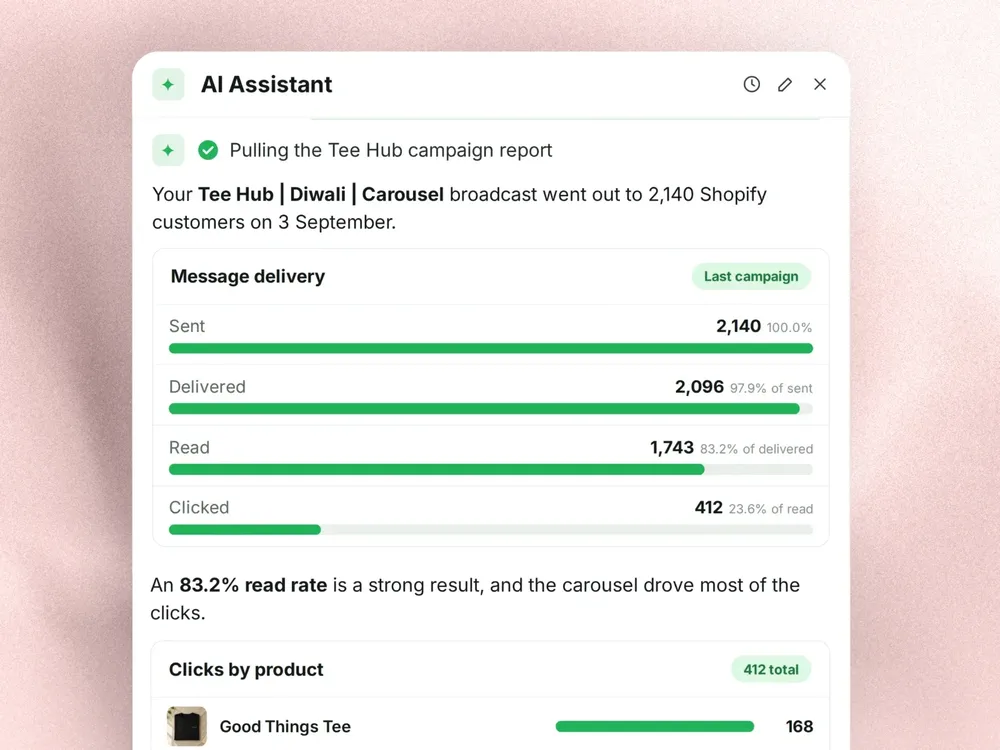
    ai-assistant-reports.webp

    Reports & Account Details

    Check messaging analytics, your credit balance, invoices and team members through chat.

    HOW TO

    How AiSensy AI Assistant Works

    Ask, add the details, review the next step and keep the conversation going. The graphics below show illustrative examples.

    01 · ASK

    Start with a task in your own words

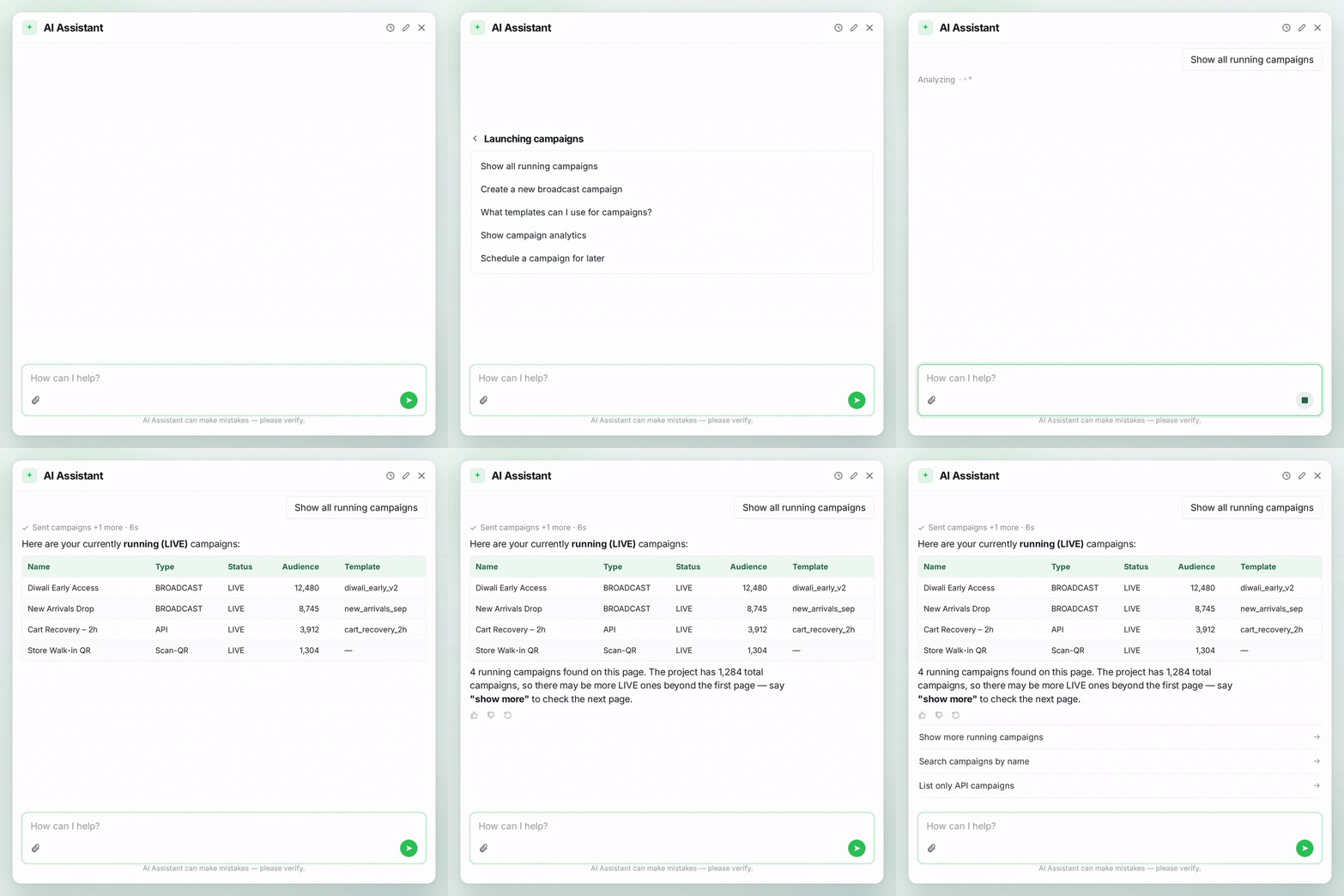
    Open the sparkle icon in your AiSensy dashboard and tell AI Assistant what you need. Choose a quick start or begin with a question about your project.

    • Find contacts and approved templates

    • Explore campaigns, ads and flows

    • Ask in English, Hindi or Tamil

    Open AI Assistant
    ai-assistant-live-campaigns-1x1.gif

    02 · ADD DETAILS

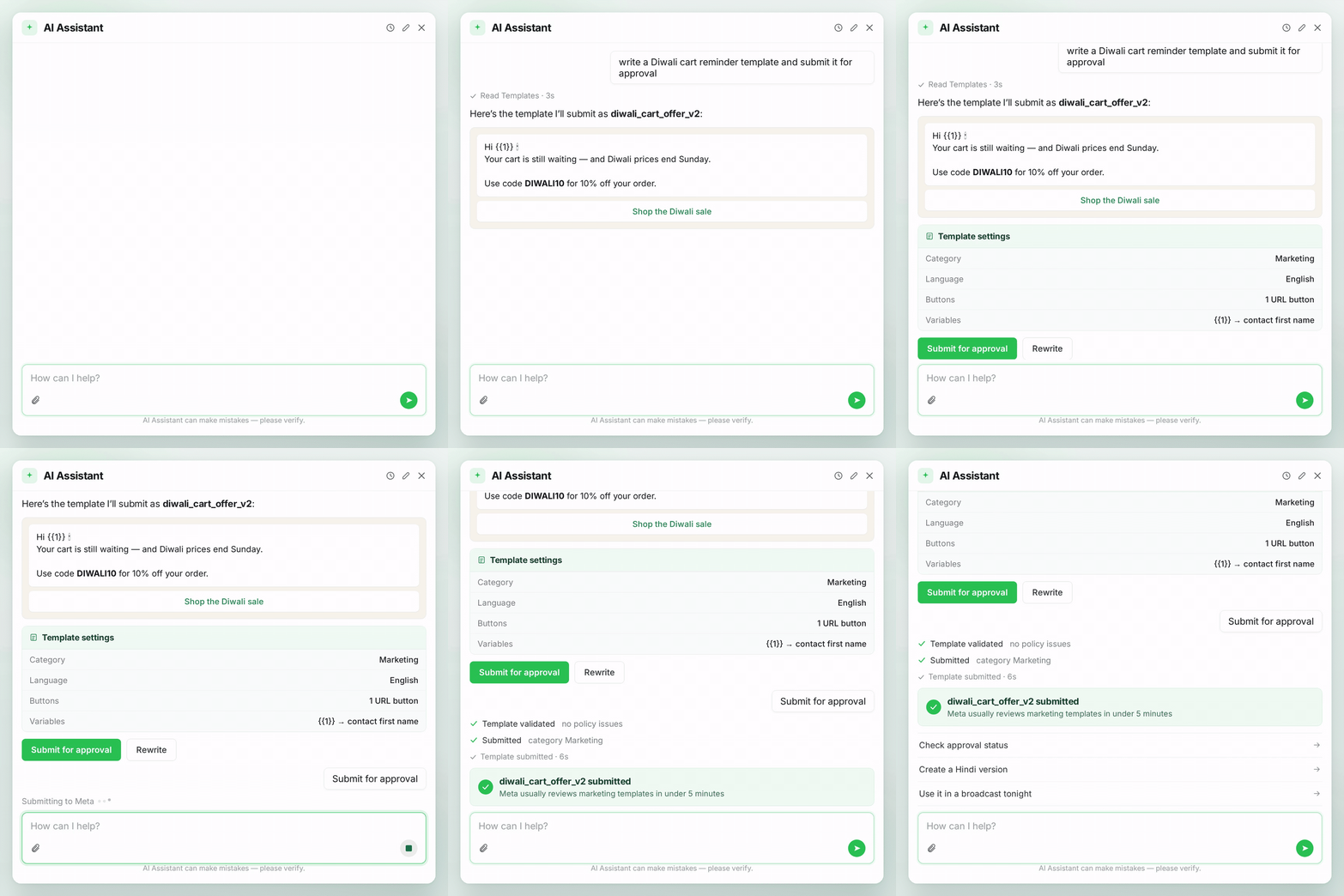
    Give your request the right context

    Share the audience, template, campaign name or date range that fits your task. Add the details the Assistant asks for and keep preparing the next step in the same chat.

    • Use your project’s actual tag and template names

    • Add message details and your preferred send time

    • Specify an ad budget or reporting period

    Learn More
    ai-assistant-template-1x1.gif

    03 · REVIEW

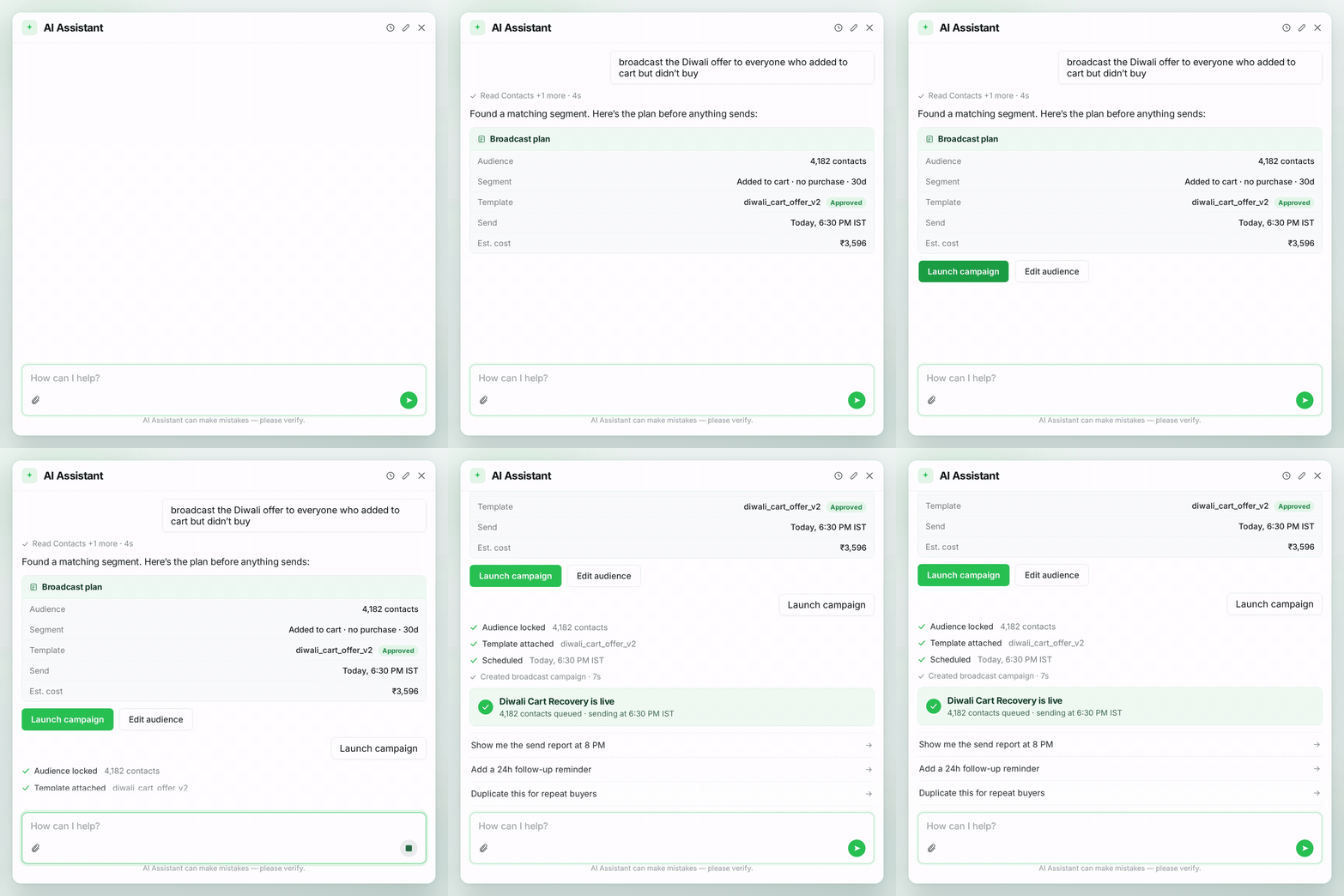
    Review the details and confirm

    Read the preview or confirmation request before proceeding. Check the audience and message for a broadcast, or the creative, budget and duration for an ad.

    • Check the selected audience and message

    • Review the budget and timing

    • Ask for a change before confirming

    Learn More
    ai-assistant-launch-broadcast-1x1.gif

    04 · FOLLOW UP

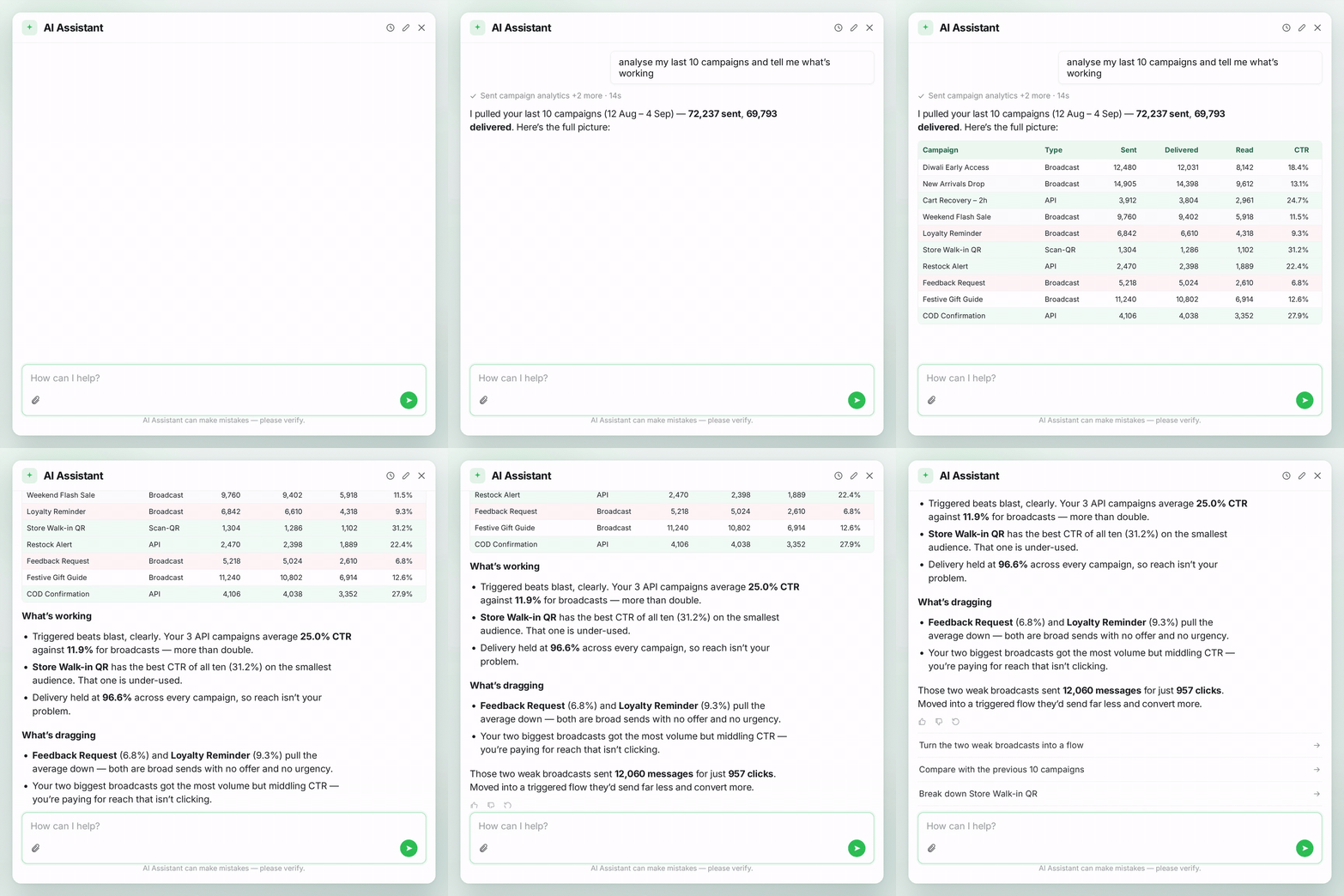
    Turn results into your next step

    Ask about your campaign’s results, check the date range and explore the answer with a follow-up. Return to Chat History whenever you want to continue a past conversation.

    • Check sent, delivered, read and failed counts

    • Explore a campaign or reporting period

    • Continue with your next question

    Learn More
    ai-assistant-analyse-campaigns-1x1.gif

    Your next dashboard task starts with a chat.

    Open AiSensy, select the sparkle icon and tell AI Assistant what you need. Try your 250 free messages today.

    AiSensy AI Assistant FAQs

    Getting started, supported tasks and your message allowance.

    What is AiSensy AI Assistant?

    AiSensy AI Assistant is a chat panel inside your AiSensy dashboard. Use it to find project information and get help with contacts, campaigns, ads and chatbot flows.

    Where can I find AI Assistant?

    Log in to your AiSensy dashboard and select the sparkle icon in the top-right corner. Type your request or choose a quick start for contacts, campaigns, ads or flows.

    What can I ask AI Assistant to do?

    You can find contacts and approved templates, prepare broadcasts and check campaign results. You can also ask about your plan, credits and team, or get help with ads and chatbot flows.

    How do the 250 free messages work?

    Each AiSensy project currently includes 250 free AI Assistant messages. These are messages you send in the dashboard chat; customer WhatsApp messages and related charges are separate.

    Can I review an action before it goes ahead?

    Yes. Before an action sends messages, spends credits or deletes data, the Assistant shows a preview and waits for your confirmation. Review the details and confirm when you are ready.

    How is AI Assistant different from AiSensy AI Agent?

    AI Assistant helps your team work inside the AiSensy dashboard. AiSensy AI Agent handles conversations with customers on WhatsApp.