WhatsApp AI Agent by AiSensy
WhatsApp AI Agent for Sales
Convert WhatsApp enquiries into orders, automatically. Train the ready-made Sales AI Agent on your products & let it sell round the clock.
No coding needed!

WhatsApp AI Agent by AiSensy
WhatsApp AI Agent for Sales
Convert WhatsApp enquiries into orders, automatically. Train the ready-made Sales AI Agent on your products & let it sell round the clock.
No coding needed!
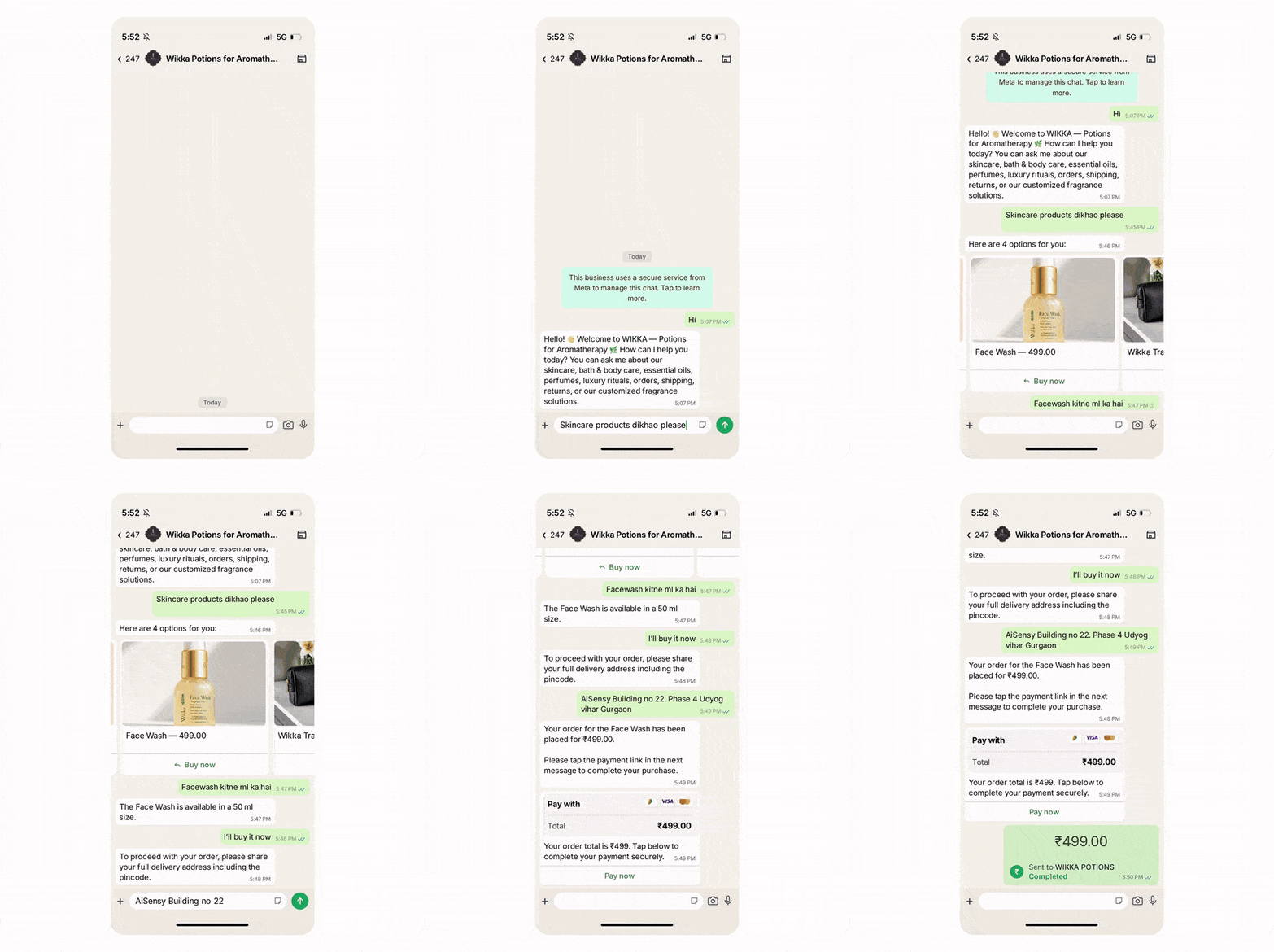
What Wikka's Sales AI Agent Actually Did
Skin concern, product match, objection, payment link, order confirmed - one chat, one agent.
Reads the Problem, Not the Keyword
A customer types "Anything for dry skin that isn't greasy?"
It is not a product name, not a category. The Sales AI Agent works out what they actually need and comes back with three lightweight picks, each with the price and the photo.
Knows All 49 Products. Nobody Had to Learn Them
Wikka's catalogue synced straight from the store, 49 products, all of them live. The agent recommends only from those, so nothing discontinued or out of range ever comes up in a chat.
Handles the Question That Usually Ends the Chat
"I'm not familiar with aromatherapy or essential oils."
Instead of a link to a blog post, the agent explains what it is and picks the conversation back up, which is exactly where first-time buyers in this category are won or lost.
Sale Closes Where the Conversation Already Is
A Razorpay link goes into the same thread - UPI, cards or netbanking. No checkout page to bounce off, no cart to abandon, order confirmed in the chat.
Key Terms: How AiSensy AI Agent works
A brief description on each section you'll see inside AiSensy AI Agent Studio and what each one actually does.
Business Profile
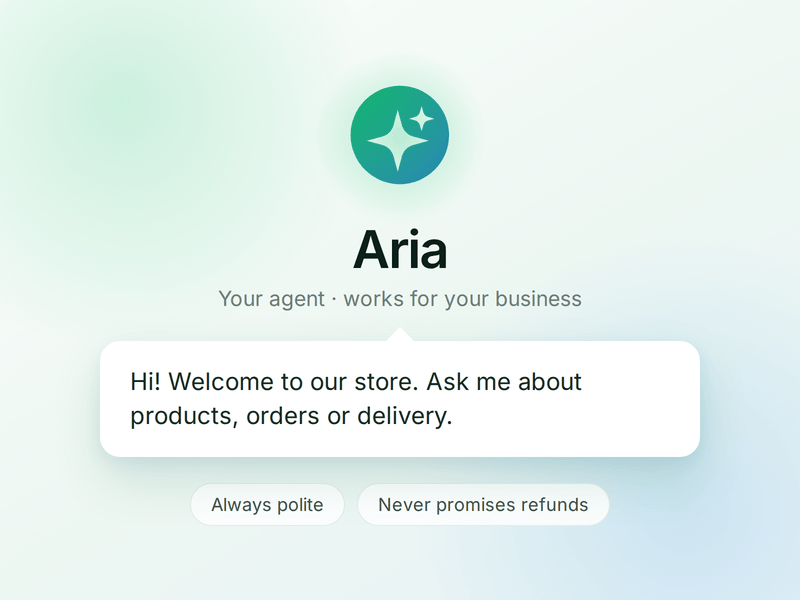
Who your agent is and who it works for. Your business details, the agent's name and greeting, and the ground rules it must always follow.
Knowledge
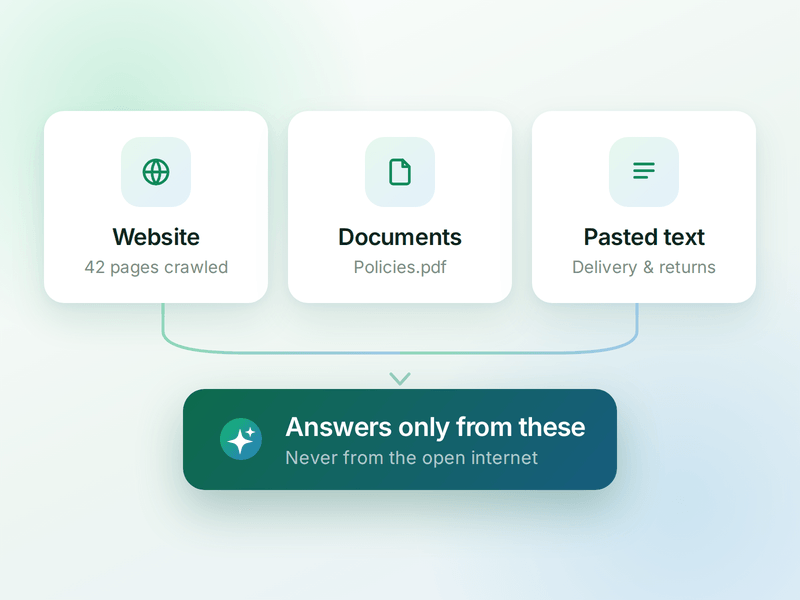
Everything your agent is allowed to know. Crawl your website, upload documents or paste text - the agent answers from these, not from the internet.
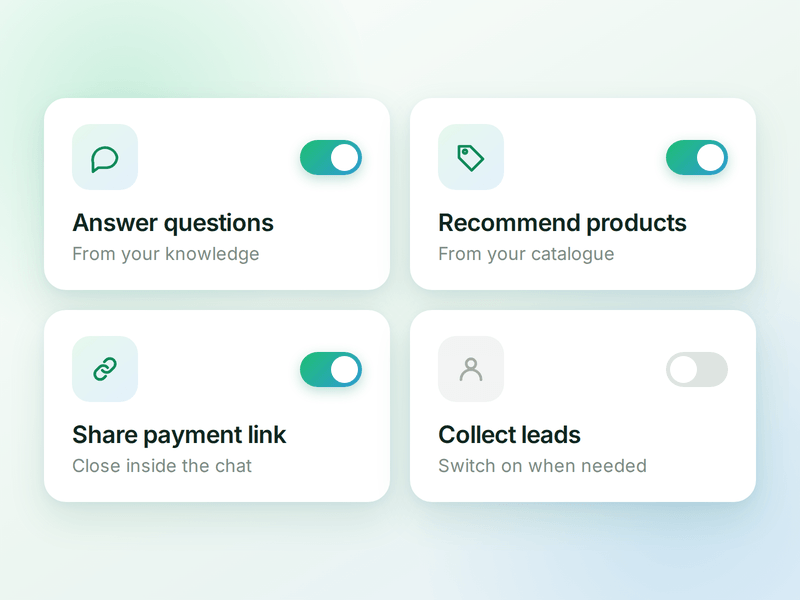
Skills
The jobs your agent can do. Switch on a ready-made skill or create your own, and the agent works out which one a conversation needs.
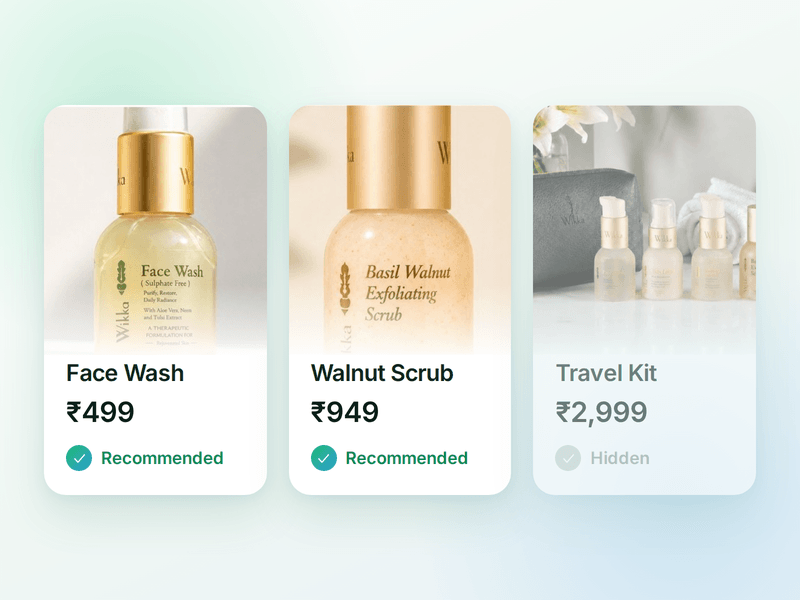
Products
The catalogue your agent sells from. Sync your store or add items by hand, then pick which ones the agent is allowed to recommend.
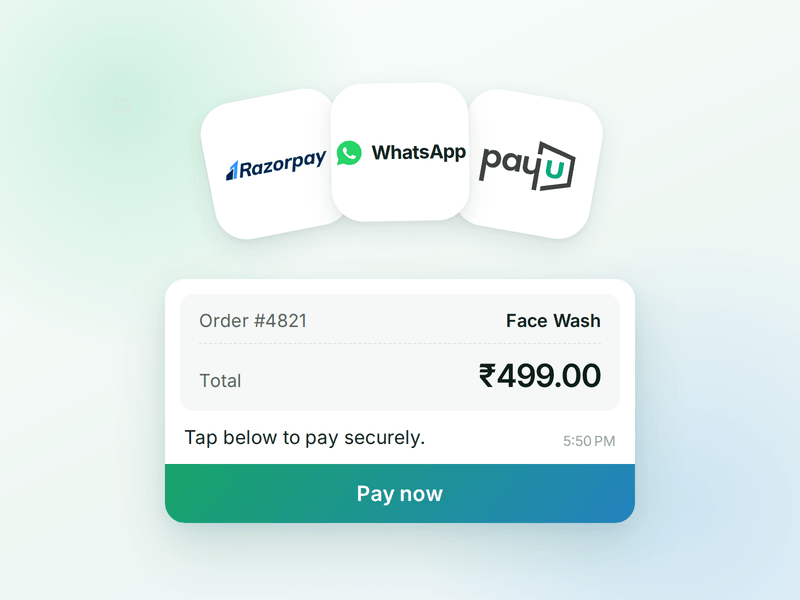
Payments
Your checkout, inside the chat. Connect Razorpay or PayU & the agent can send a secure payment link the moment a customer decides.
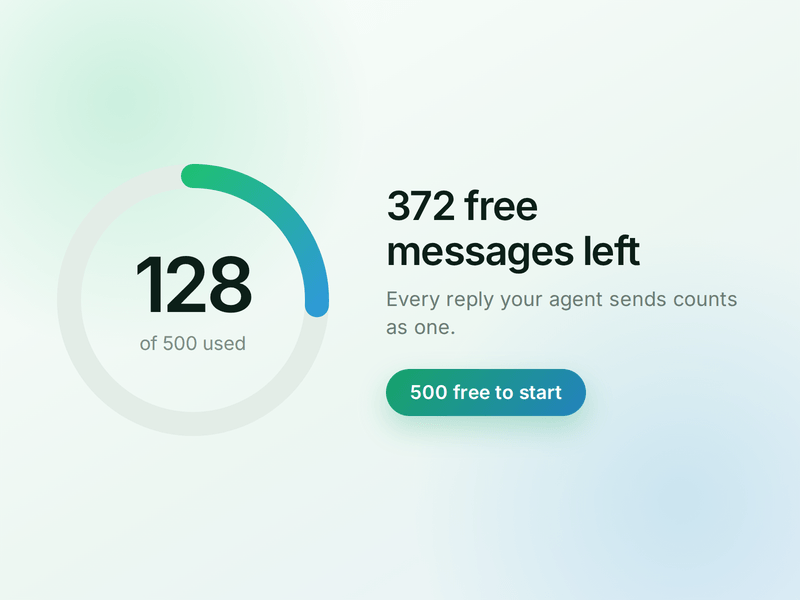
AI Messages
Each reply sent by your AI Agent counts as one AI Message and is deducted from your active plan. You get 500 free AI Messages to test your agent before going live.
How to Build Your WhatsApp Sales AI Agent in AiSensy
Here's how a real brand goes from zero to a live Sales AI Agent on WhatsApp.
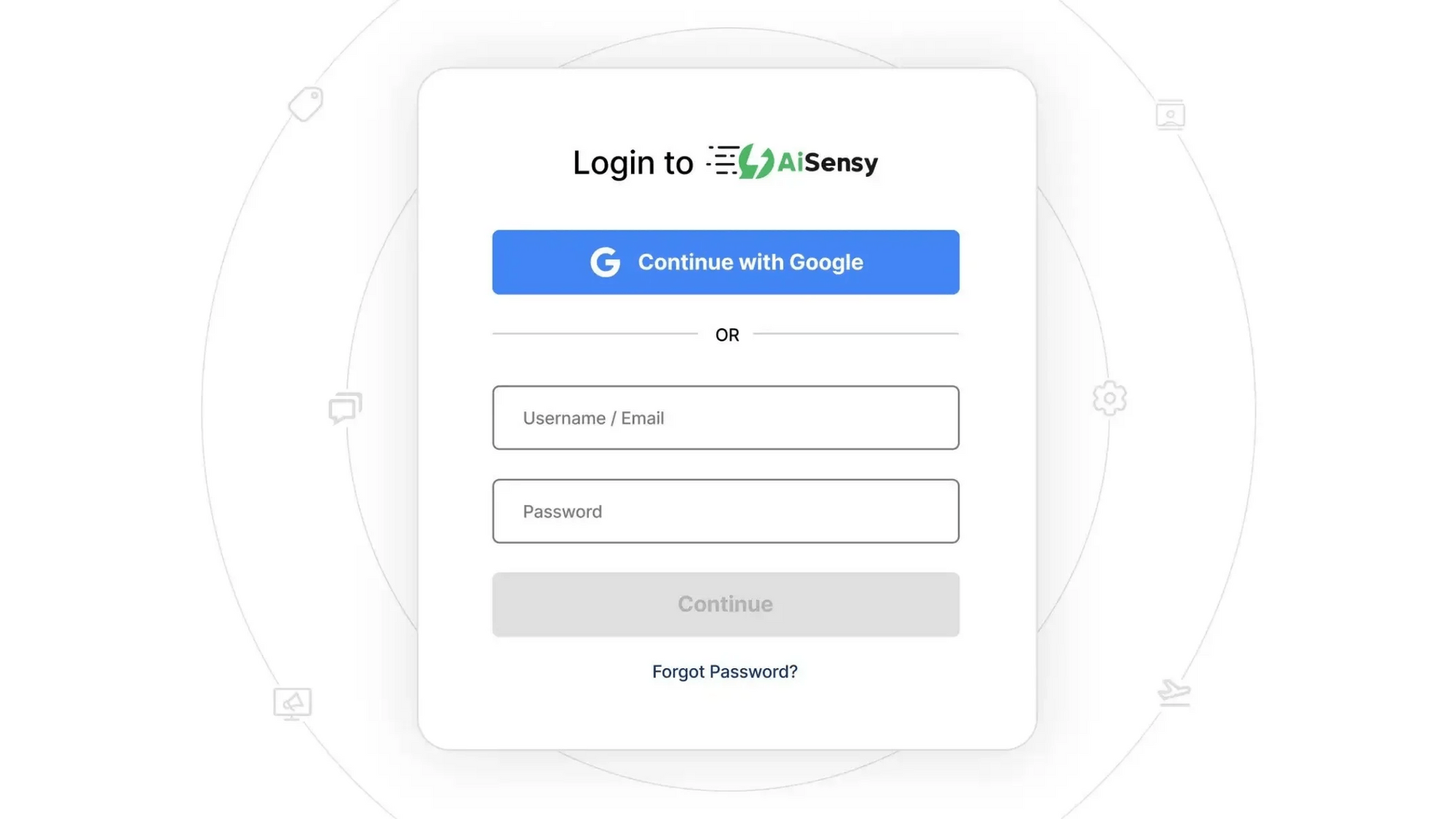
Sign up on AiSensy
Go to the AiSensy Signup Page. Create your account using either:
Your Google account, or
Your business email address by filling out the sign-up form.
Once signed up, Log in to AiSensy using the same Google account or email credentials.
Build Your Agent from Your Website
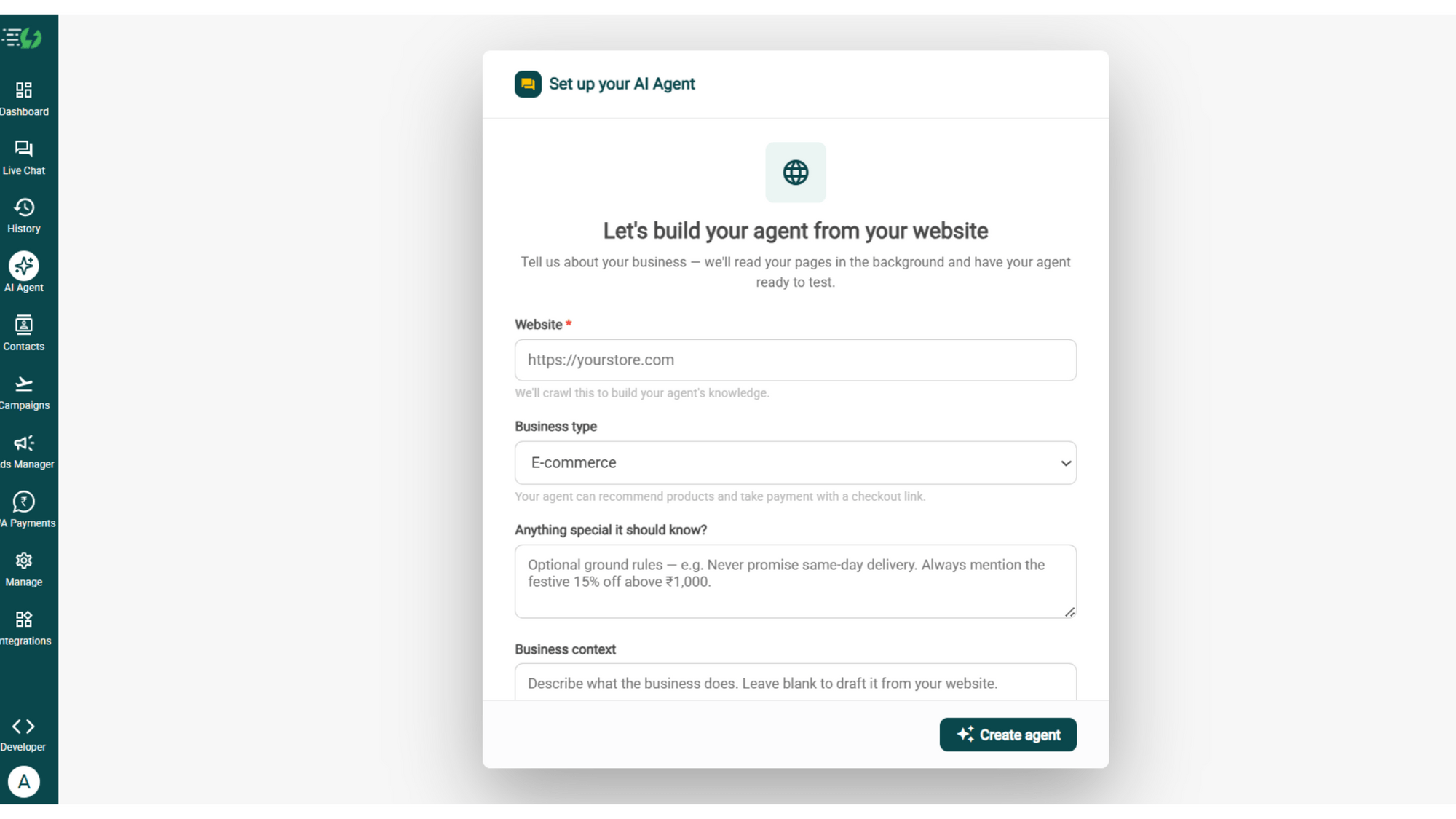
Once you are logged in, navigate to and click on AI Agent available on the navbar on the left.
Fill in the details given below:
Website (mandatory)
Business type
Anything special it should know? (optional)
Business context (optional)
Once you fill these details correctly, proceed to hit '✨ Create agent' button. AiSensy automatically builds an agent trained on your business.
Add Your Business Profile
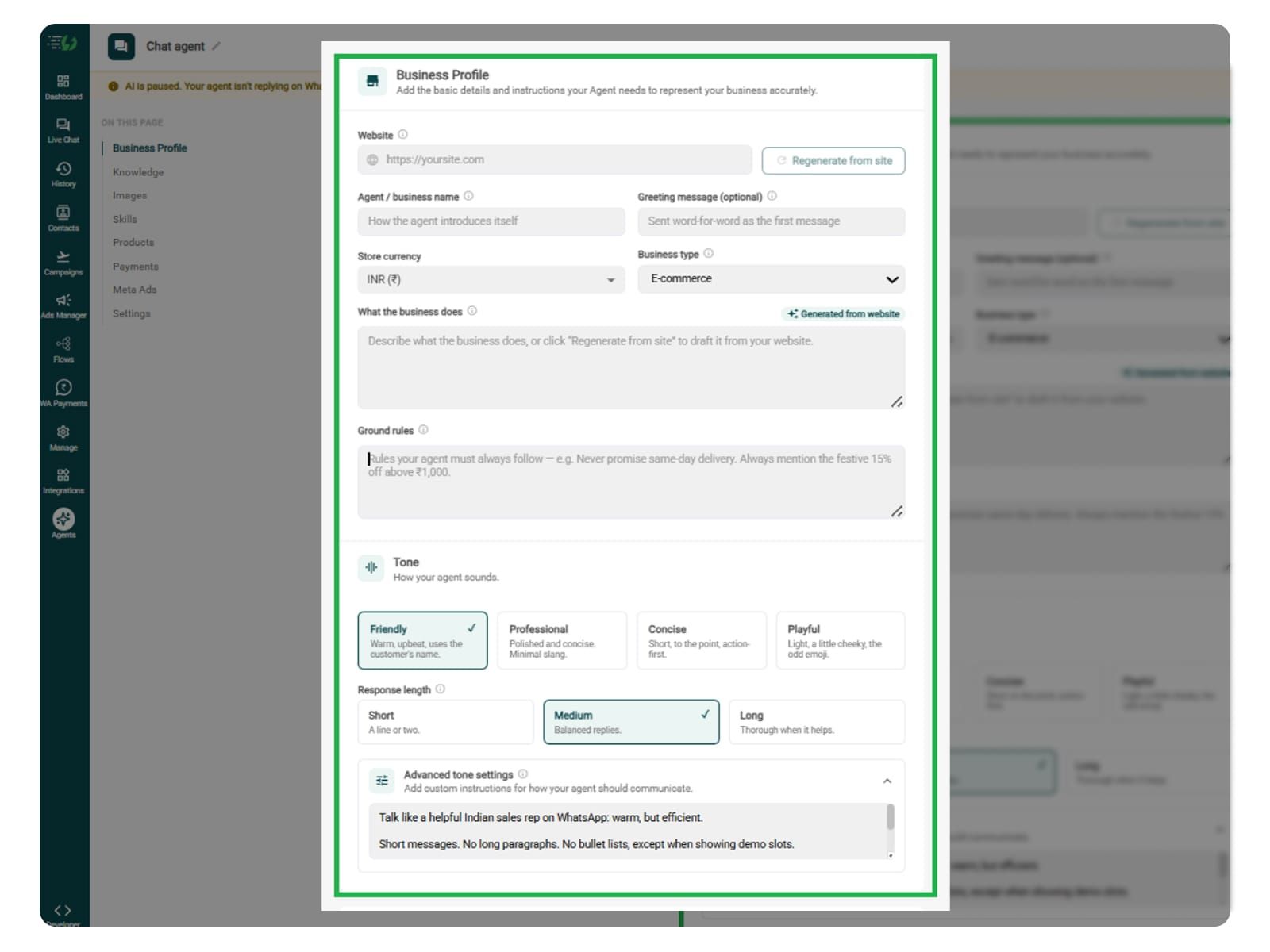
When you add your website, AiSensy auto-generates your business description. Set your agent's name, greeting, and a few ground rules it must always follow.
Fill the details given below:
Website (fetched automatically)
Agent/business name
Greeting message (optional)
Store currency
Business type
What the business does
Ground rules
Train the Agent with Your Knowledge
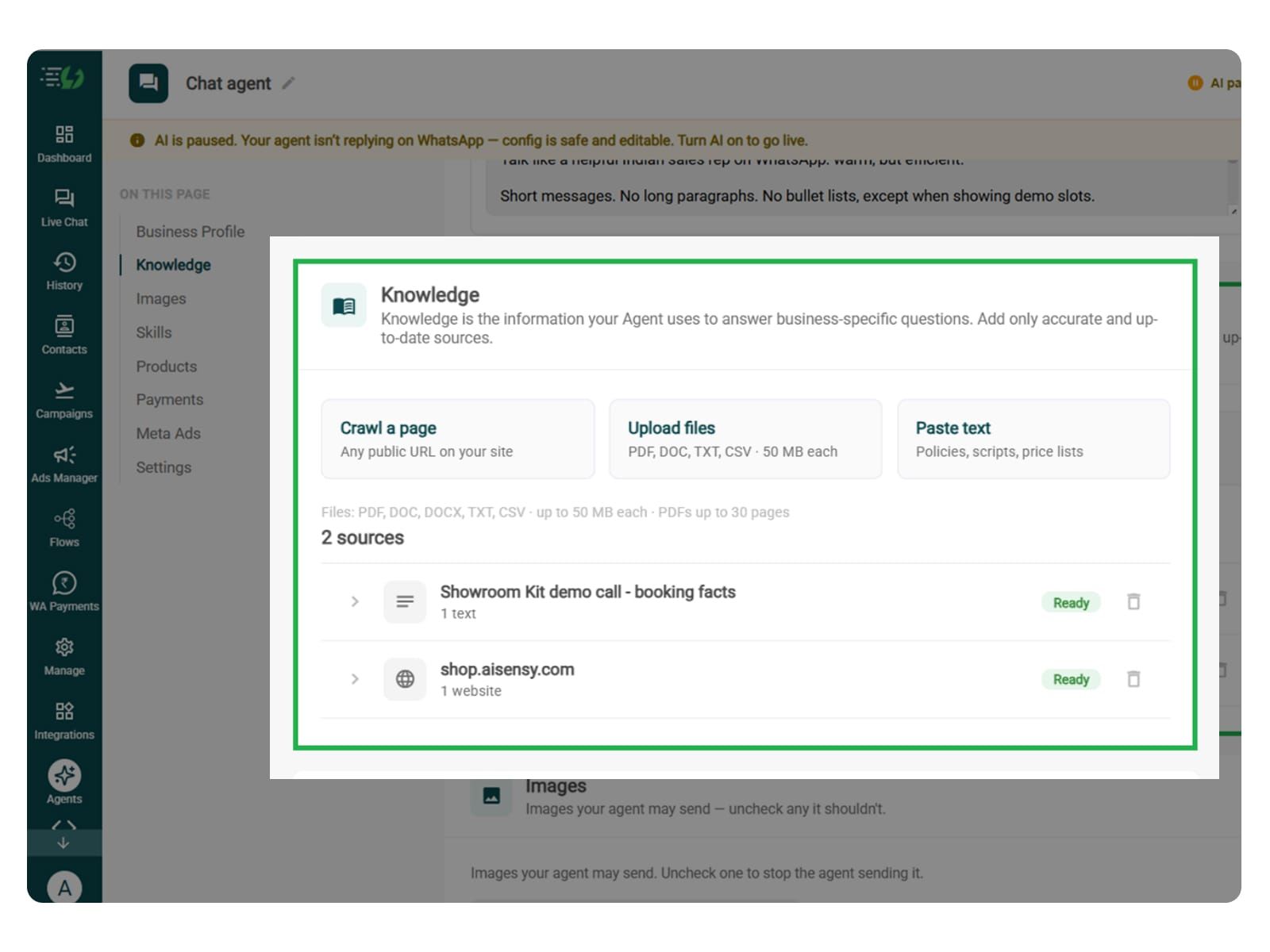
Train the agent on your business website. Include product or service details, pricing, approved offers, and common sales FAQs so it can answer customers’ questions using your business information.
You can also submit this information as PDF, DOC, TXT, or CSV files.
Every source shows “Ready” once learned.
Add your information using these options:
Crawl a page: Add a website URL.
Upload files: PDF, DOC, TXT, or CSV, up to 50MB each.
Paste text: Sales scripts, price lists, and policies.
Also include product comparisons and answers to common objections to help the agent guide customers towards a purchase.
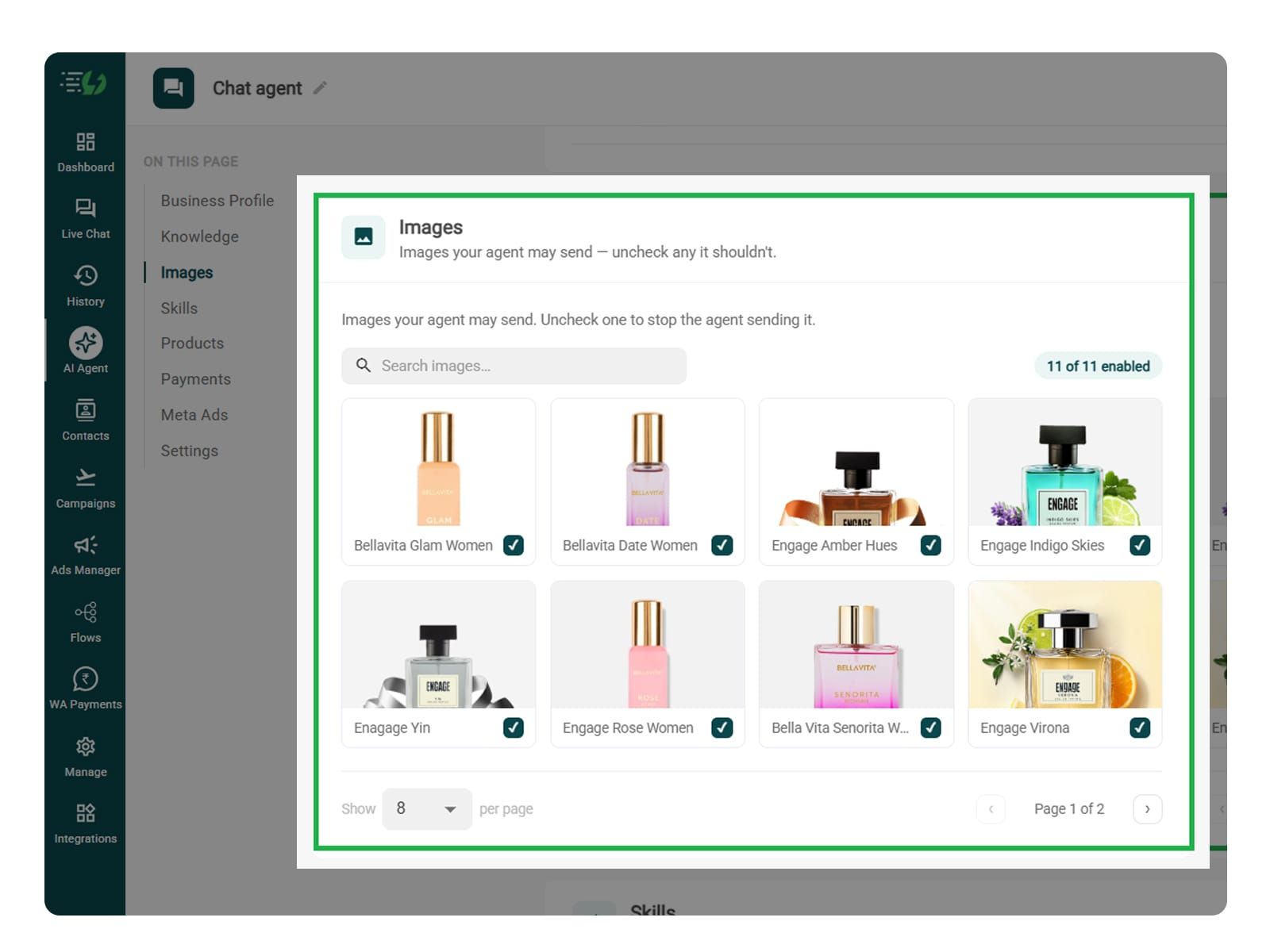
Choose the Images It Can Share (Optional)
This step is optional, but adding product images helps customers see what you’re offering and make a purchase decision.
When you add your website, the AI Agent fetches images from it (only from the website). Review which visuals it can share in chat, such as product photos.
Untick any image you don’t want the agent to send.
You can:
Manage your image library: Enable or disable individual images.
Search images: Quickly find the visuals you need.
Enable the Sales Skill on Your Agent
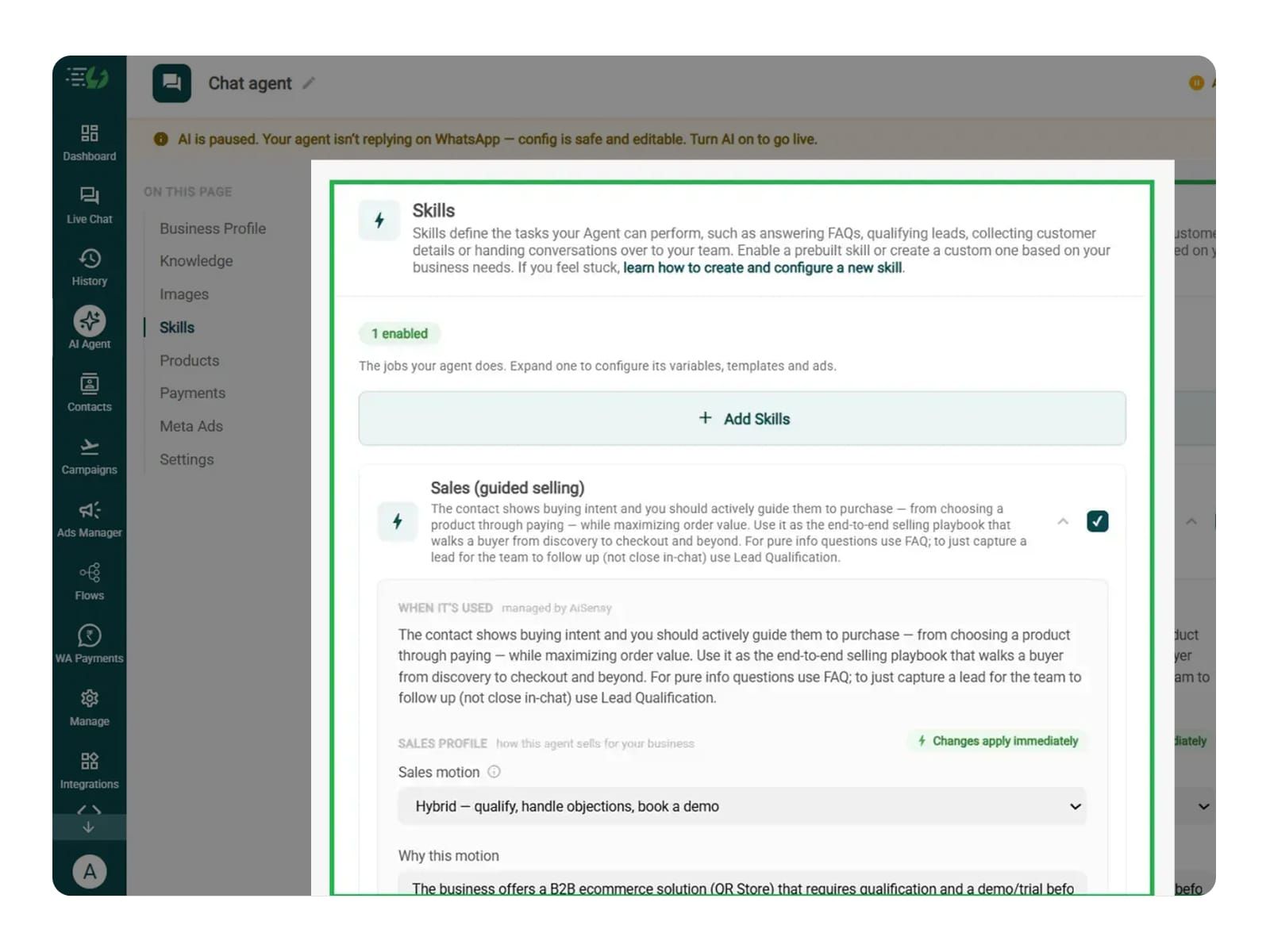
Sales is one of the pre-defined skills that you select simply by clicking on the checkbox available next to it.
Once you switch it on, you can expand it to set your cut-off and where a qualified applicant should go, then hit Done.
All you have to go through is:
Skills list
Enable the sales skill
Expand to configure its variables, templates & ads
Now, you must make sure that the instructions fed to the agent are clear and easy to understand. The agent behaves according to the instructions given to it.
The agent uses your instructions to help customers find and buy their desired products.
For more info, tap here to learn how to create a custom skill
Configure the Sales Skill
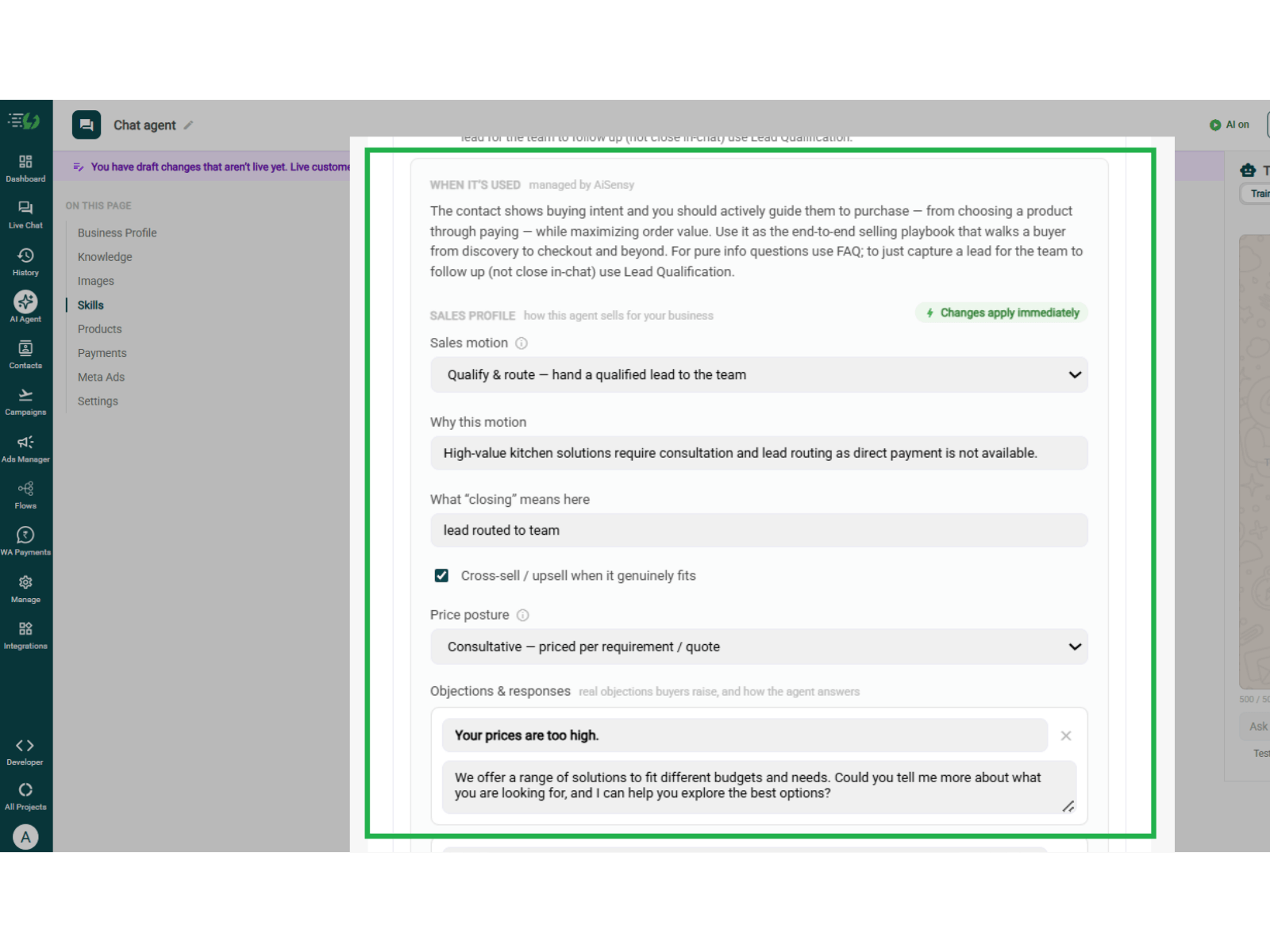
After you expand the already enabled sales skill, you can proceed to configure it by customizing how your agent guides customers towards a purchase or connects them with your sales team.
The 'When it’s used' section explains when it applies and is managed by AiSensy.
Under Sales Profile, configure:
Sales motion: Choose how the agent sells or routes leads.
Why this motion: Explain why it fits your business.
What “closing” means here: Define the goal, such as a purchase or demo booking.
Price posture: Set how the agent discusses pricing.
Cross-sell / upsell: Allow relevant product suggestions.
Objections & responses: Add common concerns and suitable replies.
Choose Capabilities and Connect Tools
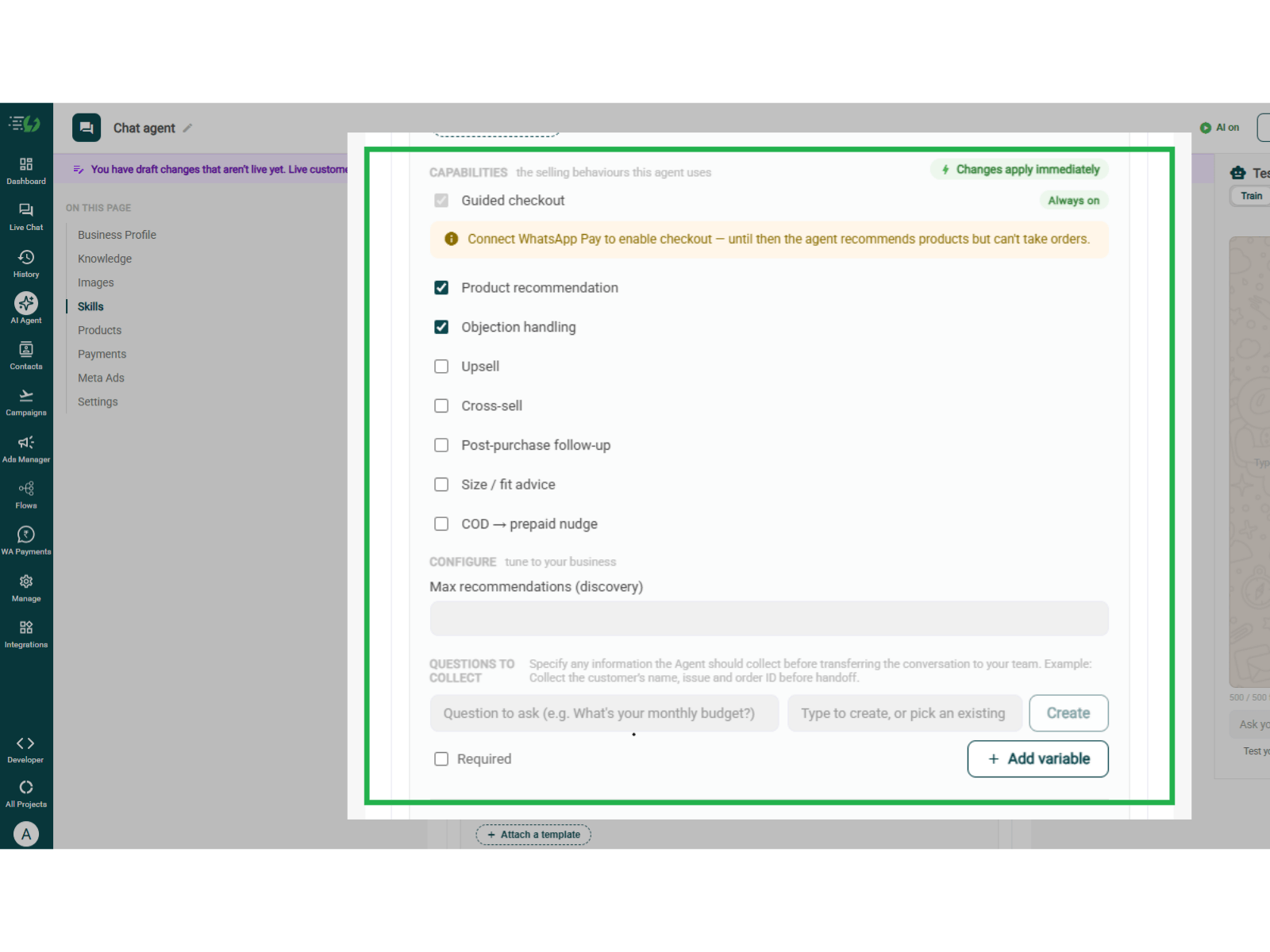
In this step, you can choose what your Sales agent can do and connect the tools it needs.
Capabilities: Enable recommendations, objection handling, and other relevant behaviours.
Max recommendations: Limit the number of products suggested.
Questions to collect: Add details needed before team handoff.
Connected tools / APIs: Connect business systems or define a new API.
Templates: Attach Attach approved WhatsApp messages.
Ad mapping: Select the ad linked to this skill.
Trigger a flow: Choose an optional chatbot flow.
The changes you make apply immediately.
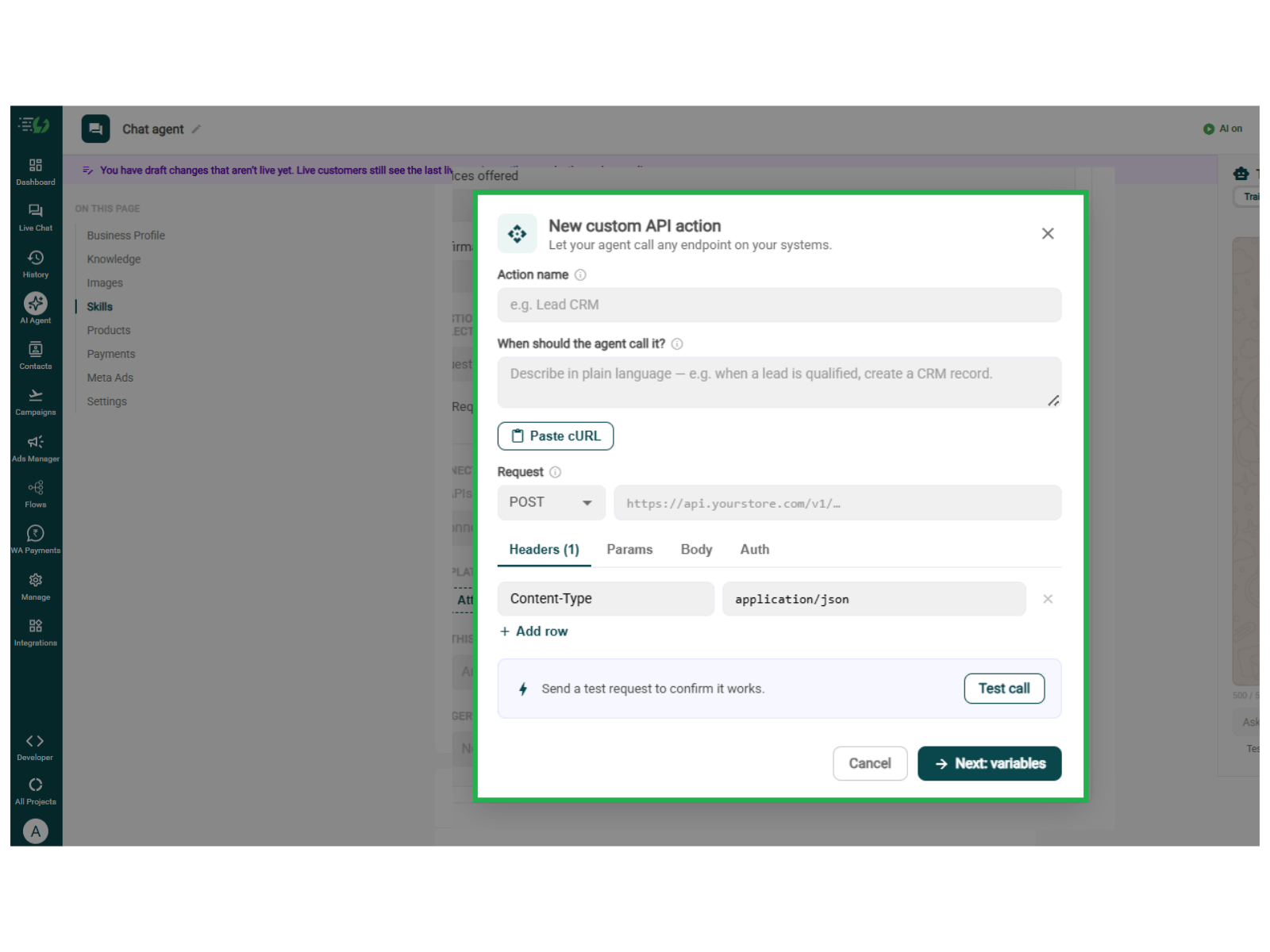
Define a New API (Optional)
If your Sales agent needs to access a business system, click + Define a new API under Connected tools / APIs.
Action name: Give the action a clear name.
When should the agent call it? Describe when it should run.
Request: Select the method and enter the API URL.
Headers, Params, Body & Auth: Add the details required by your API.
You can also use Paste cURL to import the request.
Click Test call to check it, then Next: variables to continue.
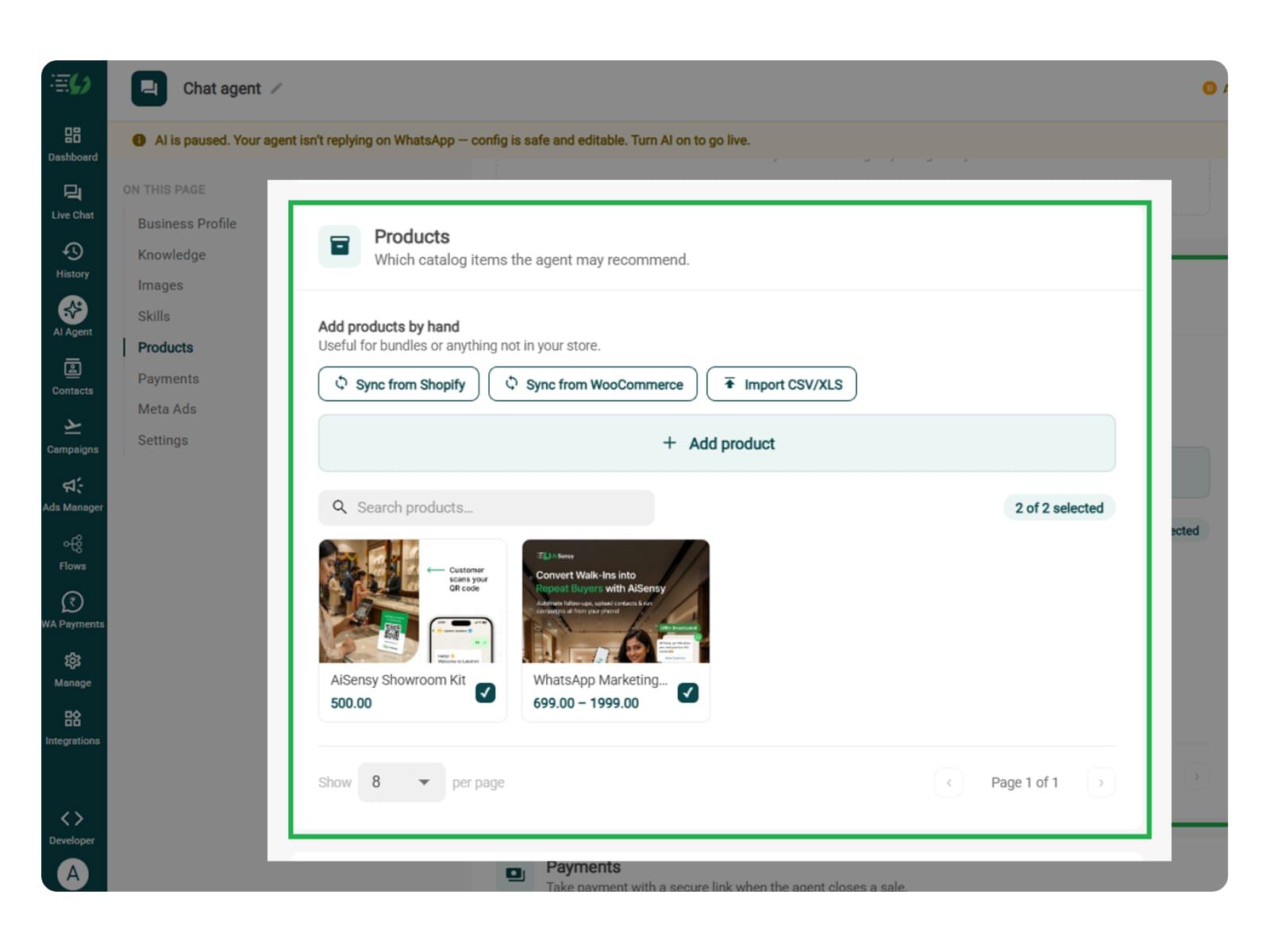
Add Your Products
In this step, you are supposed to add the images you want your sales agent to recommend to your customers. This way, customers receive suggestions from the actual images you upload.
Choose which catalog items the agent can recommend - so every suggestion comes from your actual range.
Catalog products (select what the agent may recommend)
Add products by hand (for bundles or items not in your store)
Sync from Shopify
Sync from WooCommerce
Import CSV/XLS
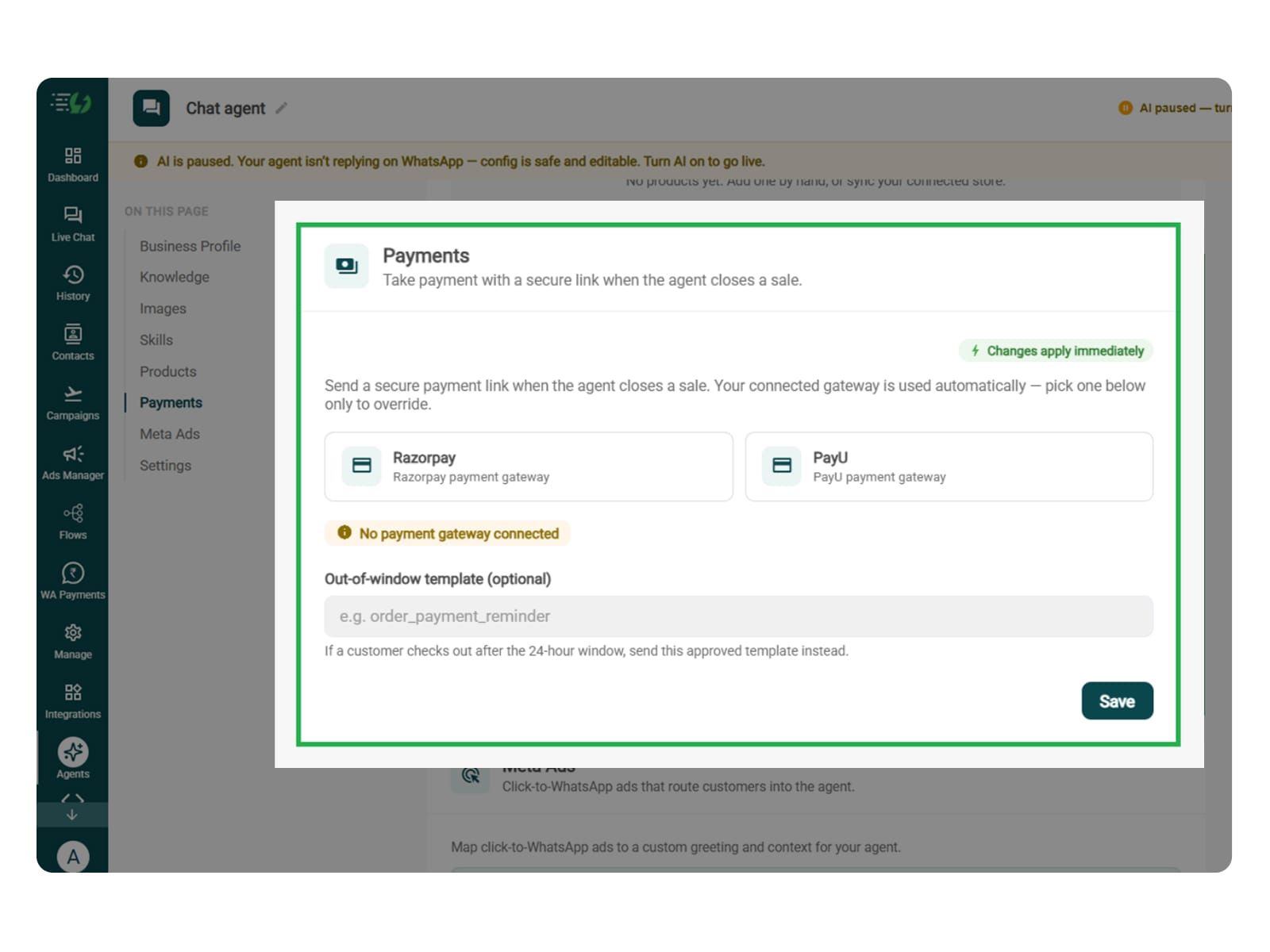
Connect Your Payment Gateway
Connect your payment gateway so the sales agent can share a secure payment link in WhatsApp when a customer is ready to buy. The transaction takes place in the chat itself.
You can skip this step if customers buy through website checkout or need a quote, demo, or salesperson first.
Payment gateway: Connect Razorpay or PayU.
Out-of-window template (optional): Select an approved template for payment messages sent outside the 24-hour customer service window.
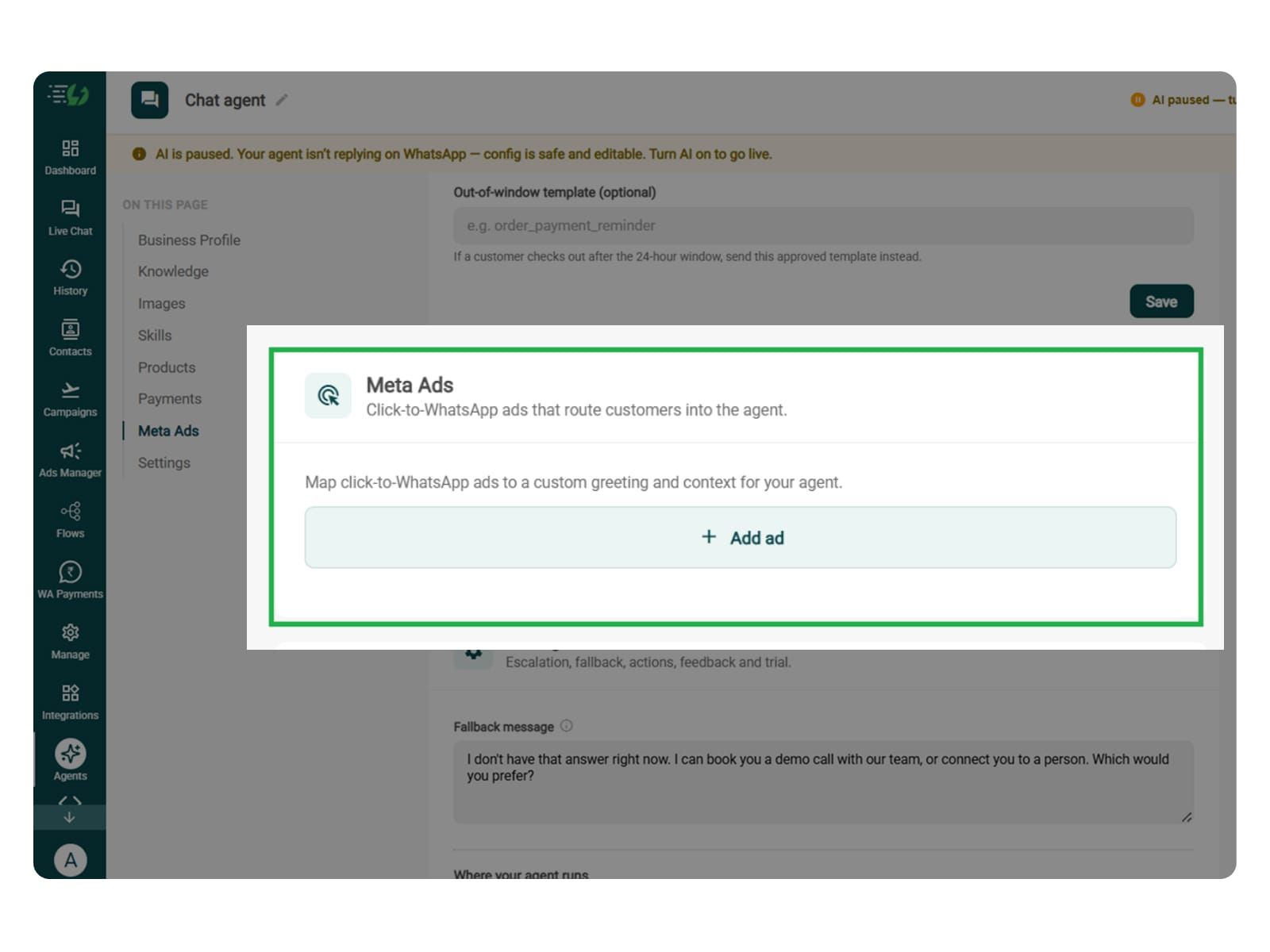
Link Your Meta Ads (Optional)
The step is only useful for Click-to-WhatsApp enquiries, helping the agent respond to the advertised product, service, or offer.
Map each ad to a custom greeting & context, so the agent knows exactly which ad brought the customer in.
Add ad (map ad → custom greeting & context)
Ad ID
Label
Greeting (first message to user)
Context (extra context for the agent)
Discount honoured at checkout (optional)
Products featured in this ad
Set Your Fallback & Handoff Rules
In this step, you must add triggers for custom pricing, negotiations, bulk orders, complex requirements, payment issues, and requests to speak with sales.
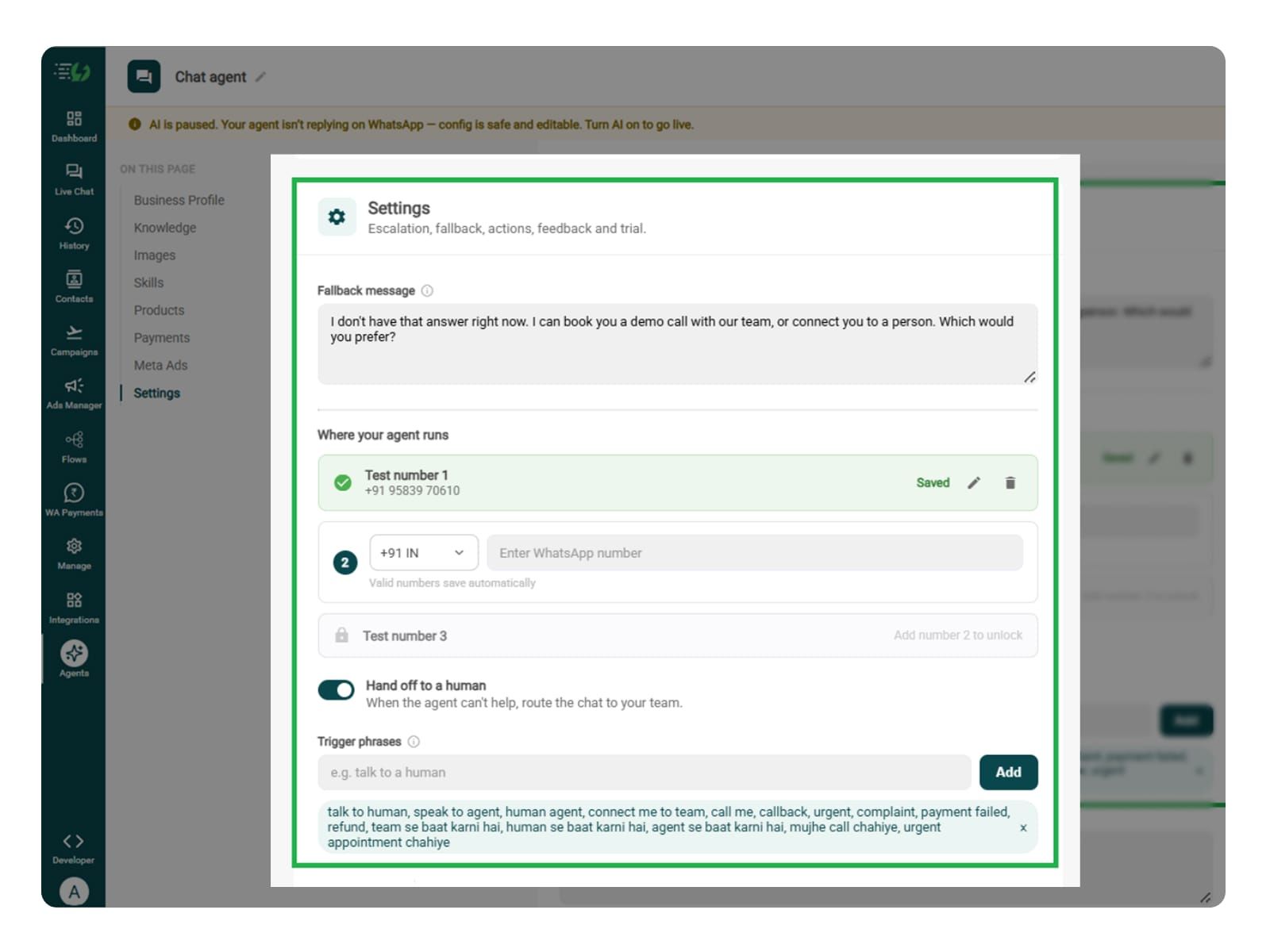
Decide what happens when the agent can't help. Write the fallback message, switch on Hand off to a human, and add the phrases that should pull a person into the chat.
What you must fill:
Fallback message
Where your agent runs: up to 3 test numbers
Hand off to a human: toggle
Trigger phrases
Handoff message
Connect Tools & APIs (Optional)
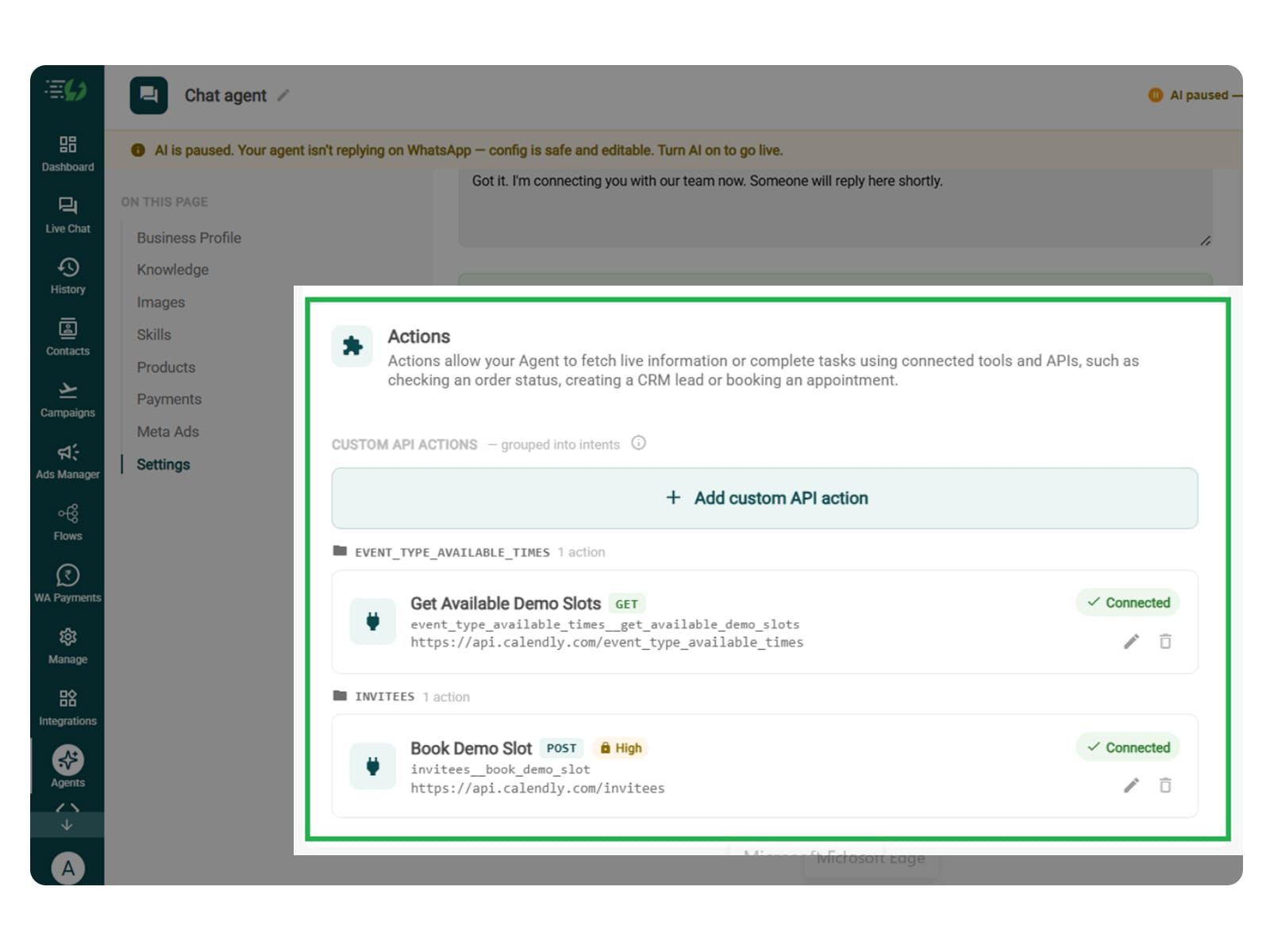
Connect tools and APIs if you want your sales agent to check live tracking links, create CRM leads, or retrieve order details.
You can skip this step if the agent only answers product questions and shares existing purchase links, or if your connected tools already handle the required actions.
Click Add custom API action, explain when the agent should use it, and paste your cURL request to fill in the request details.
Review the following fields:
Action name
When should the agent call it?
Paste cURL
Request: method + endpoint URL
Headers
Params
Body
Auth
Test call
Click Next: variables to continue.
Test, Publish & Go Live
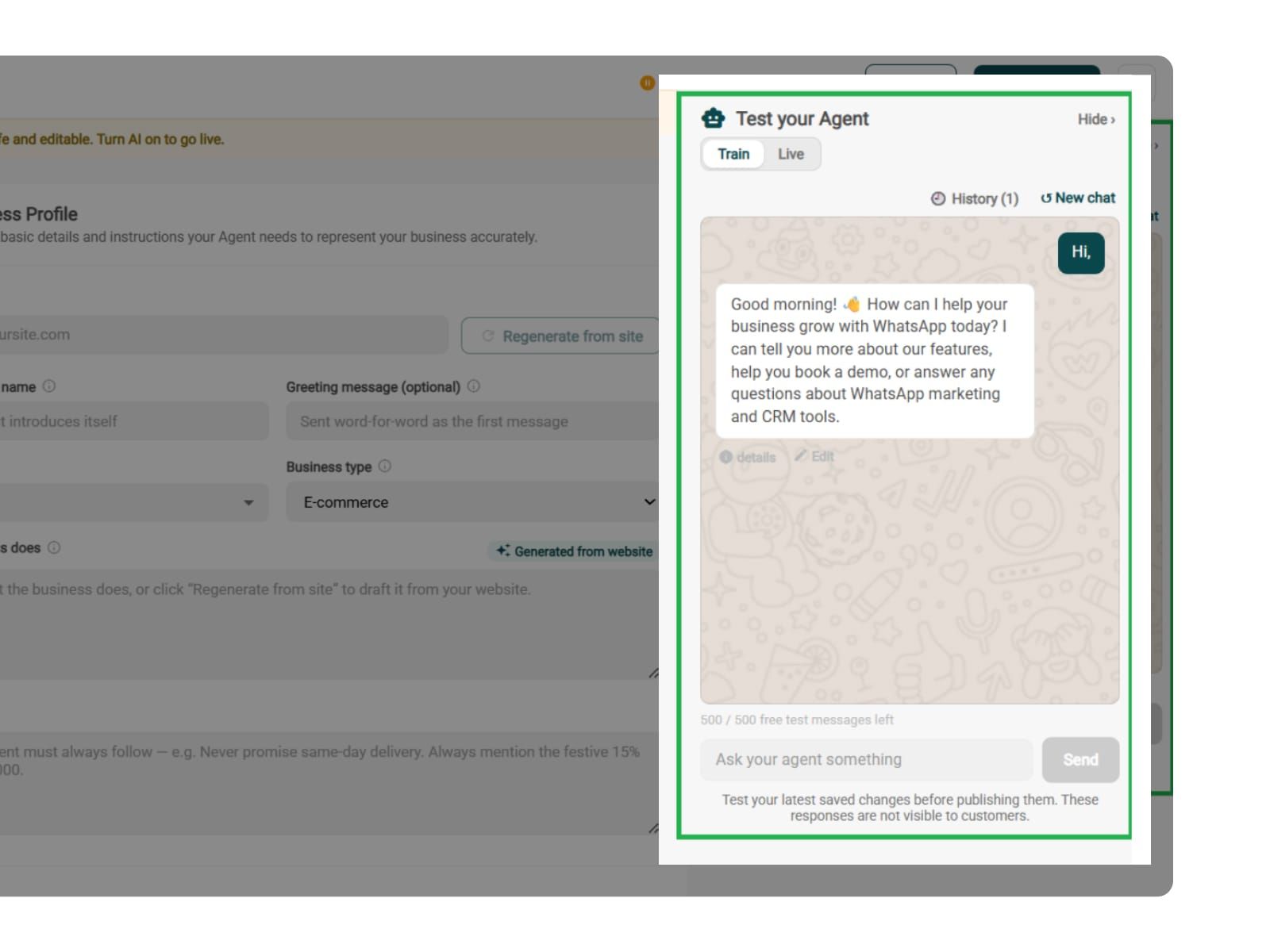
Before you go live, you can test product and service enquiries, budget objections, unavailable options, checkout, and handoff. You must ensure that the agent doesn’t invent discounts, availability, or successful transactions.
Chat with your agent before your customers do - 500 free AI messages to trial it. Happy?
Publish, switch the AI on & you're live.
Test your Agent panel (Train/Live modes)
Publish
AI on/off toggle