WHATSAPP CHATBOT LIBRARY
WhatsApp Chatbot Template for Candle Stores
Select a pre-built template and take scented gift orders instantly on WhatsApp.
🏆Award-winning
WhatsApp Business Partner
Trusted by 210,000+ Businesses across 68+ Countries
































HOW TO
5 Simple Steps to Create your WhatsApp Chatbot Flow
Pick a ready-made ecommerce chatbot flow, add your details, and start using it on WhatsApp
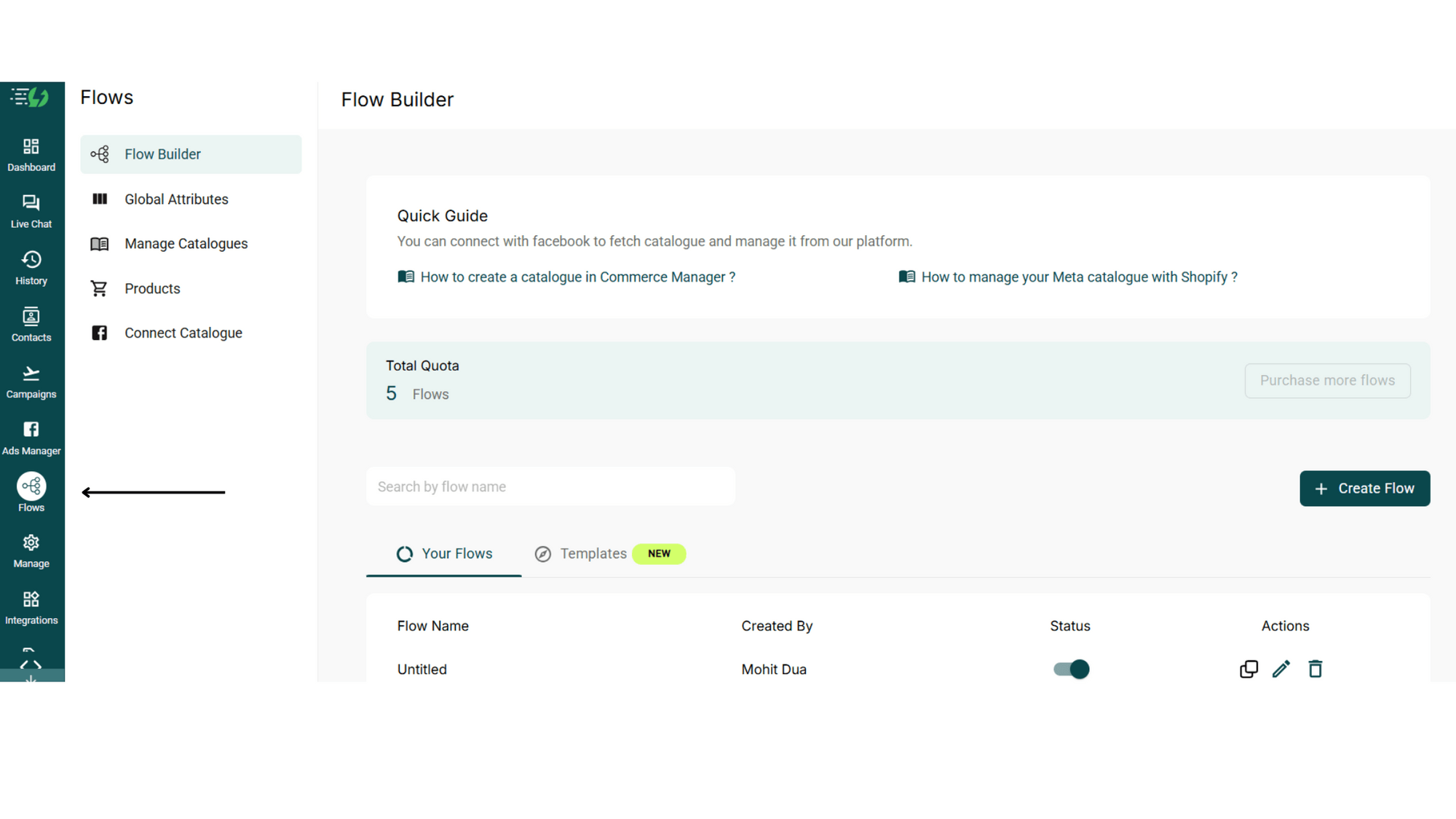
Open Chatbot Flows in AiSensy App
Create an AiSensy account and open the Flows section from your dashboard.
Go to Templates and Pick a Chatbot Template
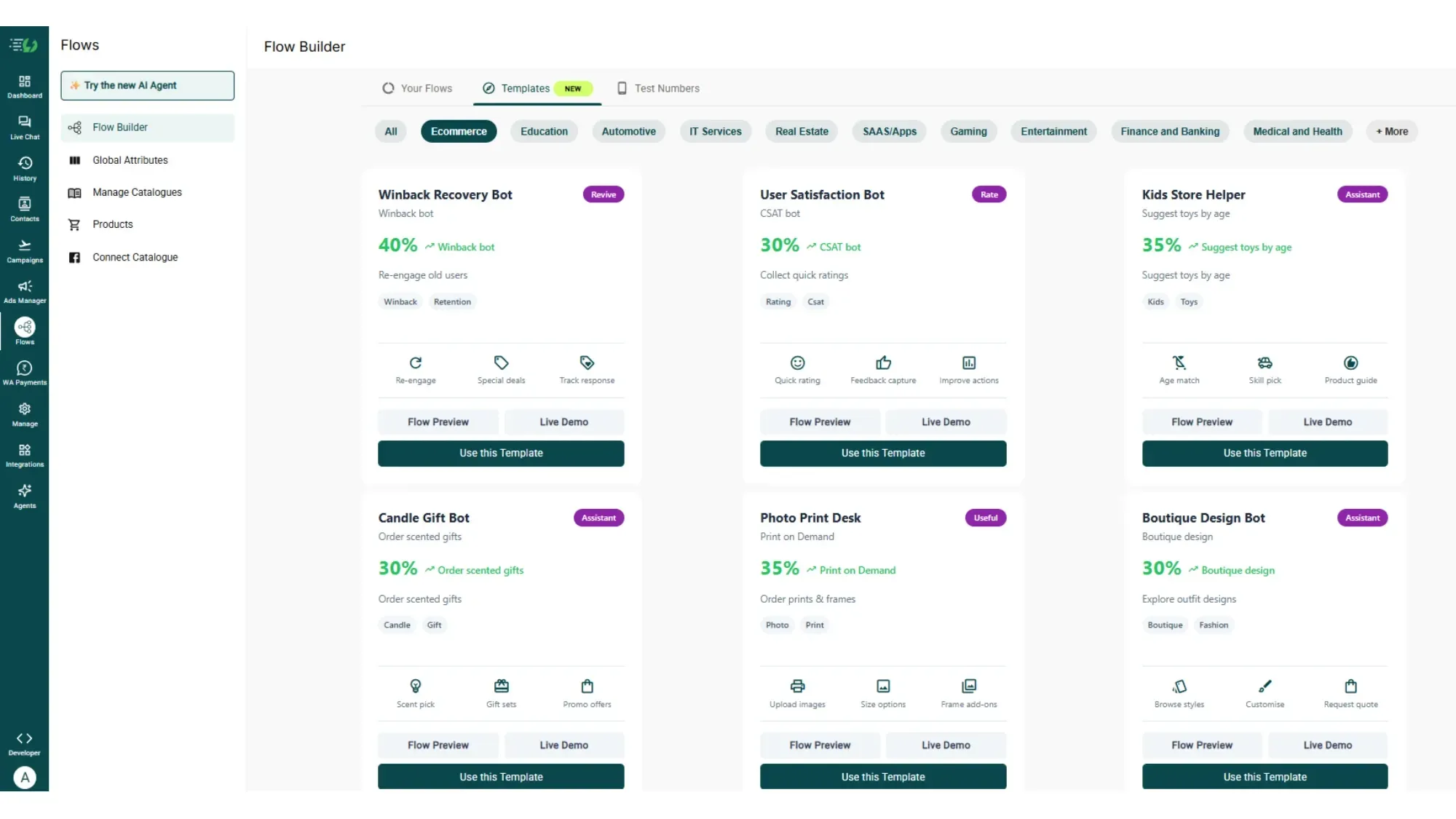
Click on the tab "Templates". Browse through our 70+ ready-made templates.
You can filter by Industry.
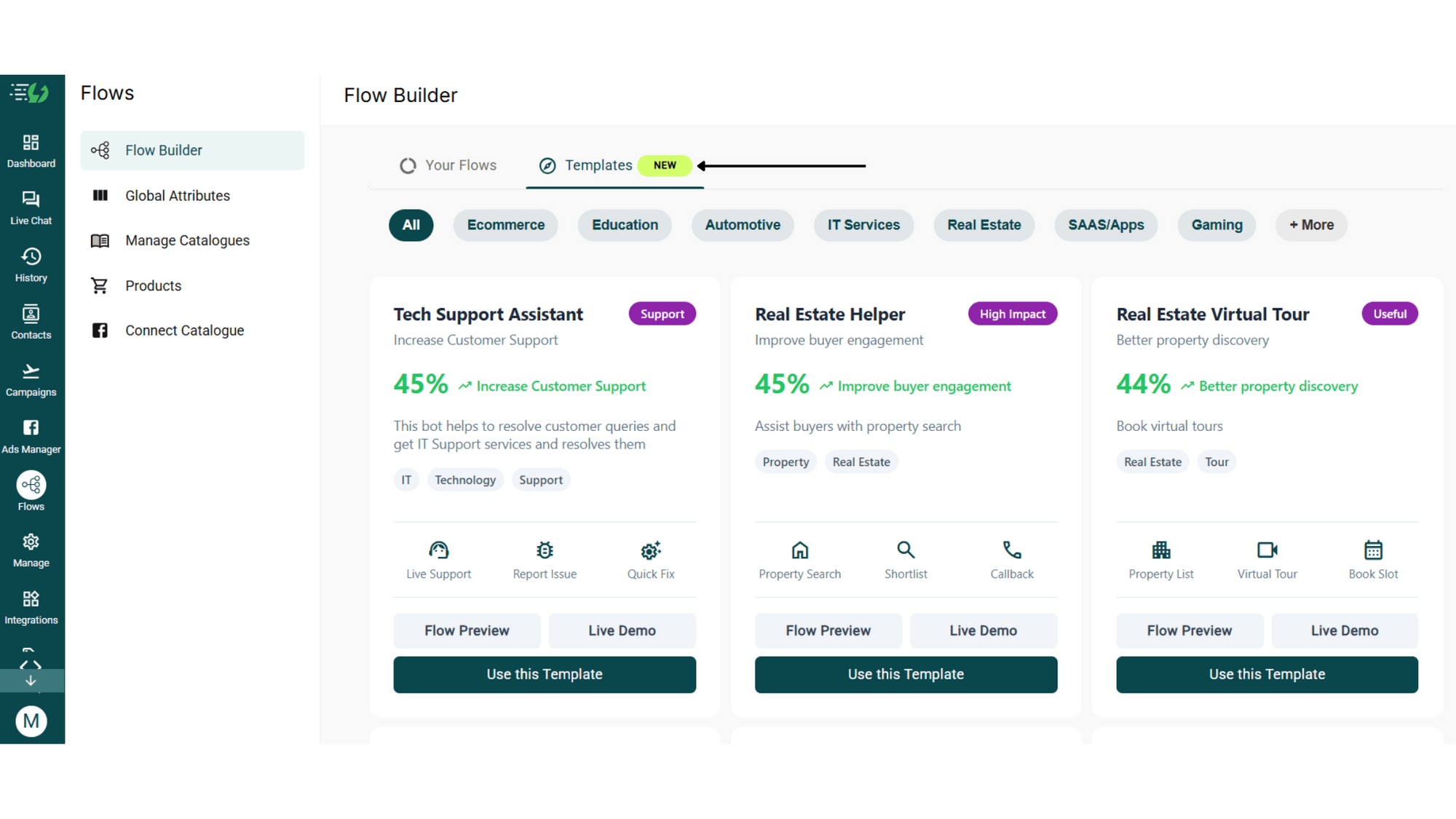
Pick a Candle Gift Bot Template
Choose a template and click “Use this Template”.
You can preview it or try a live demo before getting started.

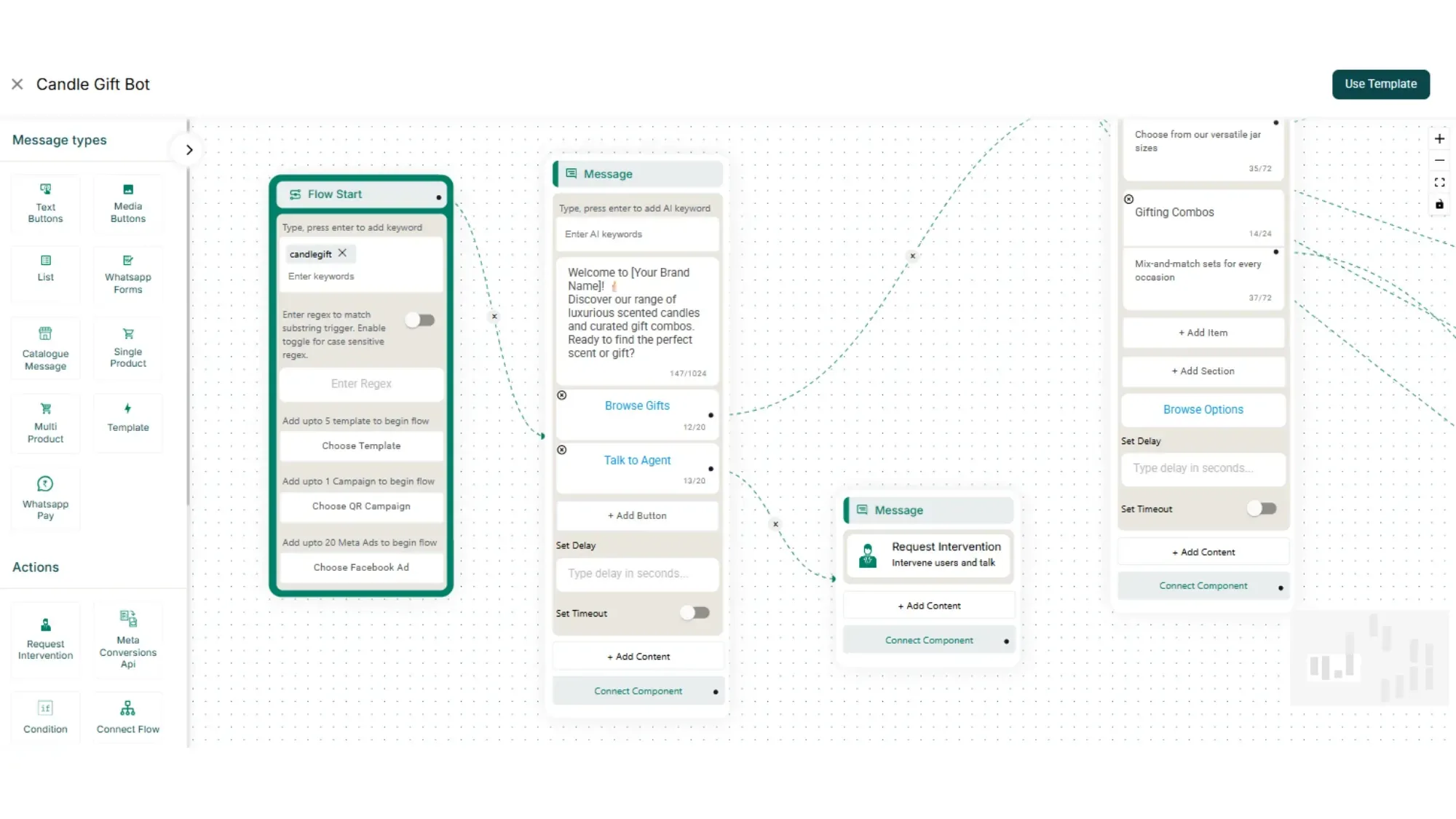
Customise Your Template
The full chatbot flow opens instantly. Update your details and criteria as per your business guidelines and click “Save Changes”.
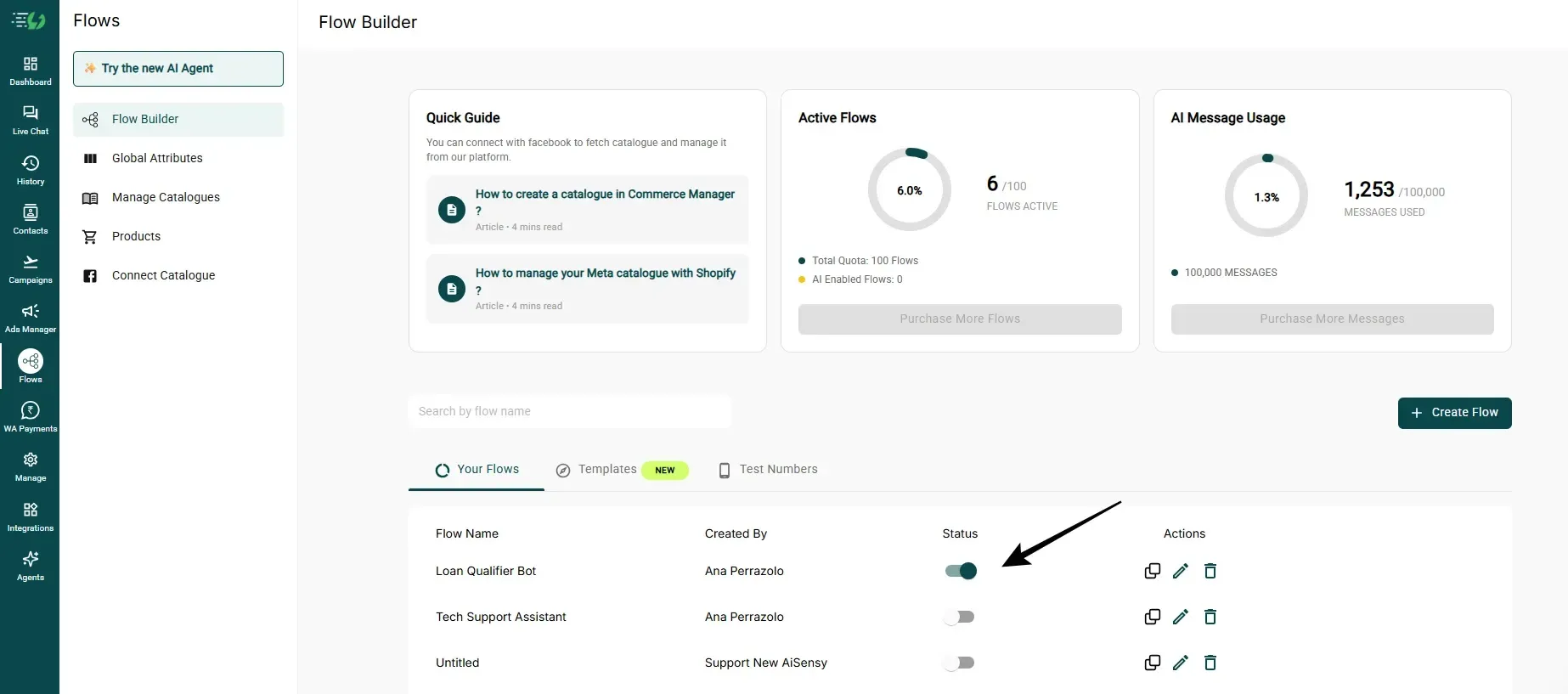
Your Chatbot is Ready to go Live
Just hit the toggle to activate your flow. That's it. Your bot is ready to start handling enquiries and applications automatically on WhatsApp.
WHATSAPP CHATBOT TEMPLATES
Explore other Ecommerce Related Templates
Browse through these WhatsApp Chatbot Templates for the Ecommerce industry
Flash Sale Handler
Handle flash sale rush, stock checks, and offer queries automatically.
Influencer Collaboration
Connect brands and fans with the right influencer in a few taps.
Distributor Enquiry Bot
Let distributors check stock levels and place enquiries on chat.
Return Eligibility Checker Bot
Tell customers instantly whether an order qualifies for a return.
Warranty Registration Bot
Collect warranty details and register products without forms.
Order Modification Bot
Let customers change address, size, or quantity before dispatch.
B2B Bulk Lead Collector
Capture and qualify B2B buyer details before your sales team calls.
B2B Bulk Order Enquiry
Take bulk order enquiries with SKU, quantity and delivery timeline.
Jewellery Gift Selector
Guide shoppers to the right jewellery gift by budget and occasion.
Review Assistant
Collect reviews from happy customers and catch issues before they go public.
TACTICS THAT CONVERT
Build no-code Chatbots with AiSensy
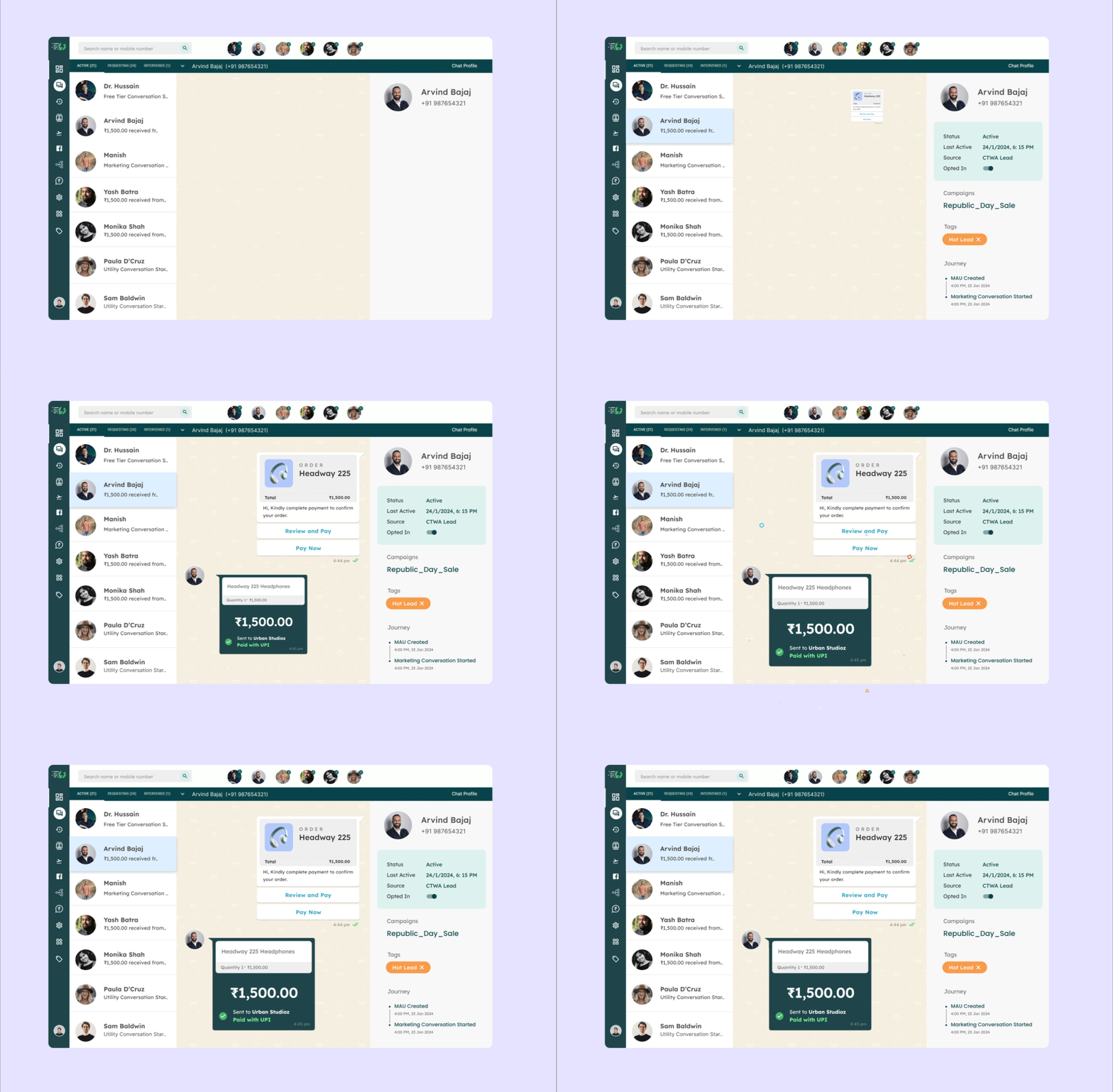
Collect Payments On WhatsApp
Yes, collect payments seamlessly on WhatsApp via WhatsApp Pay, UPI, Net banking and cards.
Always Offer a Human Handoff
Automation should know its limits. Let people reach a live agent the moment the flow can't resolve what they need.
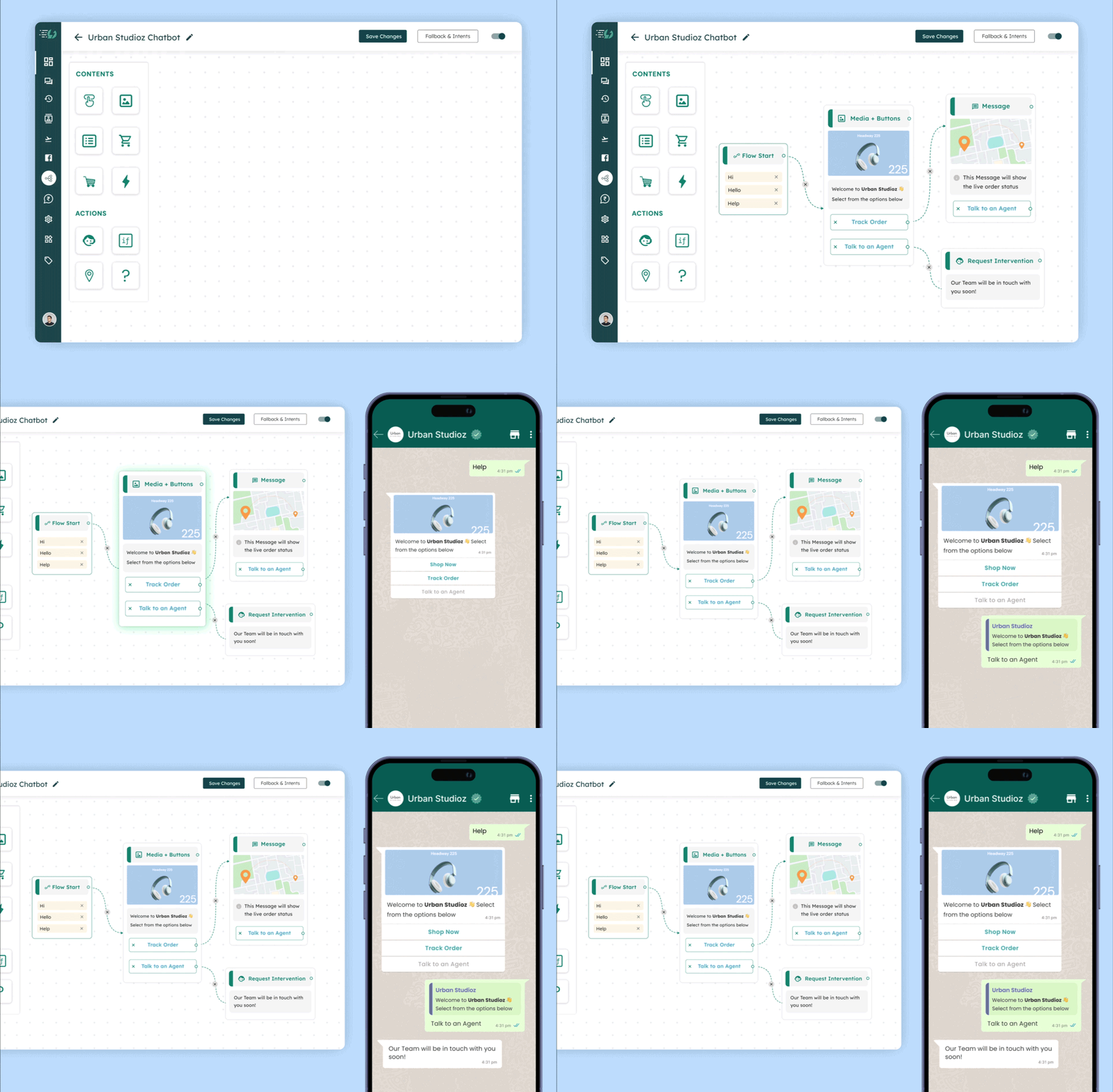
Integrate with your Tech Stack
Sync the answers straight into your CRM (HubSpot, Salesforce) so the sales rep enters the call fully prepared.
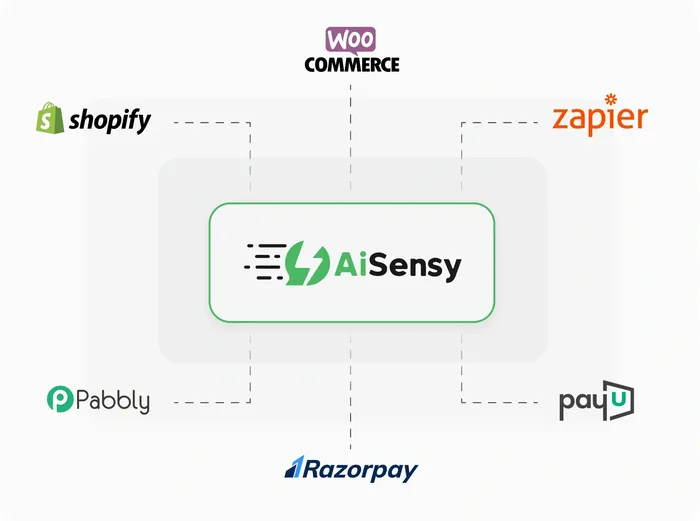
Run Click to WhatsApp Ads
Create ads that click directly to WhatsApp, capture leads instantly, and boost conversions.
See 3-5X more leads & slash your cost per lead.
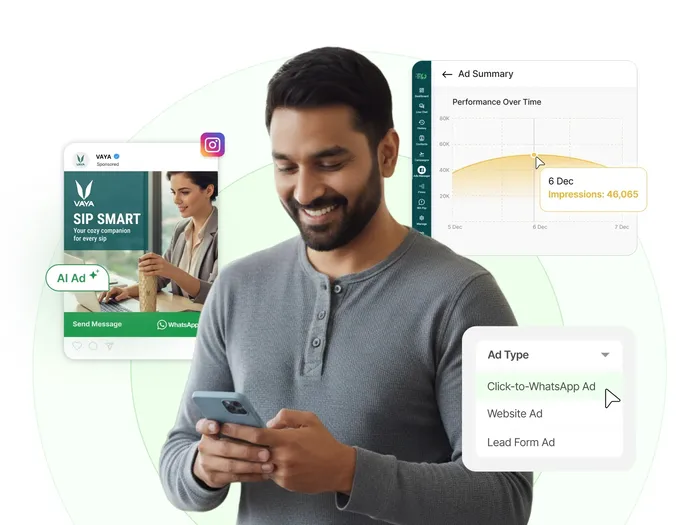
Use Interactive Buttons
Keep typing to a minimum. Quick Reply buttons and List Messages dramatically increase completion rates compared to open text fields.
Supercharge Customer Conversations with AI Agents
Templates handle the journeys you can map. AI Agents handle the rest. Built in Agent Studio, an agent understands plain language, answers from your own business content, and takes action inside the same WhatsApp chat. No flow to maintain.
Trained on your own content
Crawl your website or upload your PDFs, price lists and policy docs. The agent answers from what you actually published, not from a guess.
Takes real actions, not just replies
Connect it to your CRM or backend so it can look up an order, update a contact or trigger a booking mid-conversation.
Knows when to bring in a human
You set the limits. Past them, the chat moves to a live agent with the full history attached.
WHATSAPP CHATBOT TEMPLATES
Browse by Industry
See more ready-to-use WhatsApp flows for other industries.
Ecommerce
Automate cart recovery, order updates, and product catalogs with WhatsApp chatbot templates built to turn browsers into paying customers.
Education
Handle enrollment, fee reminders, and admissions queries automatically with WhatsApp templates designed for schools, coaching centers, and online courses.
Real Estate
Qualify buyers and renters, share listings, and schedule visits automatically with WhatsApp chatbot templates for agents and brokers.
Finance & Banking
Send payment reminders, verify KYC, and answer account queries securely with WhatsApp chatbot templates built for banks and fintechs.
Medical & Health
Book appointments, send reminders, and share reports automatically with WhatsApp chatbot templates built for clinics, hospitals, and health providers.
Hotel & Lodging
Handle bookings, check-in details, and guest requests automatically with WhatsApp chatbot templates built for hotels, resorts, and homestays.
Clothing & Apparel
Share new arrivals, recover carts, and take orders through catalog-based WhatsApp chatbot templates built for fashion and apparel brands.
Event Planning & Service
Handle RSVPs, share event details, and send reminders automatically with WhatsApp chatbot templates built for event planners and organizers.
Food & Grocery
Take orders, confirm deliveries, and send reminders automatically with WhatsApp chatbot templates built for restaurants, grocery stores, and food brands.
Beauty, Spa & Salon
Fill appointment slots, send booking reminders, and upsell packages automatically with WhatsApp chatbot templates for salons and spas.
Professional Services
Capture enquiries, quote prices, and book service slots automatically with WhatsApp chatbot templates for agencies, freelancers, and service businesses.
Public Service
Log complaints, track requests, and resolve civic queries faster with WhatsApp chatbot templates built for civic bodies and community services
General Chatbot Templates
Book service slots, resolve support tickets, and handle everyday requests with general-purpose WhatsApp chatbot templates that fit any business.
5x More Sales with WhatsApp
5x more than Emails & SMS!
7x more than Emails & SMS!
5x more than Websites
Start Using WhatsApp for Kids Stores
Get Started for FREE. No Credit Card needed.
Everything you need to know about WhatsApp chatbots for candle and scented gift orders
What does the Candle Gift template do?
It handles a gift order properly. The bot asks the occasion, helps the buyer choose a scent without being able to smell it, captures the message card and wrapping, takes a delivery date and collects payment. All the things a standard checkout either hides or asks in the wrong order.
What is a WhatsApp chatbot template?
A WhatsApp chatbot template is a pre-built conversation flow you can copy into your own account instead of designing one from scratch. Each template already contains the questions, buttons, menus and follow-ups for a specific job — tracking an order, booking an appointment, checking loan eligibility — so you only need to swap in your own business details before switching it on.
Can the chatbot connect to my Shopify or WooCommerce store?
Yes. AiSensy connects to Shopify directly, and to WooCommerce and custom stores through webhooks or Zapier. Once connected, a flow can look up a real order, trigger on a real event such as an abandoned cart, and send updates without anyone on your team touching it.
Do I need a WhatsApp Business API account before using this?
Yes. The chatbot runs on the official WhatsApp Business API. If you don’t have one yet, you can apply and get it set up through AiSensy.
Is any feature activation required inside AiSensy?
Chatbot templates are part of the WhatsApp Chatbot Flow Builder. To use them, you’ll need to activate Flow Builder through a trial or paid plan. The Flow Builder is billed separately at ₹2,500 per month or USD 80 per month.
Can this template be connected to my marketing campaigns?
Yes. You can link it to Click-to-WhatsApp Ads so users enter the chatbot flow directly from your campaigns.
Do I need to build or configure the chatbot logic myself?
No. The template already includes the full flow and structure. You only need to review and adjust it to match your business.
Where will I receive the leads collected by the chatbot?
Every response is saved against the contact inside AiSensy, where you can view it in the Live Chat inbox, filter it into an audience, or export it. You can also push responses to your CRM, Google Sheets or any other tool in real time using webhooks or Zapier.
Is it possible to test the chatbot before going live?
Yes. You can review the flow structure or experience the conversation before enabling it for users.
Can the chatbot hand a conversation over to a human agent?
Yes, and we recommend it. Any step in a flow can route the conversation to your Live Chat inbox and assign it to an agent or team, so people are never stuck in a loop when the bot cannot help.
Can several agents in my team handle chats from one number?
Yes, and this is what makes WhatsApp workable for a sales team rather than a single broker. One API number feeds a shared Live Chat inbox where conversations can be assigned to individual agents or routed by project, so two agents never message the same buyer and nothing sits unanswered when someone is out on a site visit.